4. Operating AC Smart
Installation/Owner's Manual
4-19
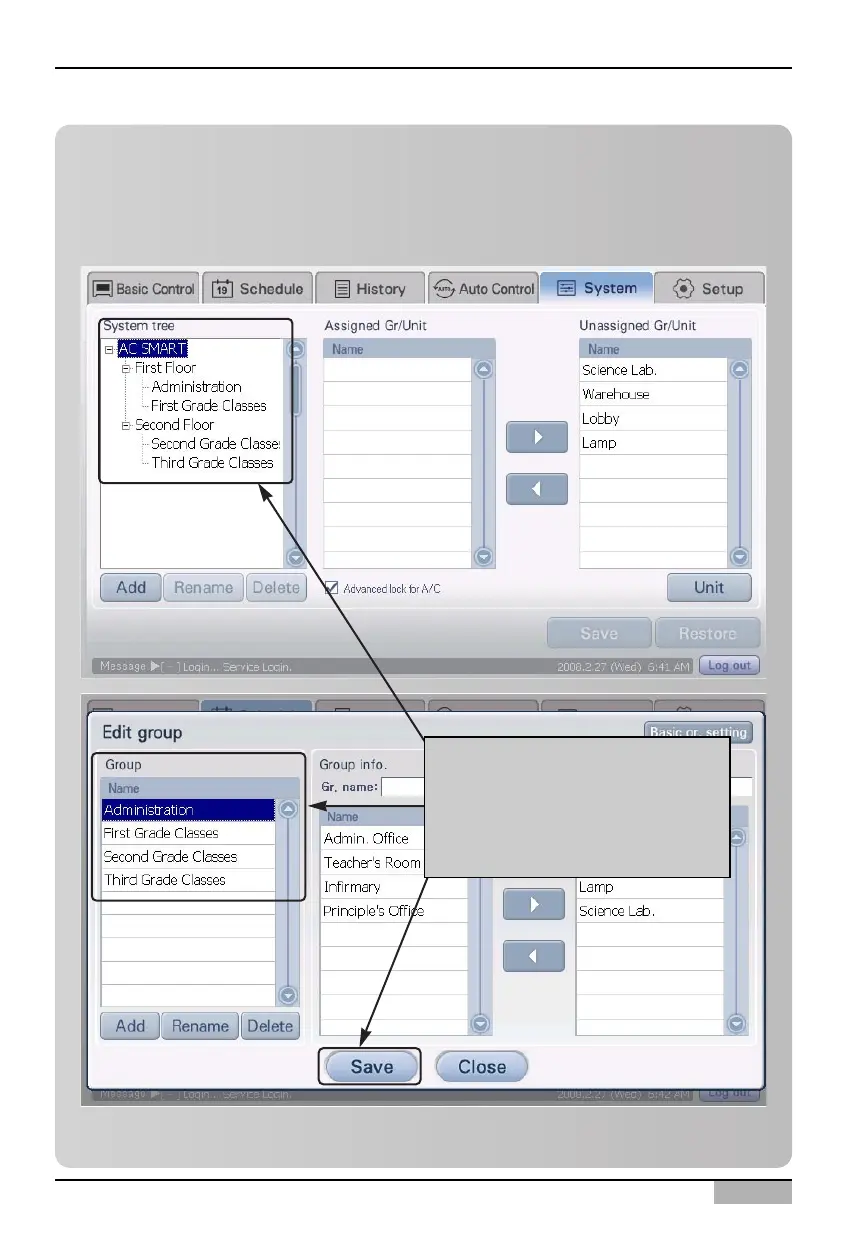
Information: Schedule group setting using the basic group setting
button
When you click on the [Basic group setting] button located at the bottom left corner of the ‘Edit
group’ screen, you can create the same group as the basic control group set for control and
monitoring from the ‘Setting’ menu as a schedule group.
When you click on [Basic group
setting] button, same group as
the one composed from 'Setting'
menu is automatically created as
a schedule group.












 To Next Page