4. Operating AC Smart
AC Smart
4-58
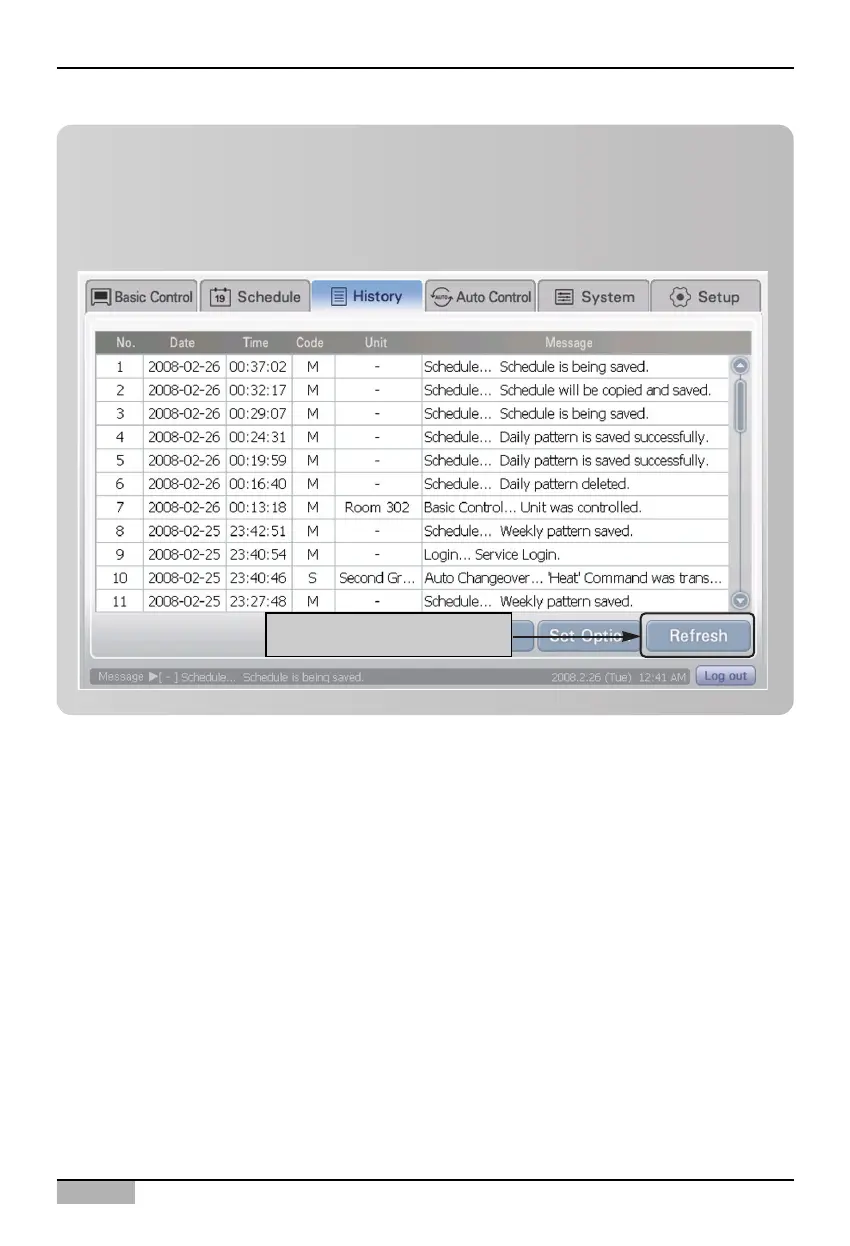
TIP: Refreshing with latest information
While the history information is displayed in the history screen, the setting information and changes
can occur. This information is not immediately reflected to the history screen currently displayed.
To view the latest history information, click on the [Refresh] button. The history displayed on the
screen is refreshed to the latest information.
Click on [Refresh] button












 To Next Page