4. Operating AC Smart
Installation/Owner's Manual
4-155
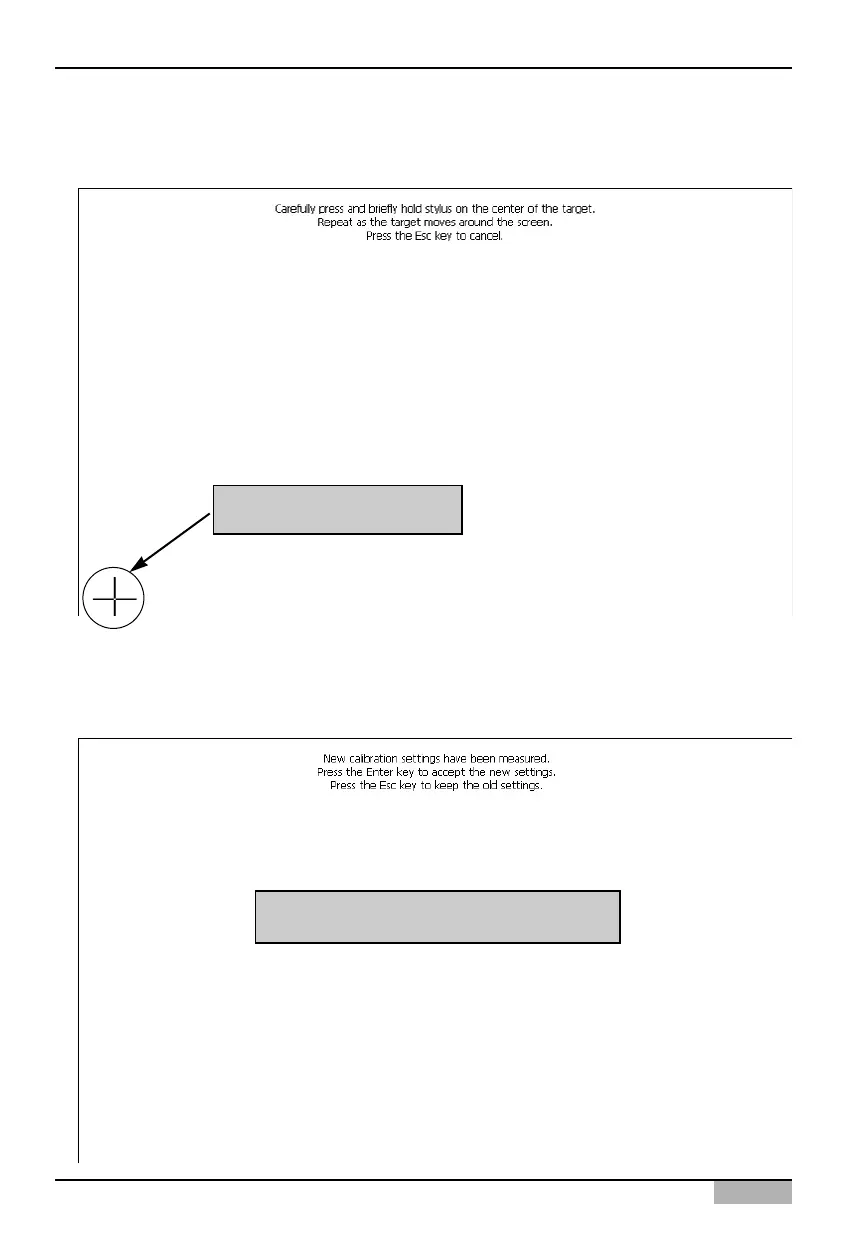
3. When the above procedure is finished, select whether to apply the current screen calibration setting
to the system or not.
Press the screen with the touch pen to apply it to the system.
2. The crosshair is displayed at the bottom left of the screen. Use the touch pen to press the crosshair.
This procedure is repeated by the order of bottom left, bottom right, top right and then top left.
Click the displayed crosshair
Click the screen to use the current setting












 To Next Page