3. AC Smart Menu
AC Smart
3-42
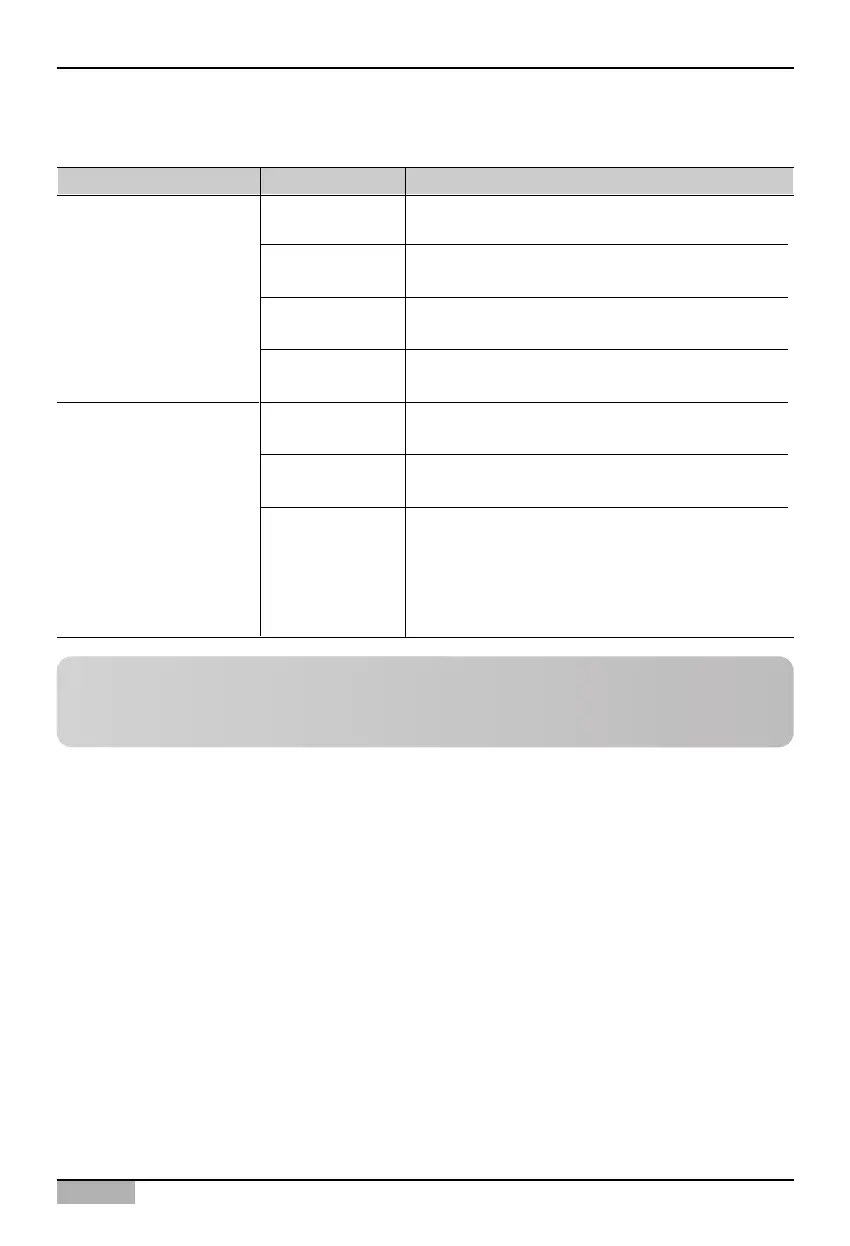
In the 'History survey condition' screen, you can classify the history by type or period as follows.
Type Item Description
Error
This sets the history list to display the event related
to error.
Condition
This sets the history list to display the event related
to condition change.
Manual event This sets the history list to display the event directly
set by the user with the remote controller etc.
Remote operation This sets the history list to display the event set by
the user accessing remotely.
Last week
This sets the history list to display the event that
occurred one week back from the current time.
Last month
This sets the history list to display the event that
occurred one month back from the current time.
This displays the event that occurred only in the
specific period. Designate the period by pressing the
calendar picture displayed in start and end date.
- Start date: Designate the start date of the period.
- End date: Designate the end date of the period.
History code
History period
Period setting
Refresh button
When you click on the [Refresh] button, the history information currently shown will be refreshed and
shown on the screen.
Reference: History search condition setting method
For method of setting the history search condition, refer to the section on ‘Browsing specific history’
on page 4-56.












 To Next Page