3. AC Smart Menu
AC Smart
3-44
Set Condition button
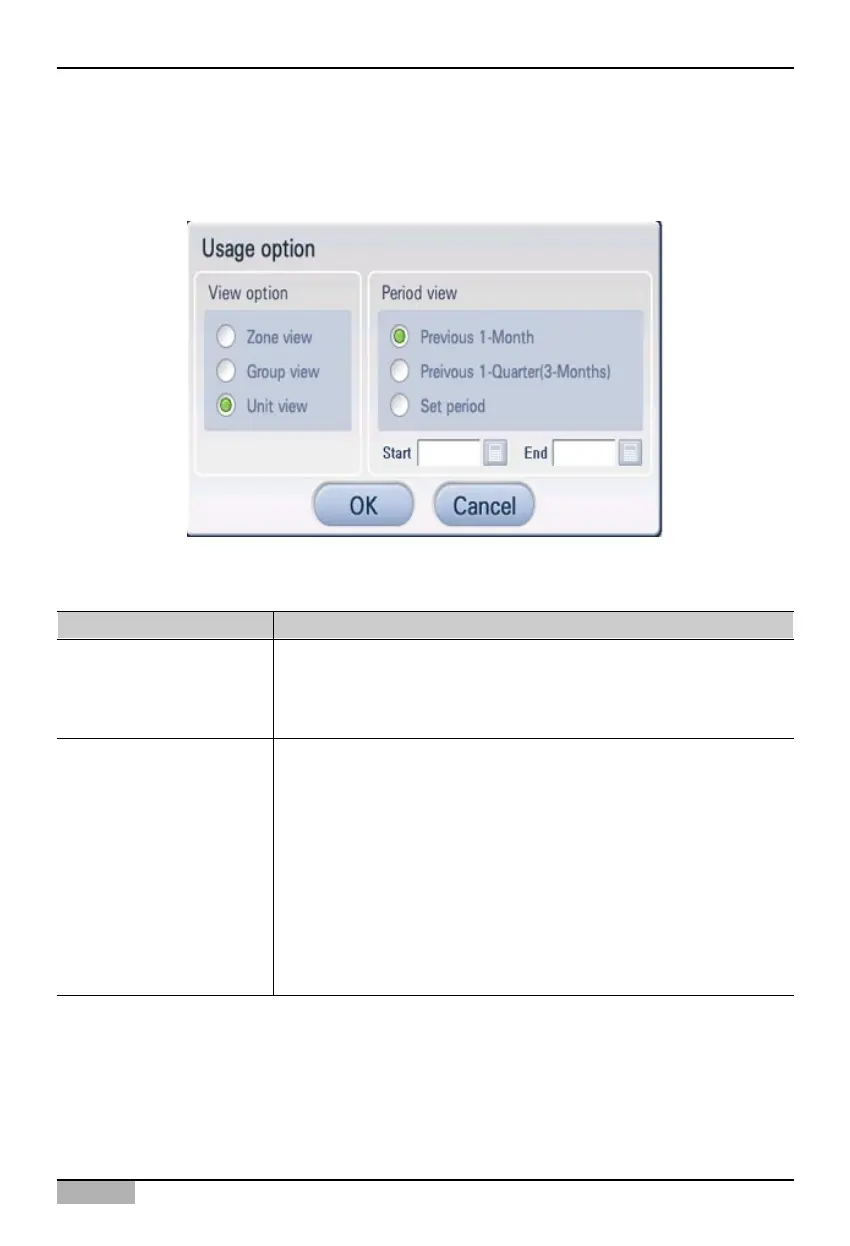
When you press [Set Condition] button, ‘Usage view condition’ screen is displayed for selecting to
view the usage information according to the user’s preference.
Refresh button
When you click [Refresh] button, the currently shown usage information is refreshed on the screen.
You can see the history at the ‘Usage view condition’ screen by the display unit or the period as
follows:
Item Description
View setting
Period setting
You can see the running time by type.
• View by zone : Usage by registered zone
• View by group : Usage by registered group
• View by unit : Usage by registered unit
You can see the running time by period.
• Previous one week : Running time for one week before the current
time.
• Previous one month : Running time for one month before the current
time.
• Period setting : Display only the running time within a specific period.
You can specify it by pressing the calendar image
displayed at the starting date and the end date.
- Starting date: Specify the starting date within the
period.
- End date: Specify the end date within the period.












 To Next Page