Trackit Mk3 User Manual
64
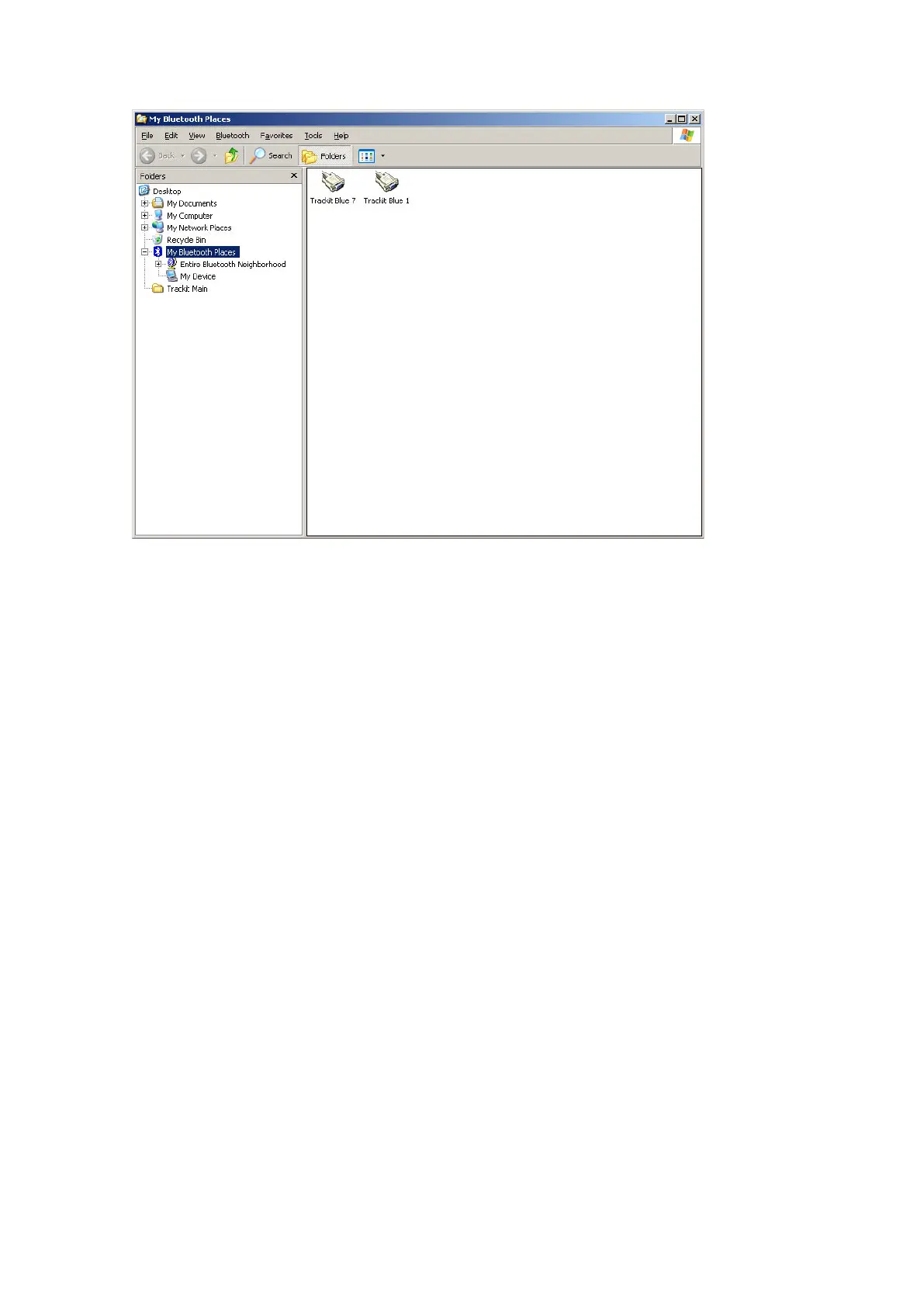
Figur e 4 8 A t y pica l Blu e t oot h Pla ces v ie w
Once a Bluetoot h connection is est ablished, the Bluet ooth icon is displayed on t he Cont rol Panel
and also against t he port num ber. I f the particular Trackit is off or out of range or t he PC Bluet oot h
adapt er is unplugged, t he connect ion at t em pt will be unsuccessful. I f a connection already exist s
wit h the particular Trackit from another PC (t he MASTER), t hen t he word “GUEST” appears next to
the Bluet ooth icon. A GUEST has lim ited control functionalit y but can review m ost aspects of the
Trackit and its recording. I f t he MASTER disconnect s, then all GUESTs are also disconnect ed. One
of t hese GUESTs can t hen, of course, att em pt reconnect ion as a new MASTER. This funct ionality is
an exam ple of t he Bluetooth piconet feat ure (in serial port term s it is som etim es referred t o as
m ult i-drop in t he sam e way t hat a hardware RS485 link can be m ult i- drop). I n theory, there can be
7 devices in a piconet , alt hough in practice t his is very dependent on dat a volum e between the de-
vices. Mult i-drop is also som et imes referred to as point- t o-m ulti- point.
This piconet and m ult i- drop feat ure of Bluet ooth offers very powerful and flexible connection capa-
bilit ies t o t he Trackit syst em . Not only can a single PC connect to any Trackit in range, but another
PC ( or perhaps PDA) can also connect sim ult aneously to t he sam e Trackit or any one of the ot her
Trackit s. I t is also possible t o configure a Trackit Bluet oot h connection as a net work server – in
which case a Trackit client can connect to it anywhere on t he net work (t he fact t hat it is ult im ately
a Bluetooth connection t o the Trackit is t ransparent to t he client ) .
When the Trackit applicat ion has established t he Bluetooth connection, a connection qualit y m oni-
tor labelled “ Com m s.Q” is displayed in t he stat us bar at t he bott om of the m ain screen, as shown
in Figure 49.



 To Next Page