Trackit Mk3 User Manual
65
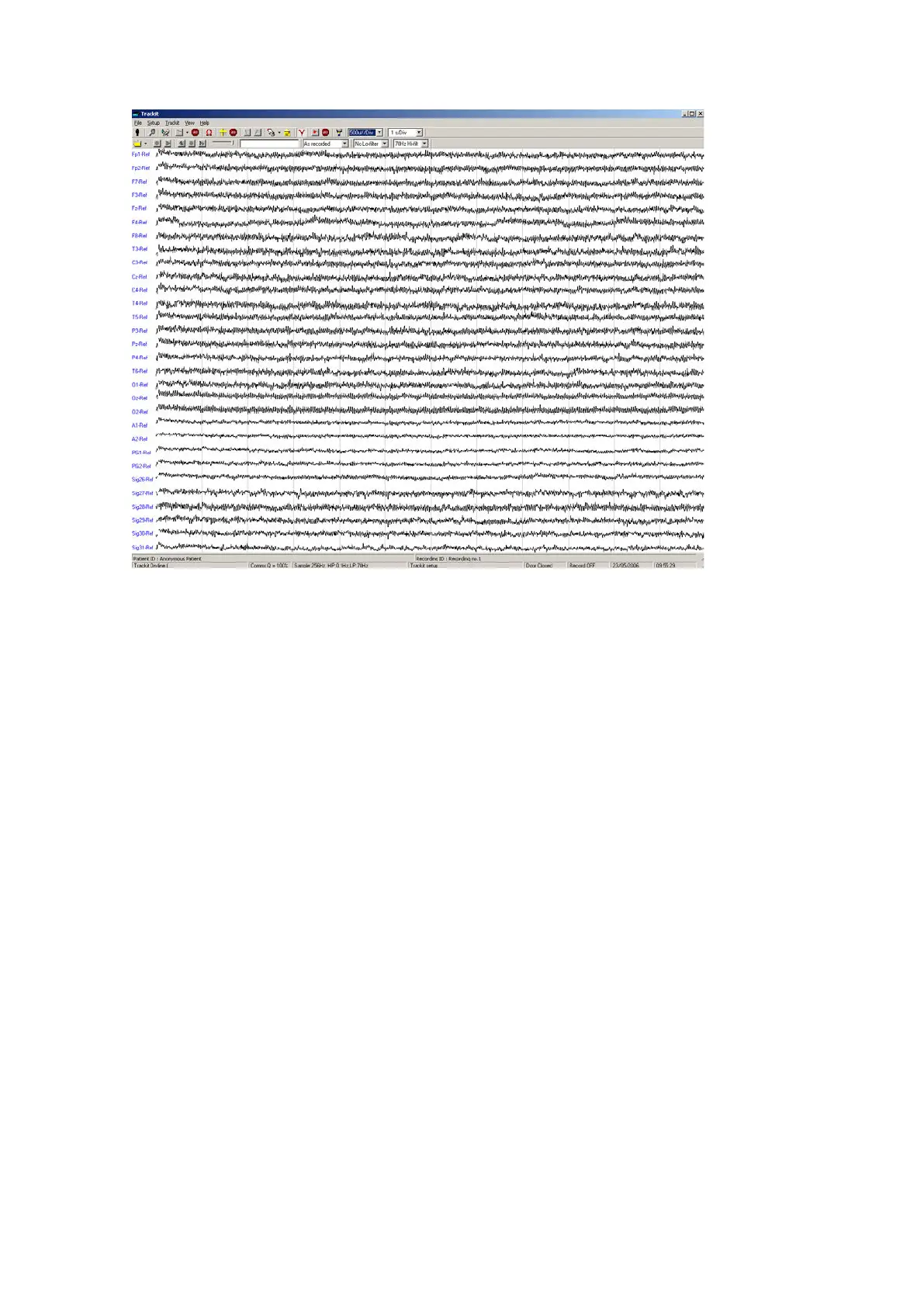
Figur e 4 9 Tra ck it Main Scre e n
This num ber given as a percent age is an approxim at e indicat ion of the am ount of dat a received as
a ratio to t hat expected, calculated every second. I t is m ost likely t o drop below 100% during t he
transfer of m any ongoing traces. I t can also drop when eit her device is at the lim it of t he transm is-
sion range or when eit her ant enna is adversely obscured. I t will be noticed that t he Bluet oot h
transm ission will use it s available bandwidt h to t ry t o “cat ch- up” aft er a drop in signal qualit y and
the indication can read m ore than 100% m om entarily. A reading, t herefore, of less than 100%
does not necessarily m ean a perm anent bad connection since data flow can increase short ly aft er-
wards. A sust ained low value over several seconds will cause t he Trackit application t o close t he
connection. I f the Autoconnect feature has been enabled in Options, t he application will aut om at i-
cally at tem pt t o reconnect t o t he designated Trackit every 10 seconds.
Note: Under certain circum stances the Bluet ooth com m port is not ident ified by the software as a
Bluetoot h port and t he Bluetooth icon will not appear in Figure 47 The Trackit Control Panel, when
connected. This can happen depending on which Bluetooth st ack is inst alled and t he version of
Windows. I t is im portant that the software does identify Bluet oot h virt ual com m port s correctly
since various int ernal param et ers are optimised. See next sect ion for a solution to t his problem .



 To Next Page