Trackit Mk3 User Manual
68
• Use File Len gt h inst e a d of EDF Lengt h . This a playback feat ure and if ticked, the file lengt h
is used inst ead of the edf lengt h param et er em bedded in t he edf header. Due t o t he fact t hat
t he Trackit ’s m em ory card can be rem oved at any tim e, t here can be a part ial 1s dat a block at
the end of the file and so t he act ual size m ay not be an exact m ult iple of 1s.
Bluetooth Options
• Allow Gue st conn e ct ion. I f ticked t his will allow the application to become a Bluet oot h
GUEST. Before actual connection the application will list en on the connect ion to ascert ain
whet her a MASTER is already in control of t he designated Trackit. I n these situat ions, the new
application becom es a GUEST connect ion if allowed. Not e that this option concerns t he applica-
tion only. There are ot her options t hat configure the Trackit and the Bluet ooth m odule as re-
gards GUEST connect ions (see below) .
• Show Com m . error s. This allows any Com m . errors t o be displayed on t he m ain screen st atus
bar below the Patient I D. This applies to all connect ions, whet her direct , USB or Bluetoot h. I t
can be useful when assessing signal qualit y.
Video
• Allow Vide o Resu m e m ode . This allows Video synchronised recordings to be resum ed aft er
the PC has been powered-off.
• And aut o sta rt vide o re cordin g. This allows the video t o autom atically start recording af-
ter a Video Resum e has occurred.
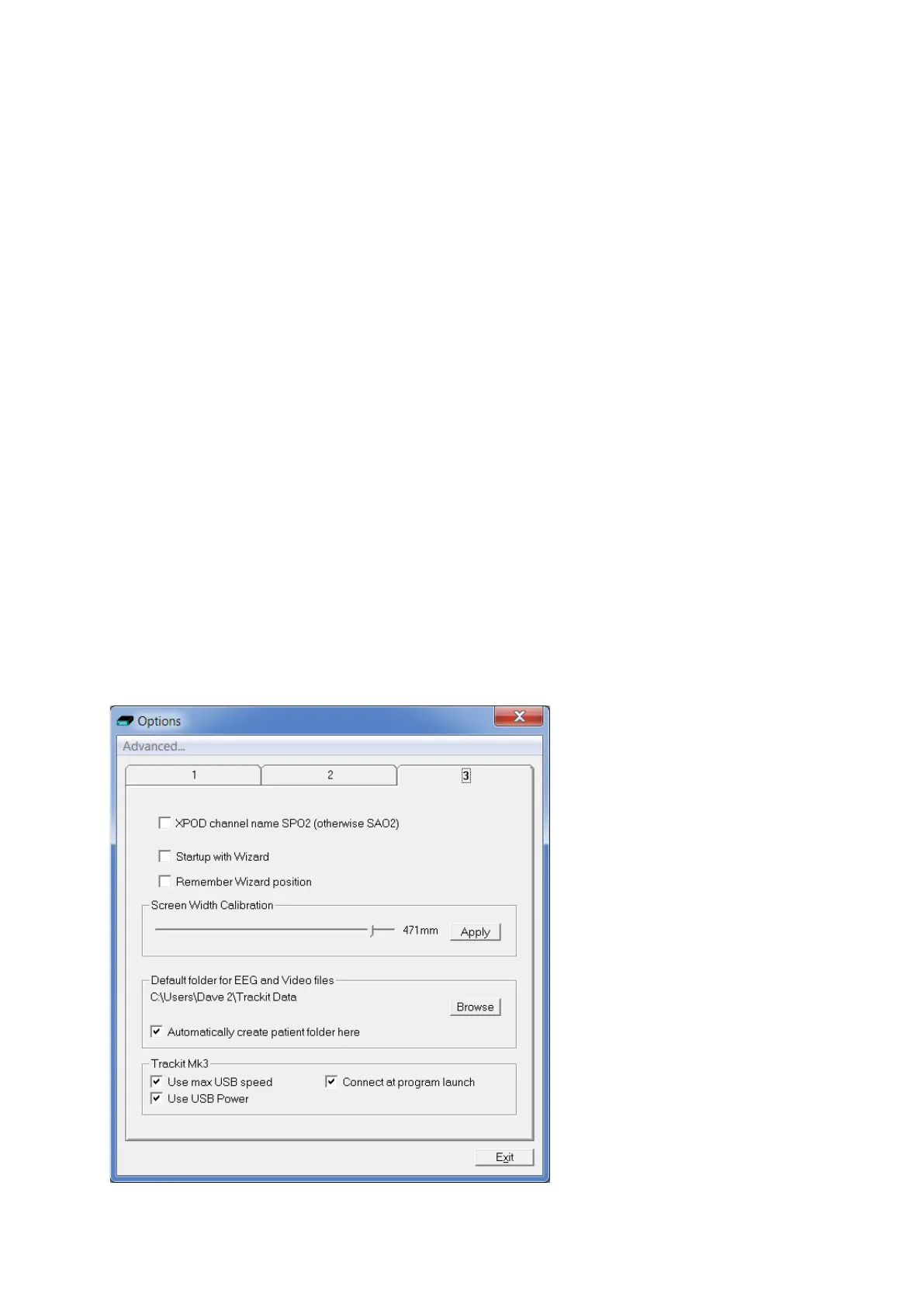
Screen Size
This Slider Bar allows t he screen size t o be set so t hat t he Chart Speed for t he traces exact ly
m at ches the cm / s selected. To use, adj ust the slider so that it is 30 m m from the left- hand end.
Options | Tab 3



 To Next Page