6. Service mode
6.1 How to set the system into service mode
To set the system into service mode, do as following:
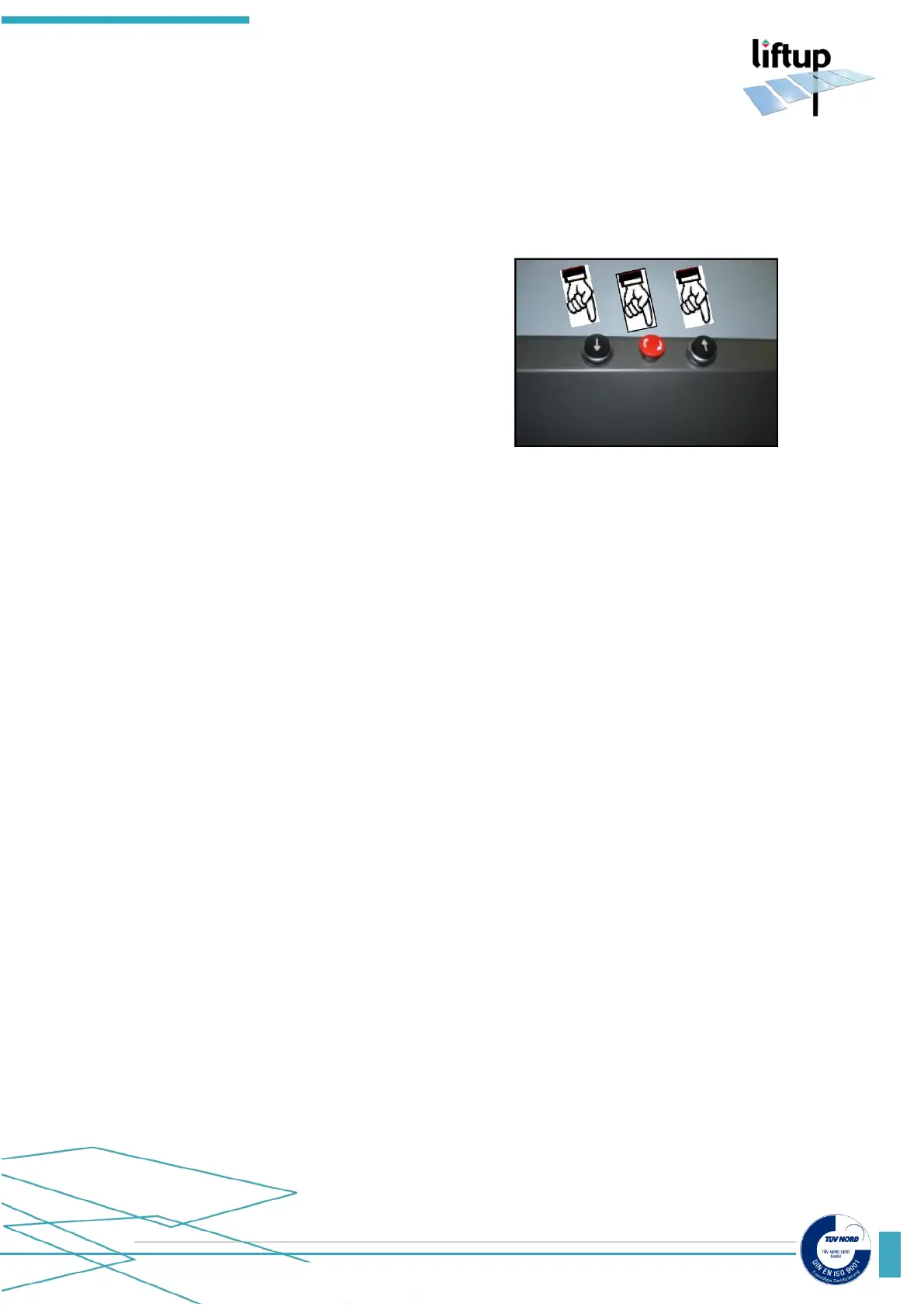
1. Push emergency stop button.
2. Push and hold the UP and DOWN buttons
(↑/↓), release the emergency stop button, keep
holding the two buttons (↑/↓) for 10 sec.
3. Stop pushing the buttons, once you hear the
service mode sound (two tones every 5 sec.)
To come out of service mode, make the same procedure as when you go into service mode (1,
2, 3).
In service mode the system needs to have the ramp lock/door switch activated and the vertical
Safety Barrier/door Switch activated. In this mode the auto return function is disabled, so is the
top stop.
6.2 Features in service mode NOT CALIBRATED
NOTE 1: Be careful not to travel with the platform higher than 1250 mm.
This can happen in service mode if not calibrated.
To change an actuator:
Disconnect one of the Actuators on the control Unit. Now the lift is travelling on 3 Actuators.
NOTE 2: As the EasyLift is not calibrated, the actuators are not synchronized between each
other (the platform will therefore not stay parallel to the floor).
NOTE 3: Be careful not to brake the E-chain, disconnect it from the RH Side wall profile if
necessary
6.3 Features in service mode CALIBRATED
When the system is in service mode, different kinds of features are available, see following:
1. It is possible to set virtual top stop.
2. All four actuators can be moved by pushing the “lift down” or “lift up” (↑/↓).



 To Next Page