7. Safety features
7.1 Safety pressure plate
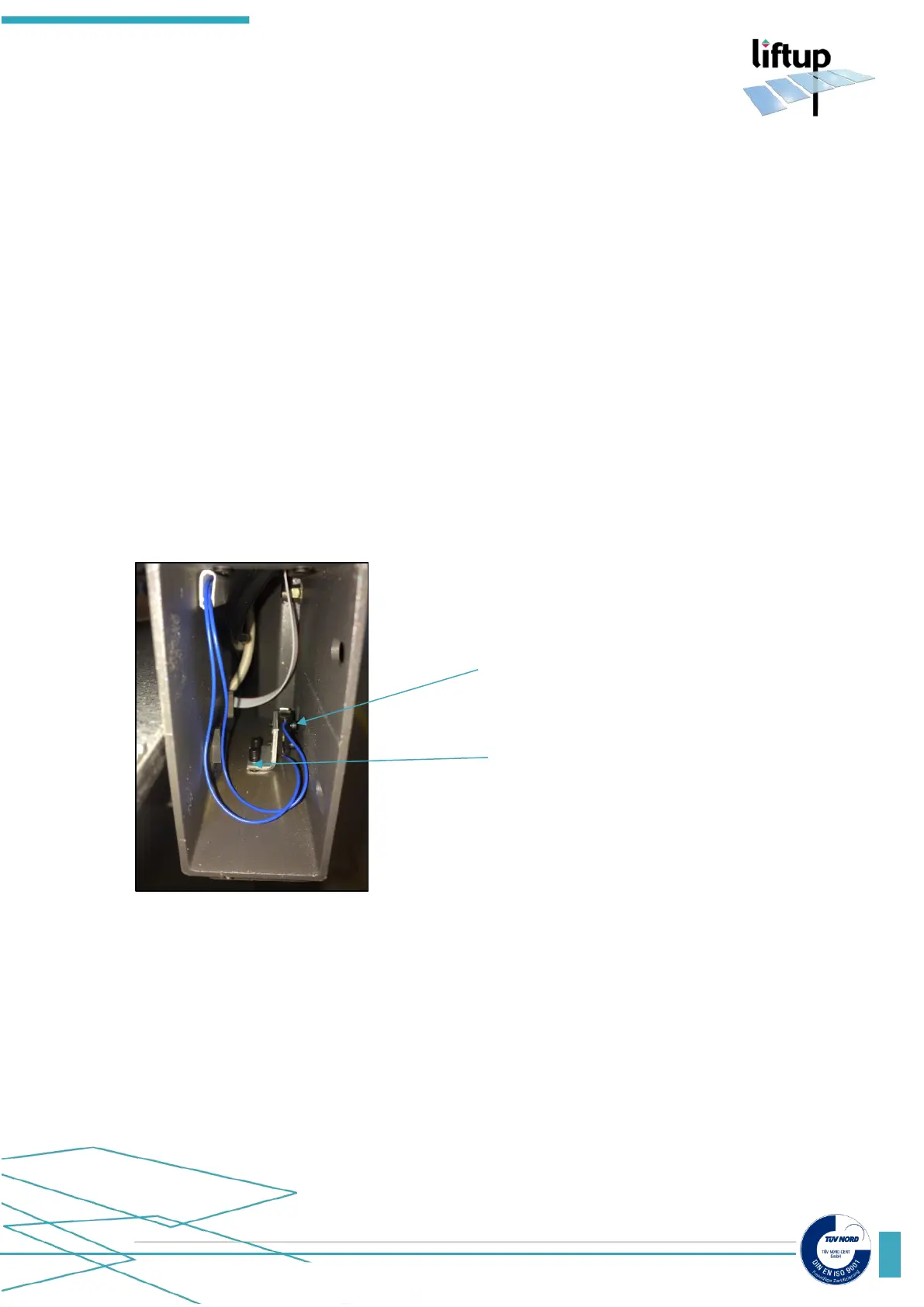
Below the lift is a pressure plate connected to safety micro switches (see fig. 7.2) This eliminates
the risk of getting squeezed underneath the platform.
The pressure plate micro switches are connected and work in a normally closed circuit and if
activated during downwards motion, the lift will stop and move approx. 2-3 cm upwards. In
service mode the lift stops completely – it does not move 2-3 cm upwards.
7.2 Adjustment of micro switches for pressure plates
To adjust the micro switches, loosen the two screws underneath the frame of the lift.
Move the micro switch gently forwards or backwards to the correct position.
Tighten the two screws.
Test that the switch is correctly adjusted by activating the pressure plate while maneuvering the
lift down.



 To Next Page