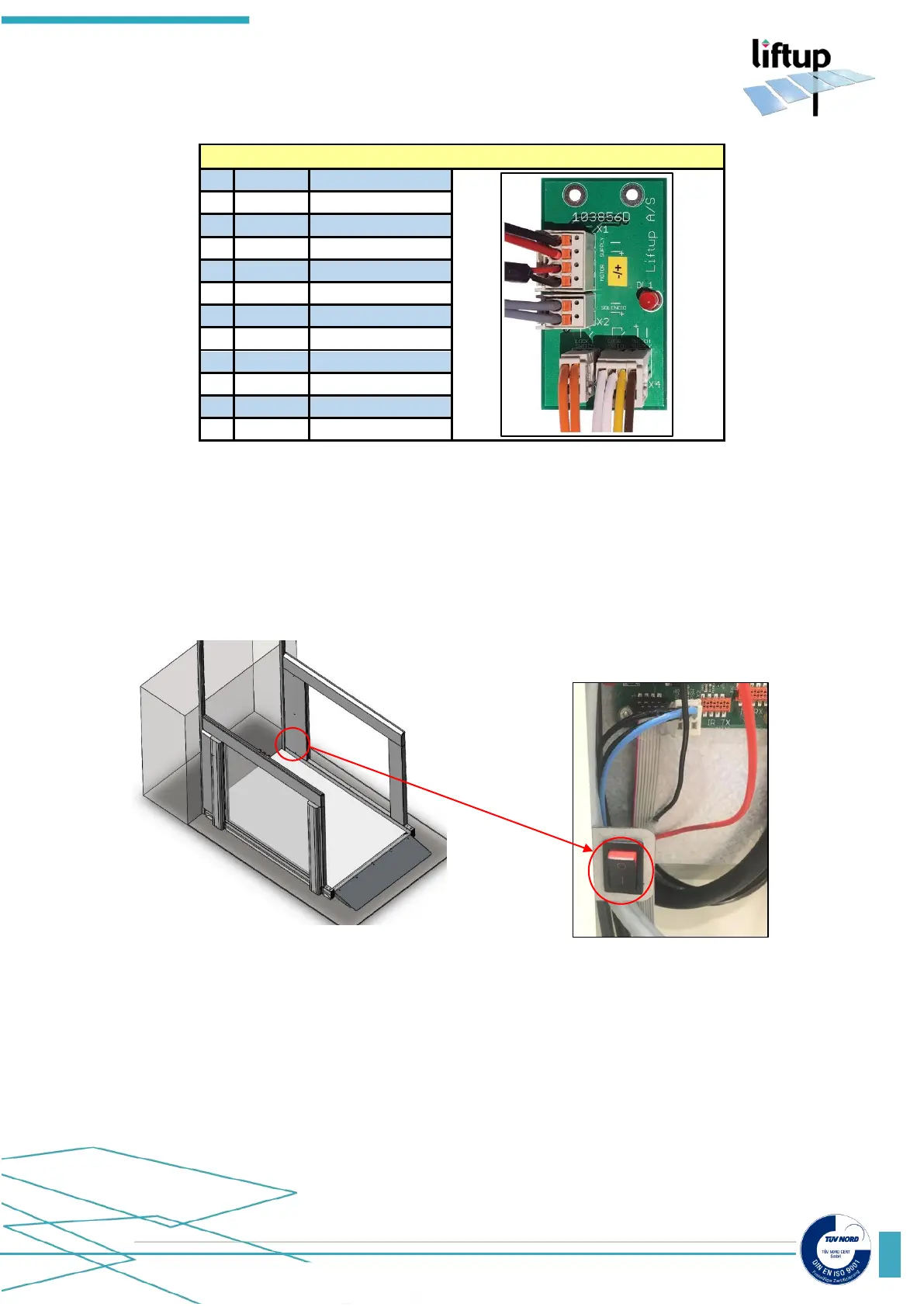
3.8 ON/OFF switch
The lift comes fitted with an ON/OFF switch. It is sited below the main board on the right-hand
side of the lift. You need to remove the cover to access the switch. This button is used to
disconnect the power supply to the lift. If the user switches this off at the same time as activating
the emergency stop, the lift will be completely powered off.
The ON/OFF switch is used in the pairing of wireless call stations (please see chapter 4). Power
to the lift is switched on/off by activating the ON/OFF switch and the emergency stop (please
see chapter 5). When power is again returned to the lift (and emergency stop is released), the
control system restarts (please see chapter 5).
*Supplementary equipment



 To Next Page