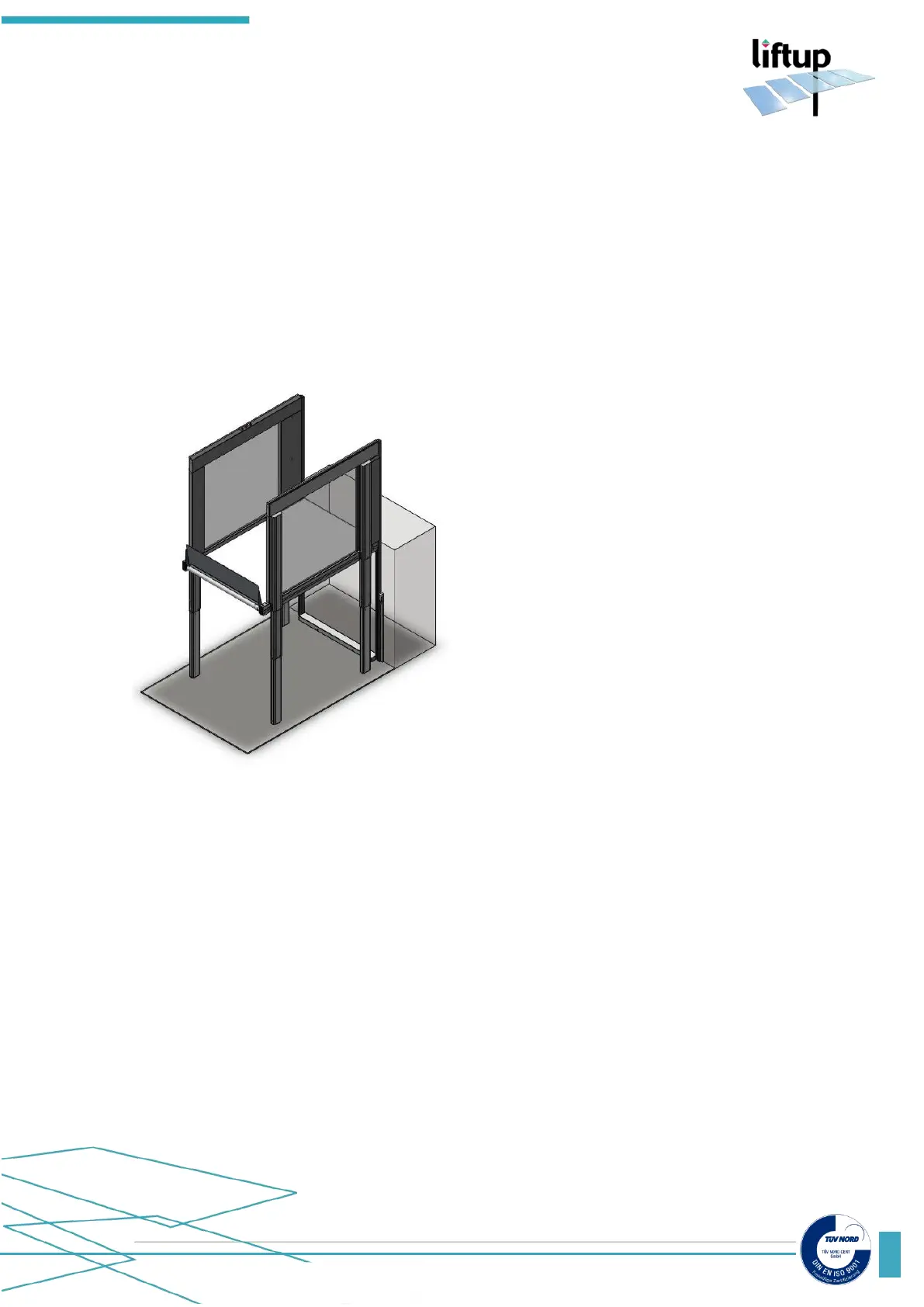
5. Setting of lifting height
5.1 Definition
All lifts are delivered with two programmable lifting height settings. According to your order
confirmation the lift is tested and set to your specified heights but can be modified, if adjustment
is needed.
1
st
programmable height setting (Platform Lifting Height) is the position where the platform will
stop when it reaches the top landing.
Stop at top landing
5.2 Setting of stops using Liftup Service Tool
The Liftup Service Tool must be installed on a PC* (Laptop) with a USB output.
1. Place the USB cable into the PC and into the USB plug of the Master control board
(103482) on the lift (RH side of the lift).
2. Start the Liftup Service Tool on PC (make sure you know the name of the COM port,
see Annex to see how). You should see the “Connected” box with green background
(see below, USB detected on COM 81)
* PC must be Windows 7 or newer. Windows XP is usable but requires special drivers.



 To Next Page