UMX-OPT-TX150R
User’s Manual
Section 6. Operation of UMX-OPT-TX150R Page 37 / 107
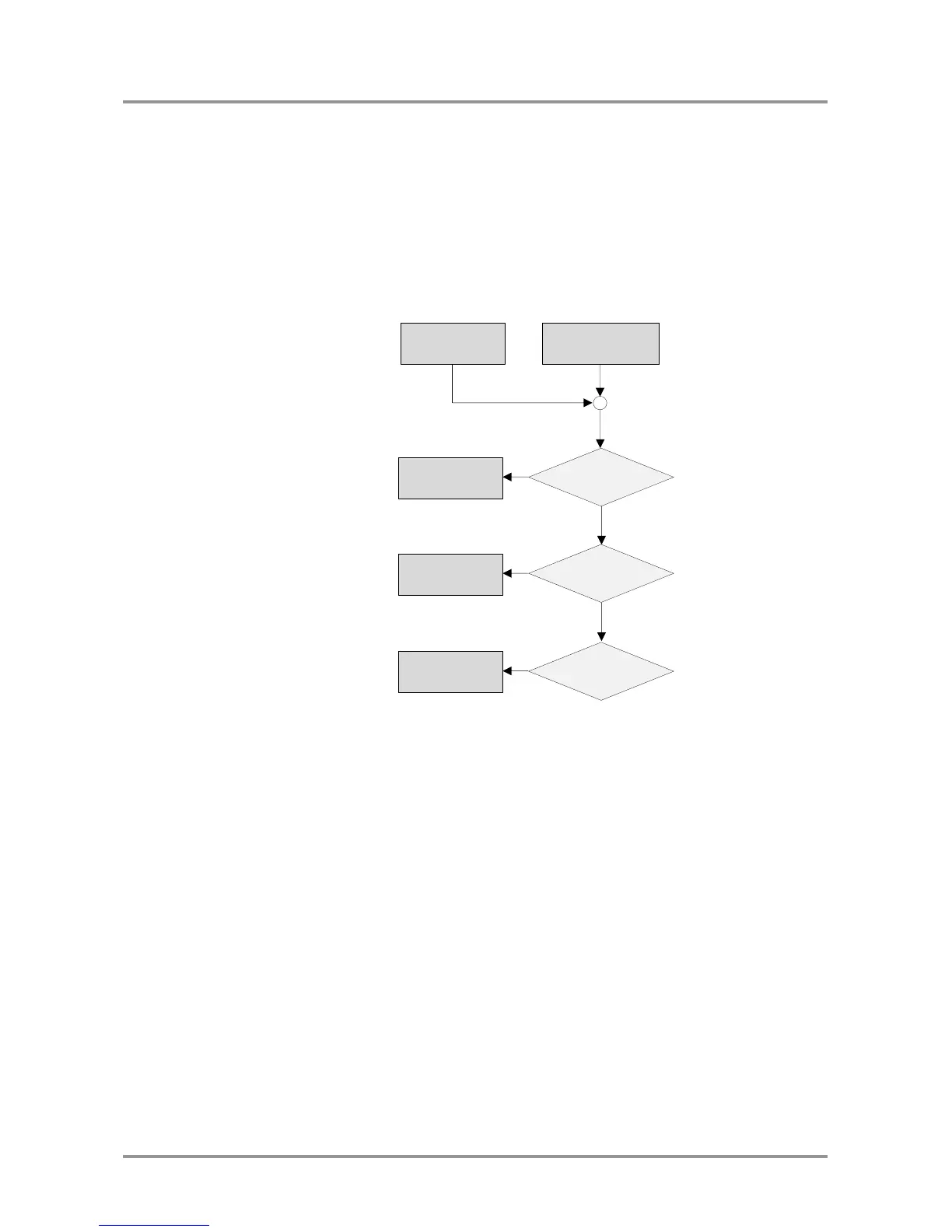
6.7.3. Priority detect – Embedded, S/PDIF, Analog audio 2
After the video Autoselect the device checks the embedded audio input. (DVI-D
embedded audio input to the DVI-D video input or HDMI embedded audio input to the
HDMI video input) If there is a valid embedded audio signal it will be selected. If there is
no valid embedded audio signal the device checks the S/PDIF audio input. If there is a
valid S/PDIF audio signal on the S/PDIF audio input it will be selected. If there is no valid
audio signal on the S/PDIF input the device selects the analog audio 2 input, even if there
is no audio signal on this input. Any audio event occurs a new searching from the
embedded input port. The selected audio input will be active until a new result of video
Autoselect, an audio event or the device exits from the Autoselect mode.
Figure 6-12. Priority (E-S-A2) audio selection flowchart
EVENT













 To Next Page