UMX-OPT-TX150R
User’s Manual
Section 9. Software control – Using the Lightware Matrix Controller Page 67 / 107
9.6. Status menu
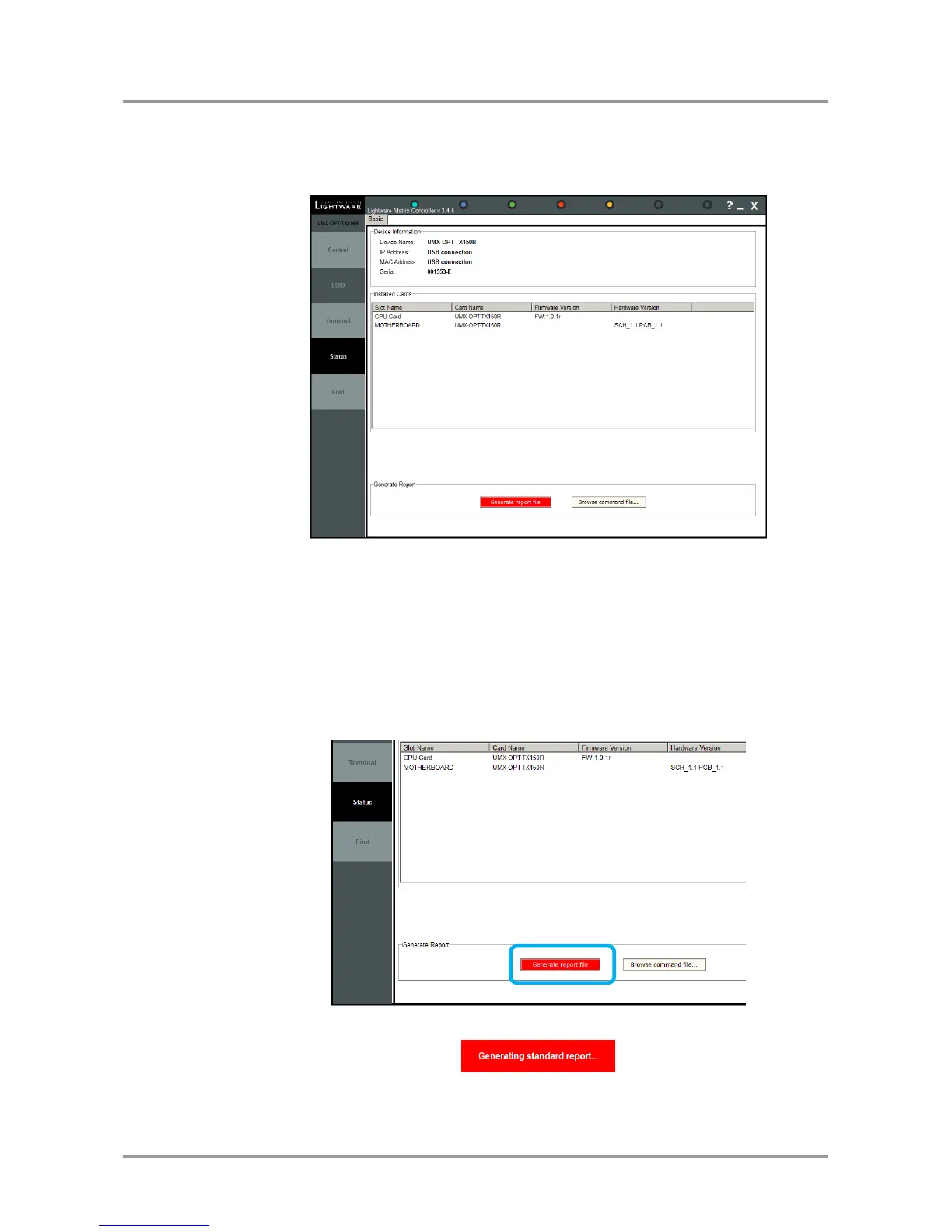
Basic device information, such as the installed boards’ firmware and hardware revisions
are displayed in this window.
Figure 9-9. Status menu
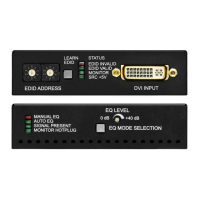
9.6.1. Generate report file
Lightware Matrix Controller allows user to generate a standard report file which contains
basic information about the health and the version numbers of the device.
The default file name is:
Lightware_matrix_standard_report_dd_mm_yyyy@hh_mm.lwr
User’s issues can be solved easier by Lightware technical support if the generated report
file was sent.
During the process a big red message will be appeared:
Important! Let the Lightware Matrix Controller software to finish the process! Do not exit or select
another menu item.













 To Next Page