SCPC System • User menu and service menu
CP_SEM_60-03-00.002 37
4.2.4 Update firmware of serial interface (ZIS) circuit board
Unlike the other firmware (EPROMs) in the SCPC System, this update is performed using Flash memory
programming. The following is required:
– A PC with Windows 95/98/NT/2000
– A ”crossed” serial cable (null modem or ”DTE to DTE” cable) for connecting the PC to the serial
interface port of the SCPC system (included in scope of delivery).
– The update software and current data files included in the scope of delivery.
◗ Connect the serial cable to the PC and the SCPC System. This can be done when the
device is switched on (and active Service menu).
◗ Press the key symbol ZIS Flash Write to enable write access to the firmware and
simultaneously activate the serial interface of the SCPC System.
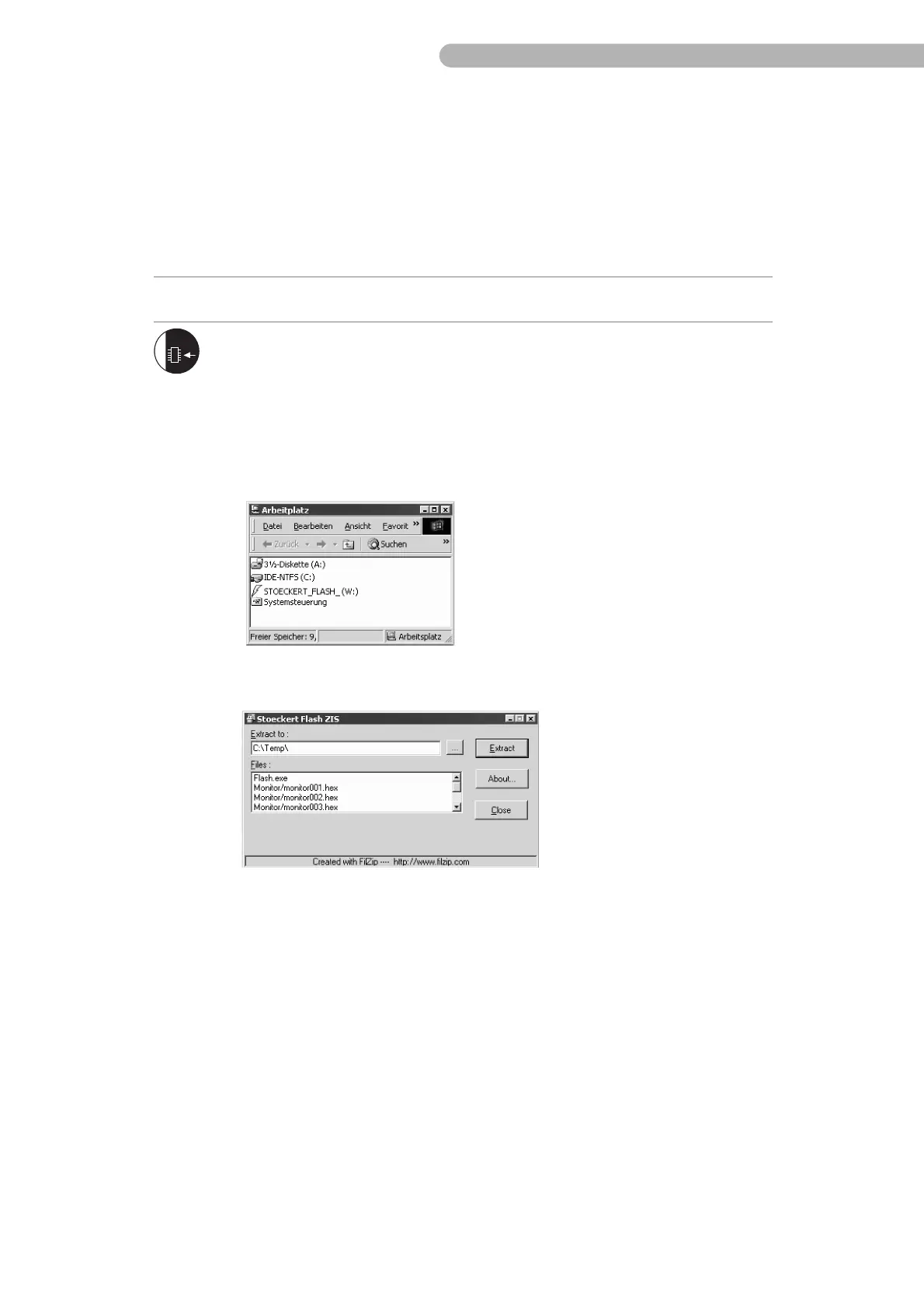
◗ Now, access the ZISFW10.exe file. If you are using the relevant update CD-ROM and
the Autostart option is activated in the system settings, the program for extracting
and installing the firmware will run automatically. If the Autostart option is
deactivated, or if you wish to repeat the procedure, start the program by double-
clicking the icon.
◗ Confirm the update by clicking on the button ”Extract” in the dialog box shown
below.



 To Next Page