SCPC System • Replacing components
CP_SEM_60-03-00.002 59
6.5 Automatic circuit breaker
6.5.1 Removing the automatic circuit breaker
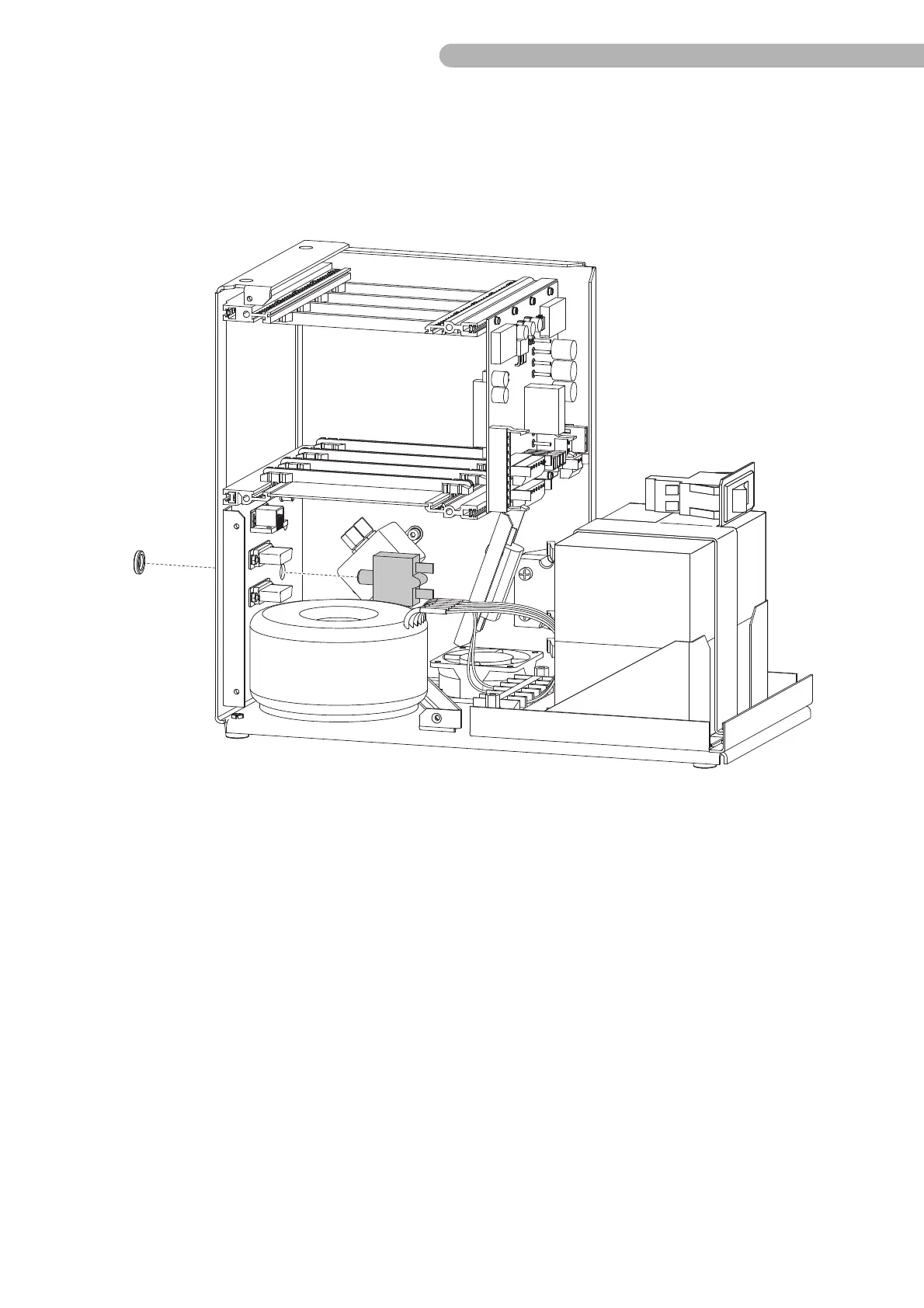
fig. 30: Removing the automatic circuit breaker
◗ Disconnect the two connectors on the automatic circuit breaker.
◗ Hold the automatic circuit breaker with one hand and unfasten the crown nut on the back of the
device.
◗ Remove the automatic circuit breaker.
Assemble the new automatic circuit breaker in reverse order.



 To Next Page