SCPC System • Replacing components
CP_SEM_60-03-00.002 67
6.9 Replacing circuit board components
6.9.1 Battery monitoring (ZAU 2002) circuit board
Replacing the EPROM
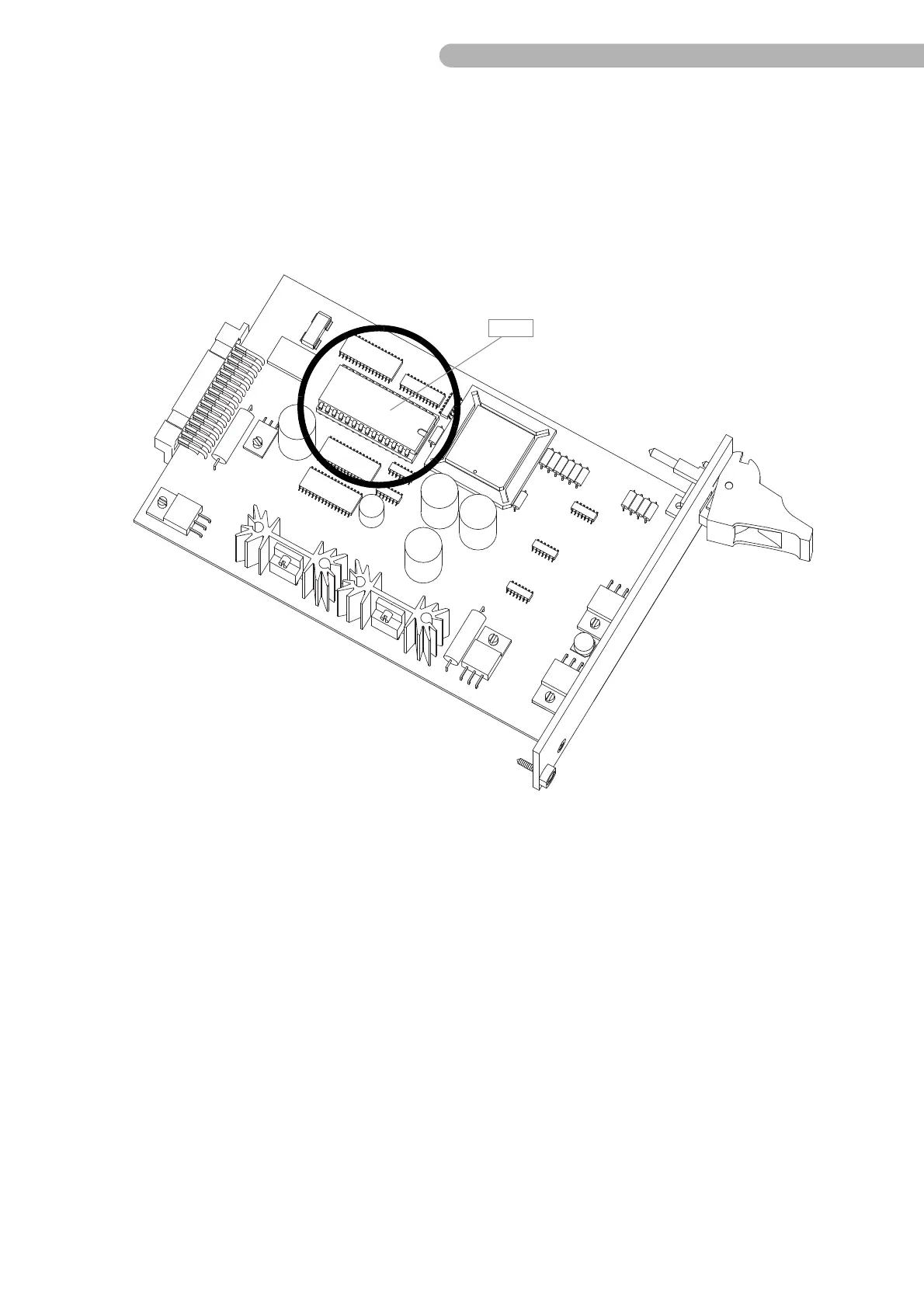
fig. 38: Replacing the EPROM
The EPROM C 26 contains the operating software (firmware) for the battery monitoring. Replacement is
necessary in the following cases:
◗ To perform an update
◗ In the event of error messages that indicate a defect in the EPROM (e.g. error 02).
Observe the following instructions when replacing the EPROM:
◗ Always use suitable removal and insertion tools so as not to bend the contacts.
◗ Avoid static charging (and hence damaging the electronic components) by suitable earthing
measures.
◗ When inserting the new EPROM, ensure the correct alignment (notch pointing towards centre of
board).



 To Next Page