CHAPTER 8: OPERATION 81
TRYTON 107/112
7. SETTINGS
7.1. Access to the functions
By pressing the [SET] key (icon ), it is possible to access the setup functions, no matter what cycle the
bar feed is in (automatic sequence, manual sequence, etc).
To modify these parameters, the bar feed must be in STOP mode.
To validate some values or parameters, hold the [ENTER] key until the icon disappears.
Depending on your lathe or your production needs, some of the parameters may not be visible at first. The
missing parameters can be unmasked under SERVICE > DISPLAY.
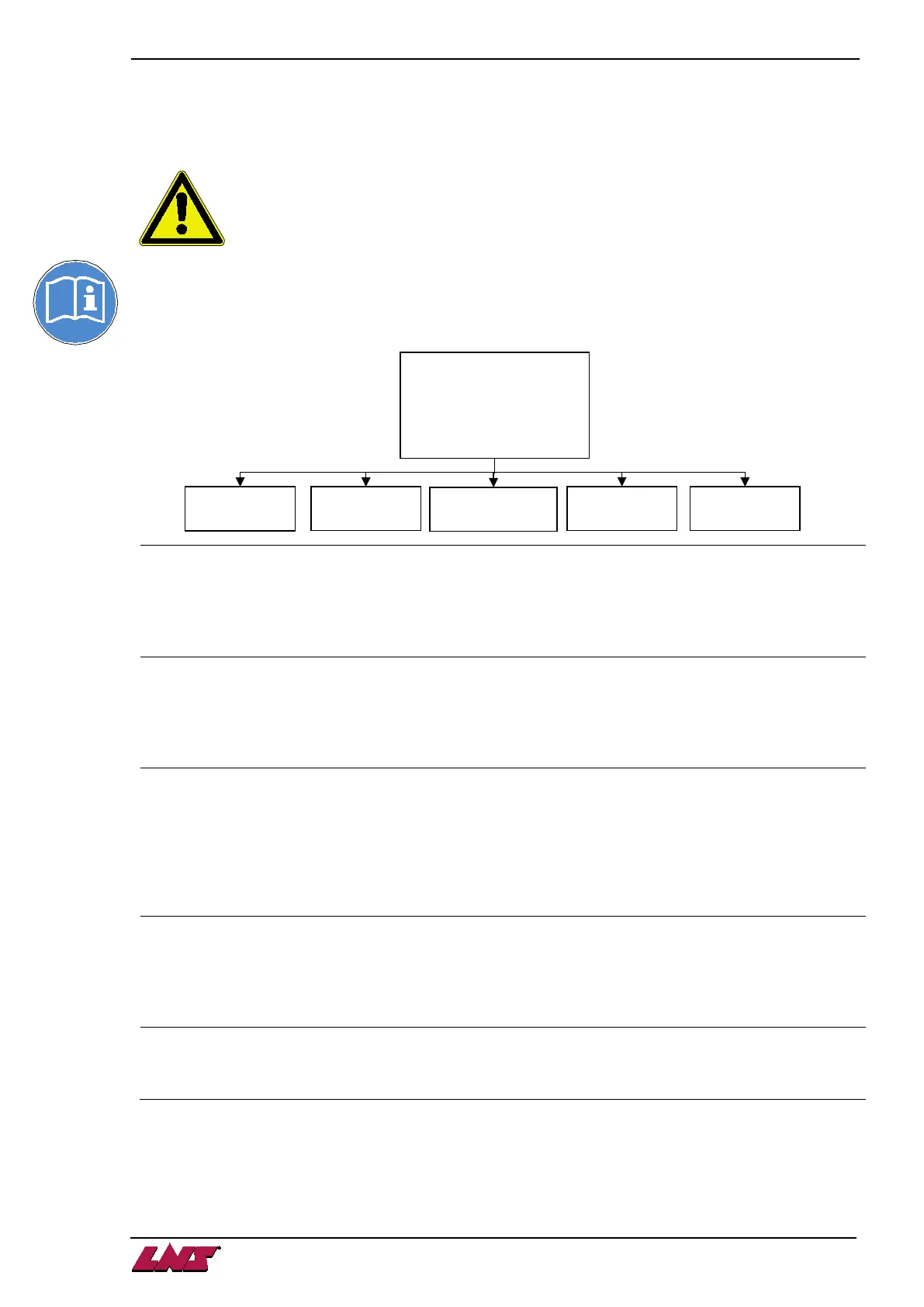
Bar feeder setup
Allows to define the parameters and values of the part, like:
• Function for collet changeover
• Switching guide tube diameter
• Clamping mode normal/reversed
Position
Quick access to the following position values:
• Top-cut
• Time for loading a new bar and top cut positioning
• Headstock reverse with collet open
Application
Allows to set quickly the following working mode:
• Number of short parts after loading a new bar
• Number of parts to machine after End of Bar position
• Part separator goblets system enabled/disabled
• Settings relative to the parts separator goblets
• Settings relative to the parts conveyor
Misc. functions
Allows the access to specific settings like:
• Language
• Factory settings
• Dry Run mode
Service
Reserved for maintenance to LNS technicians and for unlocking features /
displays.
1:BAR FEEDER SETUP
2:POSITION
3:APPLICATION
4:MISC. FUNCTIONS












 To Next Page