The Loadrite Weighing System has an optional Remote Add button which is normally mounted on or near the lift
lever. If the Remote Add button is installed in your loader you can use it interchangeably with the button on
the Indicator.
3.6.4. Subtract a bucket load
This function can be useful when only part of a final load of loose material is required. Weigh and add a full bucketload, but only
tip the amount required into the truck. Then re-weigh and subtract the amount remaining by completing the following:
IMPORTANT: When weighing a bucketload, the loader must be level with the bucket kept fully-rolled back.
1) Raise the bucketload smoothly past the Trigger Point.
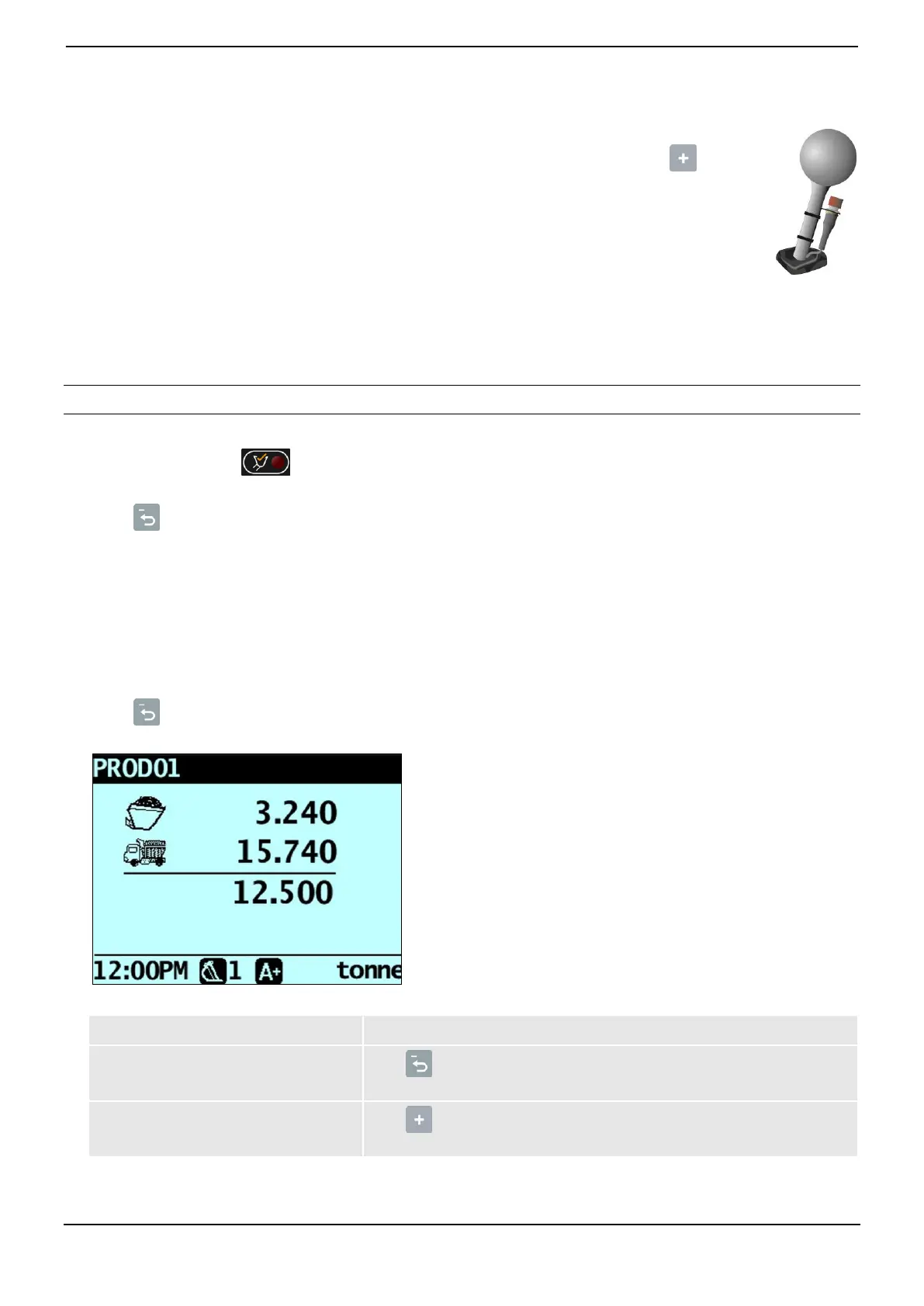
2) The Indicator will beep, (Trigger light) will illuminate and the weight of the current load, the short total and the
potential new weight will display.
3) Press .
The Bucket Subtract message will display. The amount will be subtracted from the short total. The Total screen will
display.
3.6.5. Recall a bucketload
The Recall function is equivalent to lifting the same load again and can be used to correct mistakes. The last bucketload can be
recalled if it has been added, subtracted or canceled.
To recall a previously lifted weight, complete the following:
1) Press .
The last valid weight that was lifted will be displayed.
2) Complete the following:



 To Next Page