Loadrite L2150 User Manual
8.2.4. Print Loadrite Data Module Data
> Data Module
This printing option is only available if the Loadrite Data Module has been enabled for logging at installation.
This function prints out all print data stored in the Loadrite Data Module since midnight (whether or not it has been turned off at
any stage during that time).
Depending on the configuration, every add, clear, check zero, etc, could be included in the printout.
8.2.5. Print Summary Report
> Summary
This function prints out a summary report that is grouped and summarized by Data 1. For example, if Data 1 is a customer field,
then this function generates a customer total report using the data stored in the internal memory since midnight.
8.2.6. Print Special Report
> Special
This function allows various reports to be printed from stored data. A series of options are available and the report is created
from the options selected.
TIP: The Control report options can also be accessed directly from a data field screen, for example the Customer screen, by
pressing . The Period Options will display for the selected data value.
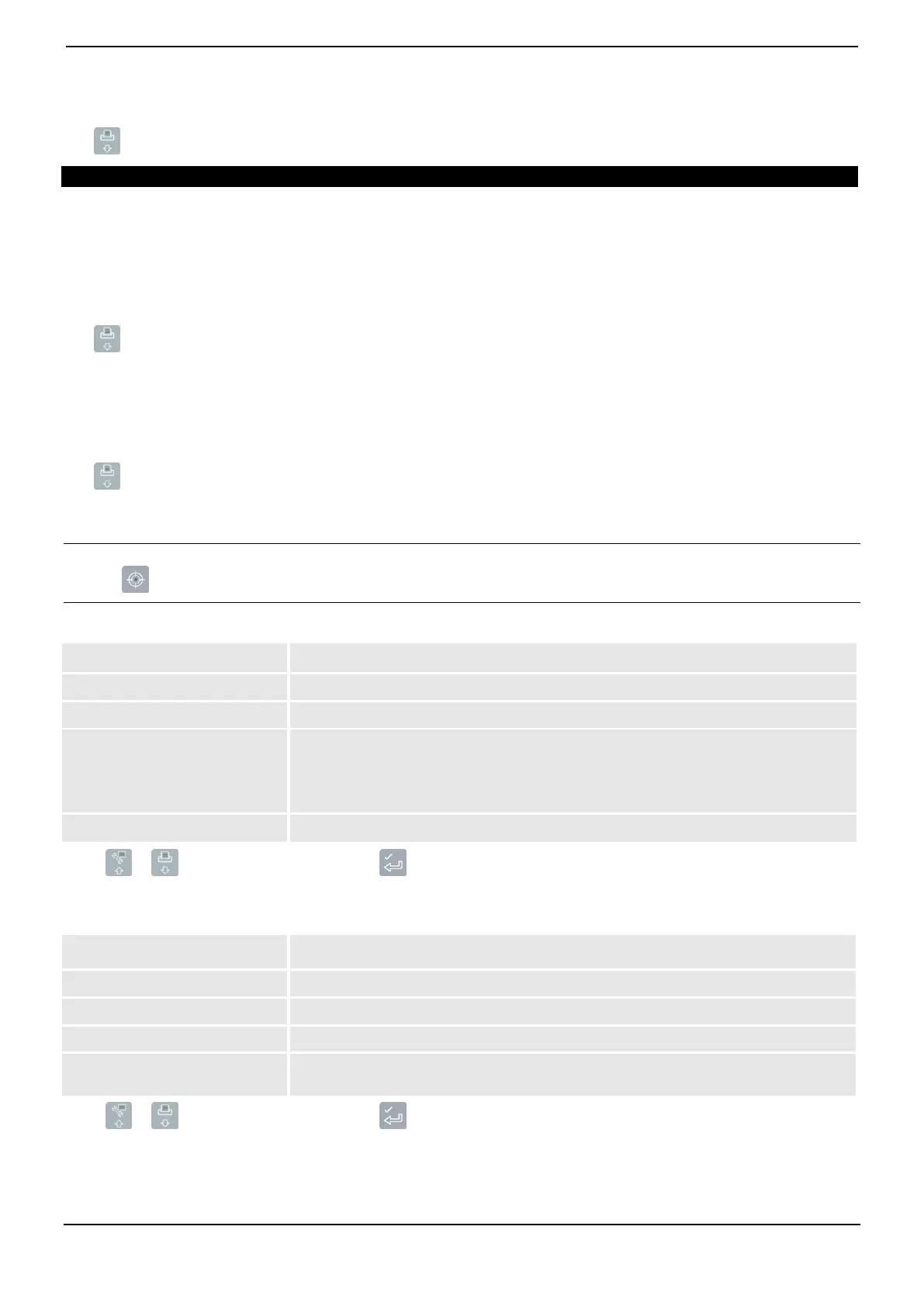
Format Options
Prints a summary of the selected data.
Prints all the selected data.
Prints the start time, end time, total weight and average weight per hour for each day of
the selected period.
Average weight per hour is based on cleared weights and the number of hours between
the first and last weight of each day.
Prints all dockets for the selected data.
Press or to scroll up or down, then press .
The Period Options will be displayed.
Period Options
Prints the report based on data recorded since midnight.
Prints the report based on data recorded for a 24 hour period prior to midnight.
Prints the report based on data recorded since midnight and the previous six days.
Prints the report based on all the data stored (this may have little relevance unless the
start time is known).
Press or to scroll up or down, then press .
If Today, Yesterday or This Week was selected, the Group Options will display. If All was selected, the Port Options will
display.



 To Next Page