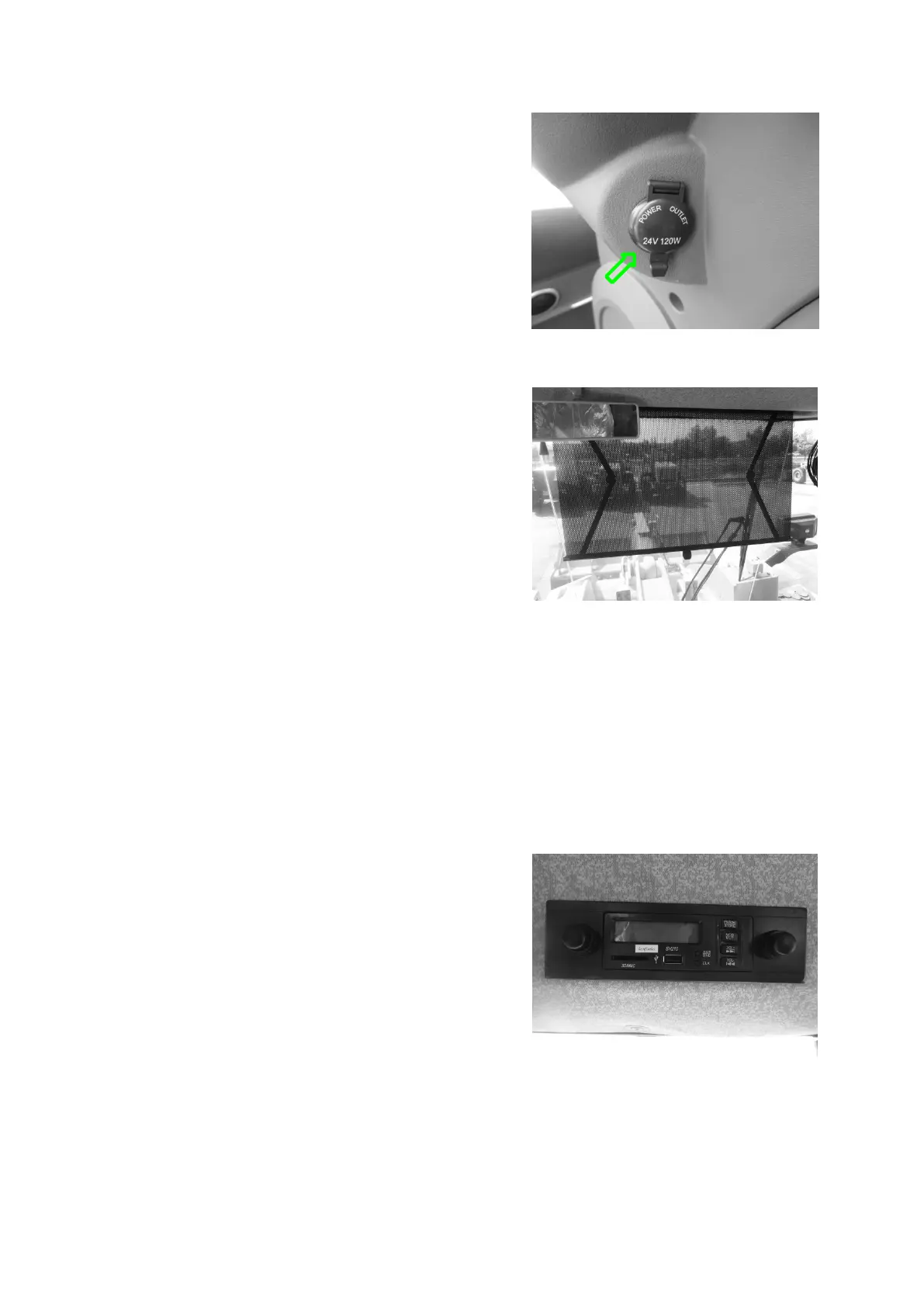
1. Pull the handle lever in the middle by hand to
unroll the sunshade cloth. Pull to an appropriate
position and release the lever, and the sunshade
will stop at that position; if the position is not
appropriate, continue to pull the lever to the
maximum position of travel. When the lever is
pulled near the maximum position of travel,
reduce the pull force for fear of damage to the
sunshade.
2. When the sunshade is at the lower maximum
position of travel, pull the curtain bell on the left
to cause the sunshade to move up. Release the
bell quickly at this time, and the sunshade will
stop at the corresponding position. Pull the bell
again, and the sunshade will continue to move up
until the sunshade cloth returns to its original
position.
1.
1.
1.
1.
LCD
LCD
LCD
LCD screen
screen
screen
screen
In the starting state, the screen displays the radio
frequency and current play message.
2.
2.
2.
2.
Power
Power
Power
Power switch/pause/radio
switch/pause/radio
switch/pause/radio
switch/pause/radio station
station
station
station
selection
selection
selection
selection button
button
button
button
In the standby state, press the button shortly to
start the player and press the button long to turn
off the player.
In the MP3 play state, press the button shortly to
pause the playing; press the button shortly again
to resume the playing.
In the radio receiving state, press the button
shortly to select from already saved radio station



 To Next Page