PyroTec™ PRO Hardw are User’s Manual, V1.2 63
RT-MN024-1.2 02/21
To unpack the PyroTec™ PRO, follow the instructions for packing in reverse order.
Note: Lonza recommends keeping the original packaging for future transport or storage of
the PyroTec™ PRO.
The packaging has been carefully designed to prevent damage to the instrument or its
8 Operation
This Chapter
This chapter explains the operating elements and possible operating modes. It gives in-
structions on how to operate the PyroTec™ PRO properly and safely.
8.1 Operating and Display Elements
8.1.1 Operating Elements
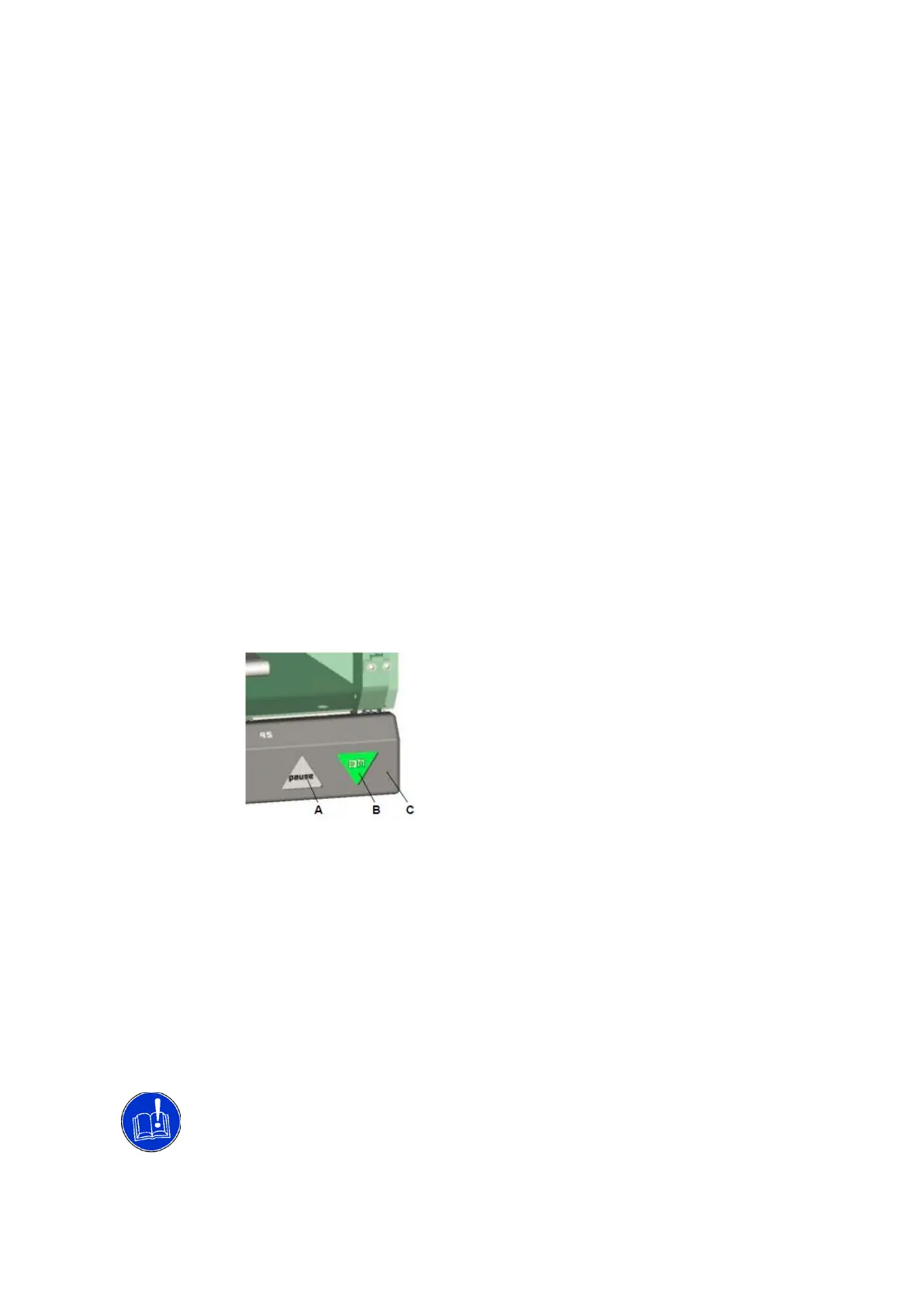
Apart from the power ON/OFF switch and the pause button there are no specific operating
elements on the PyroTec™ PRO instrument.
The power ON/OFF switch is located at the instrument’s lower right corner. A status light
in the switch indicates if the instrument is switched on.
Power ON/OFF switch and pause button
Note: The control for switching on or off is delayed to accept only definite commands.
• For switching on: Keep the power ON/OFF switch pressed for at least 0.5 seconds.
• For switching off: Keep the power ON/OFF switch pressed for at least 2 seconds.
Button
The pause/resume button allows the user to pause and later resume a test run for access
on request.
Note: During operation, keep the front access panel closed to have access to the switches.
Unintended pausing or switching off the instrument.
To avoid unintended actuation, pay attention to the following:
•
When opening or closing the front access panel, make sure that the pause button and
A Pause/resume button
B Power ON/OFF
switch
C Front access panel, closed



 To Next Page