PyroTec™ PRO Hardw are User’s Manual, V1.2 64
RT-MN024-1.2 02/21
the power ON/OFF switch are not pressed unintentionally.
• Before pressing the pause button or the power ON/OFF switch, make sure that you
will press the intended button.
• Before pressing the pause button in order to pause a process, make sure that the in-
strument is running.
• Before pressing the pause button in order to resume a process, make sure that the in-
strument is pausing and that the safety panel is closed.
WARNING
Injuries caused by moving parts
A not completely opened front safety panel might close automatically.
•
Open the front safety panel completely (more than 180°).
Internal Com-
munication
Communication within the PyroTec™ PRO and the communication between the instru-
ment and its modules is achieved by means of cable connections between the respective
User Interface
Display functions and controls are available in the software packages and user interfaces
on the PC. Depending on your application, refer to the relevant separate documentation.
8.1.2 Display Elements
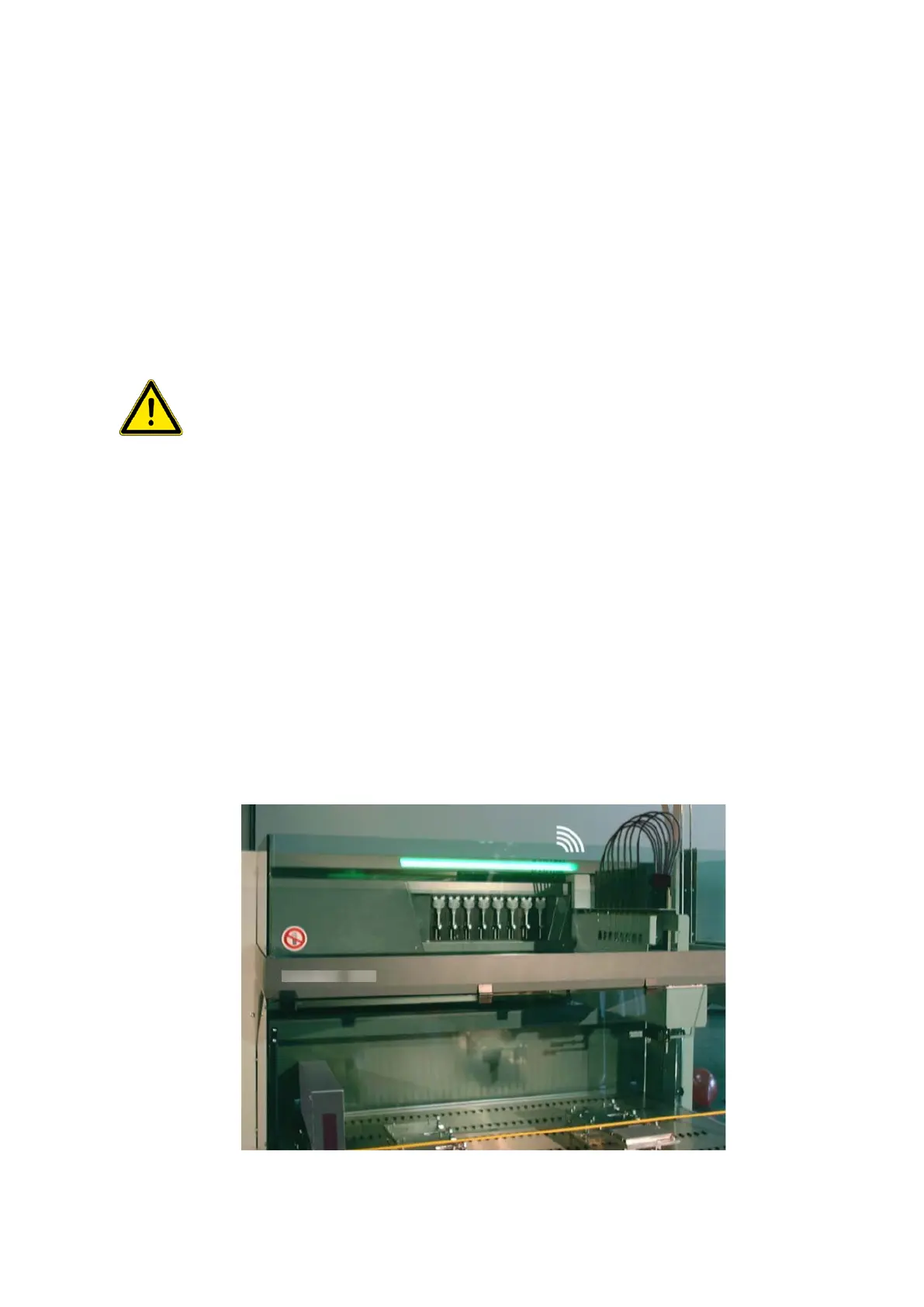
The status lamp displays the instrument status and is combined with an acoustic alarm
(sound). It is installed in the top cover of the instrument.
The sound level (loudness) and mode (continuous or intermittent) can be selected during
installation.



 To Next Page