Printing results of a selected Code No. range
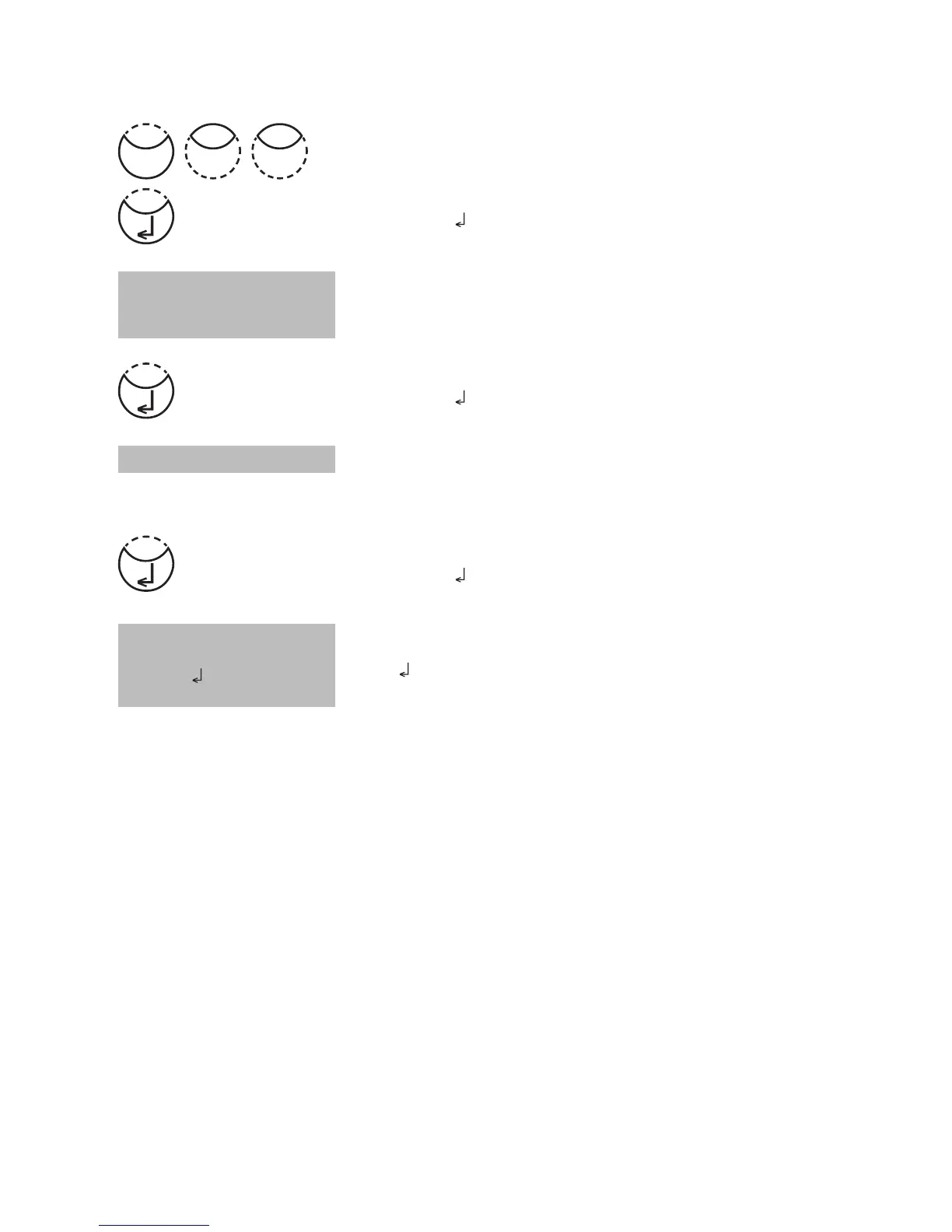
Press [MODE], [Shift] + [2][2] keys.
Confirm with [
] key.
The display shows:
Enter numeric code number (up to 6 places) for the first
required Code No., e.g.: [Shift] + [1].
Confirm with [
] key.
The display shows:
Enter numeric code number (up to 6 places) for the last
required Code No., e.g.: [Shift] + [1][0].
Confirm with [
] key.
The display shows:
Press [
] key and all stored results in the selected code
number range are printed.
After printing the photometer goes back to mode menu
automatically.
Note:
It is possible to cancel the entry by [ESC].
If you want to print only results of one code number enter the same code number twice.
If you want to print all results without code no. (code no. is 0) enter Zero [0] twice.
from 000001
to 000010
Start:
cancel: ESC
<Print>
sorted: Code-No.
from _ _ _ _ _ _
to _ _ _ _ _ _
Mode
22











 To Next Page