Printing results of one selected method
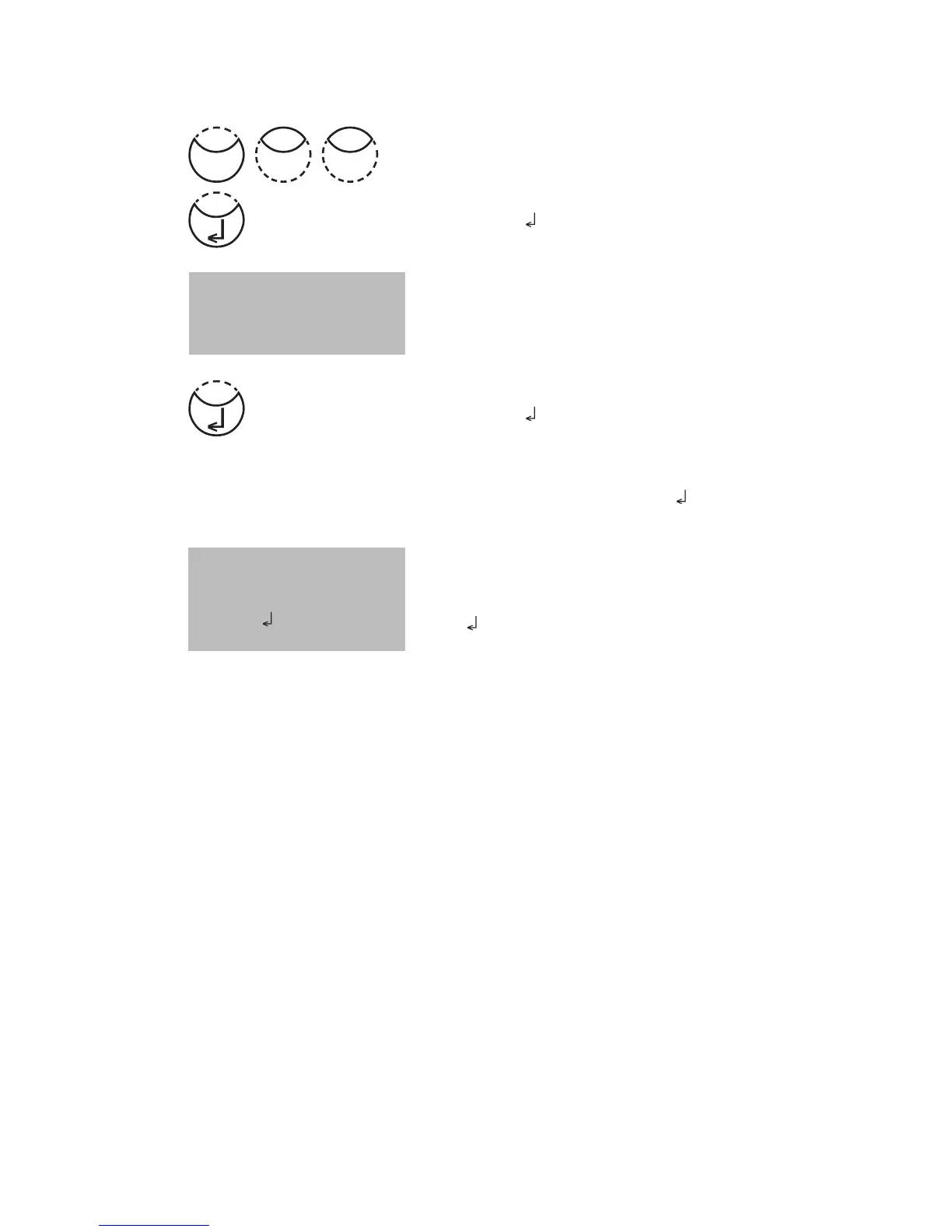
Press [MODE], [Shift] + [2][3] keys.
Confirm with [
] key.
The display shows:
Select the required method from the displayed list or enter
the method-number directly.
Confirm with [
] key.
In case of differentiated methods select the required kind
of determination and confirm with [
] key.
The display shows:
Press [
] key and all stored results of the selected method
are printed.
After printing the photometer goes back to mode menu
automatically.
Note:
It is possible to cancel the entry by [ESC].
<Print>
>>20 Acid demand
30 Alkalinity-tot
40 Aluminium T
<Print>
method
30 Alkalinity-tot
Start:
cancel: ESC
Mode
32











 To Next Page