5 User Interface
31
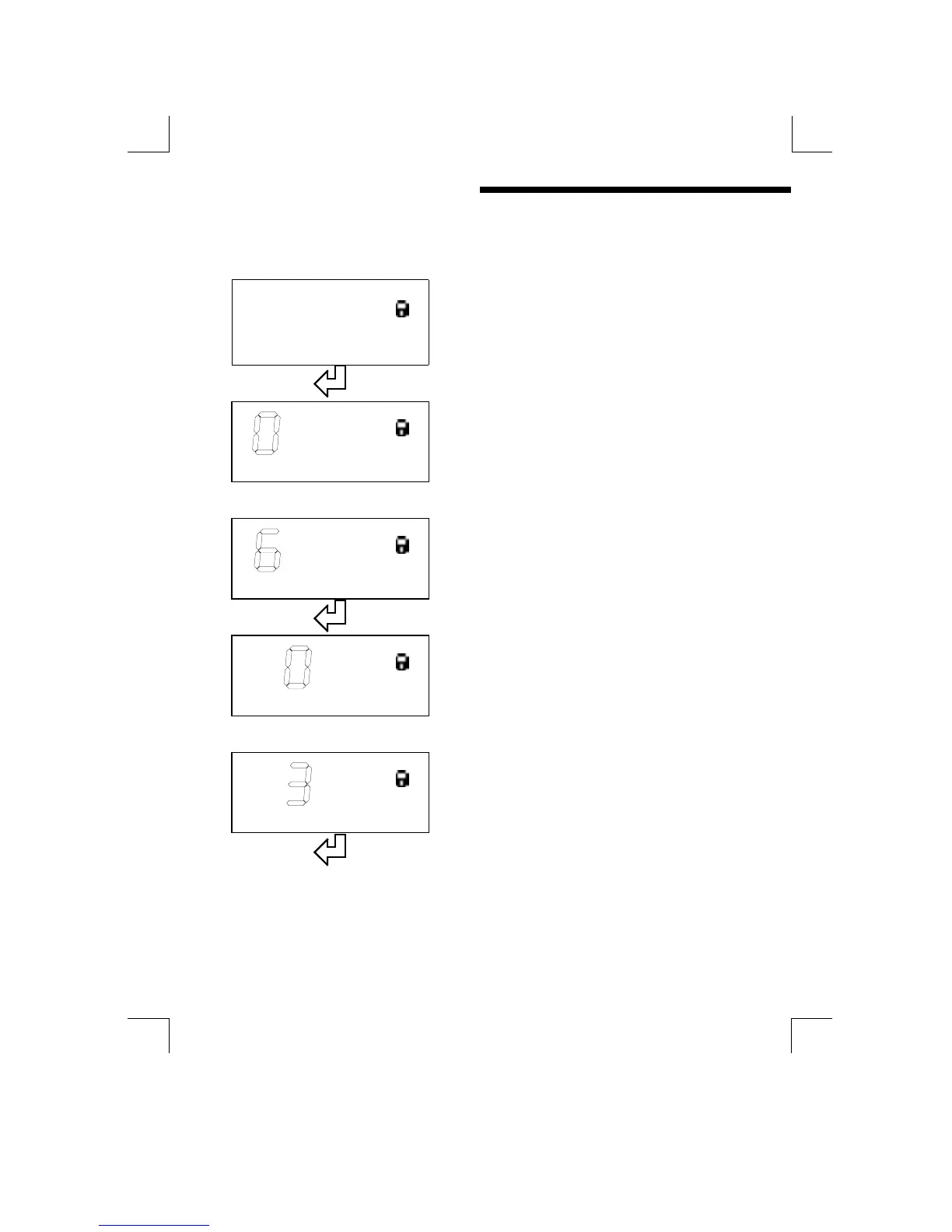
Enter the access code as follows. { Note : “Outlined” text represents flashing
digits/characters on the display }.
0000
00000000
0000
Access Code ?
Press “ENTER” to begin editing the access
code.
000
000000
000
Access Code ?
Ø
ØØ
Ø ×
××
×
Use the “UP” and “DOWN” keys to change the
first digit
0
00
000
0000
00
Access Code ?
Press “ENTER” to select the next digit
6
66
6 00
0000
00
Access Code ?
Ø
ØØ
Ø ×
××
×
Use the “UP” and “DOWN” keys to change the
second digit
6
66
6 00
0000
00
Access Code ?
Press “ENTER” to select the next digit
Continued on next page .......


 To Next Page