5 User Interface
32
63
6363
63 0
00
0
Access Code ?
Ø
ØØ
Ø ×
××
×
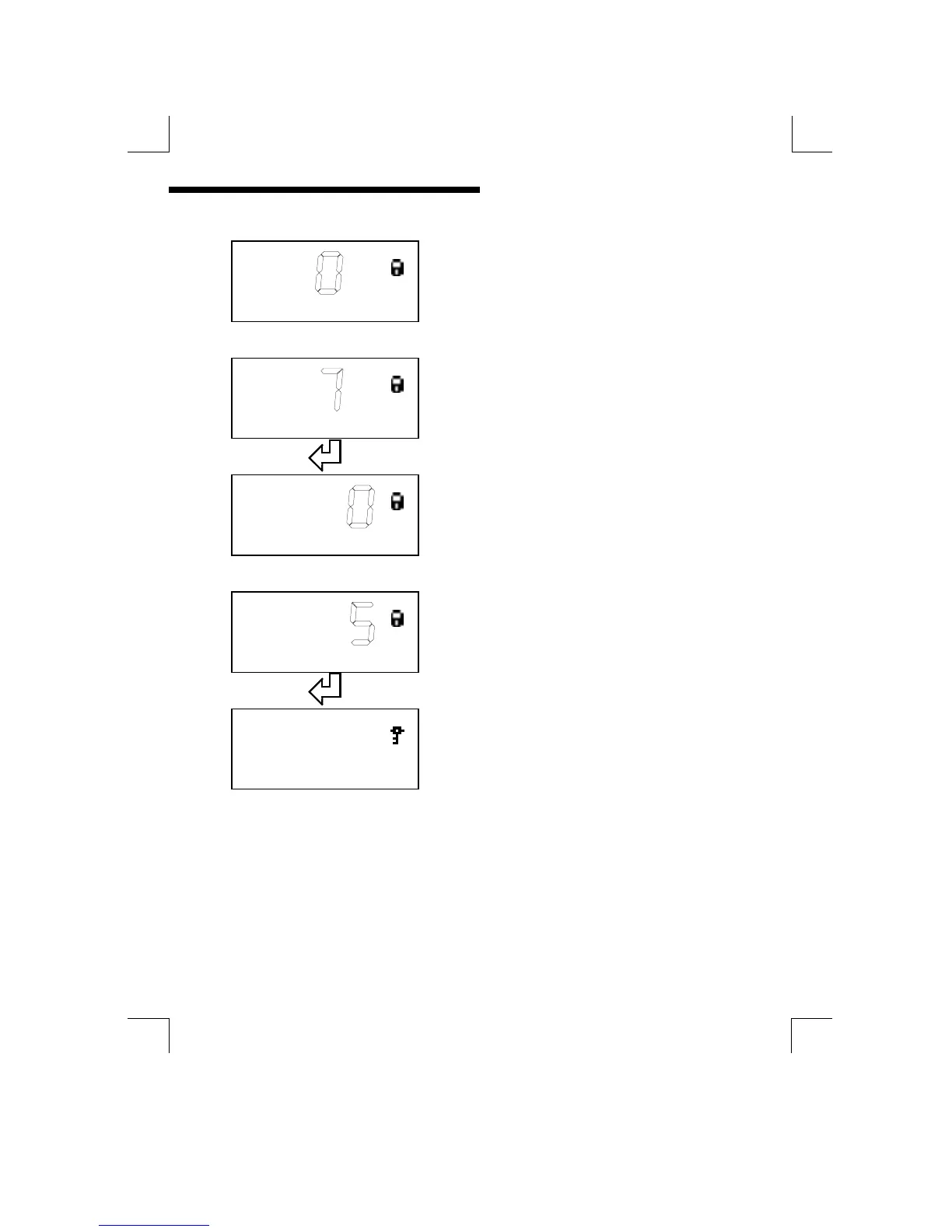
Use the “UP” and “DOWN” keys to change the
third digit
63
6363
63 0
00
0
Access Code ?
Press “ENTER” to select the next digit
637
637637
637
Access Code ?
Ø
ØØ
Ø ×
××
×
Use the “UP” and “DOWN” keys to change the
last digit
63
6363
637
77
7
Access Code ?
Press “ENTER” to store the new code
6375
63756375
6375
Access Code ?
If the new code is correct the Padlock symbol
will now change to a Key symbol.
{ Note 6375 is only an example of an access code, the correct code will need to be
entered to unlock the instrument.}
The default access codes are 0001 for level one and 0002 for level 2.
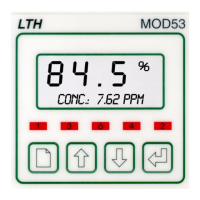
When the key symbol is displayed the operator may then move through the menu
structure using the “PAGE”, “UP” and “DOWN” keys. Pressing the “PAGE” key will
advance the unit on to the next menu header, using the “UP” and “DOWN” keys
the operator can then select the items within that menu.


 To Next Page