4 Live View
4.1 Login
You can login or log off the AHD Hybrid DVR system. Once logged off the user cannot do
any other operation except changing the multi-screen display.
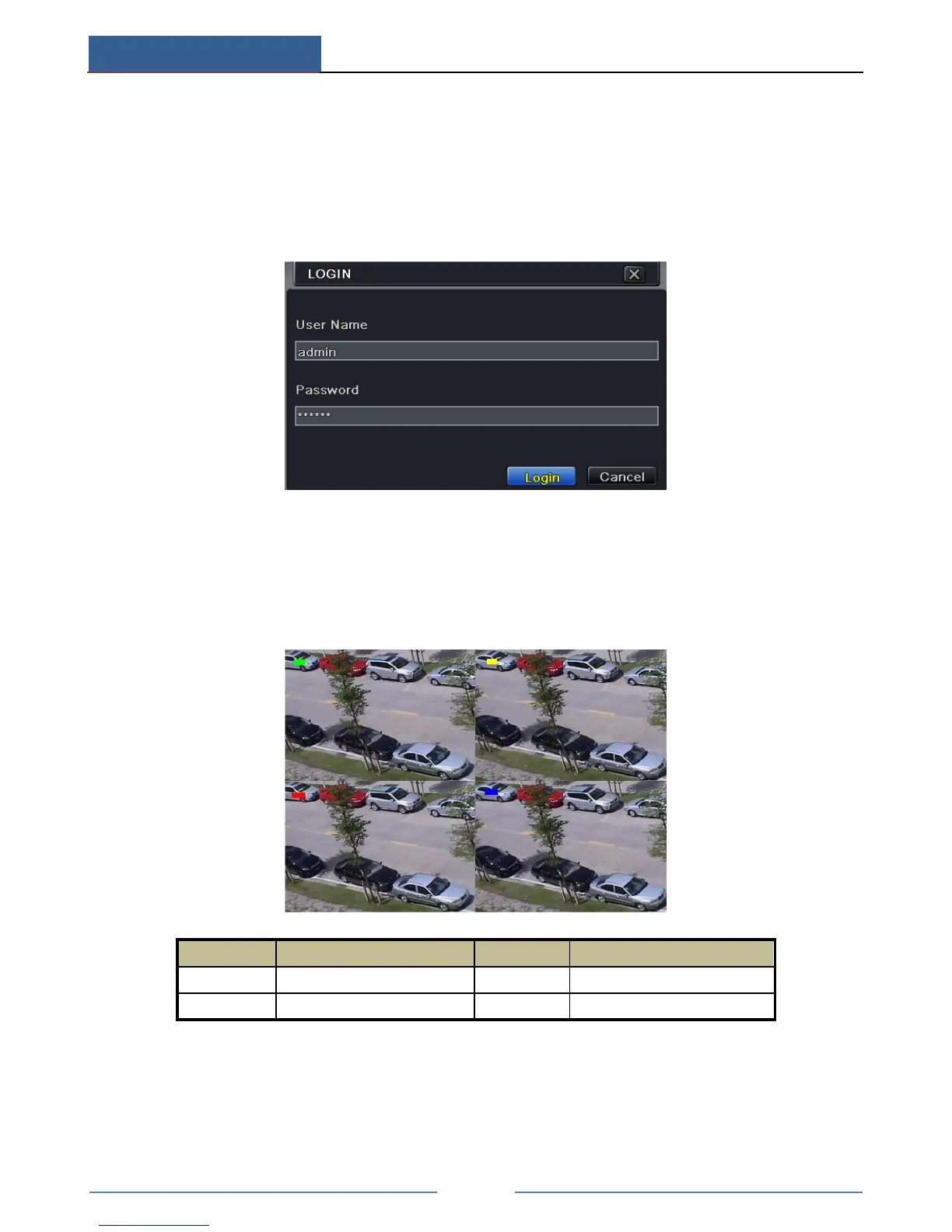
The default username is “admin” and the default password is “123456”.
Please input the default username and password for the first time to log in.
4.2 Live View
Click right mouse or press ESC button on the front panel and then the control bar will display
at the bottom of the screen.



 To Next Page