4.4 Mask View
To set up mask area:
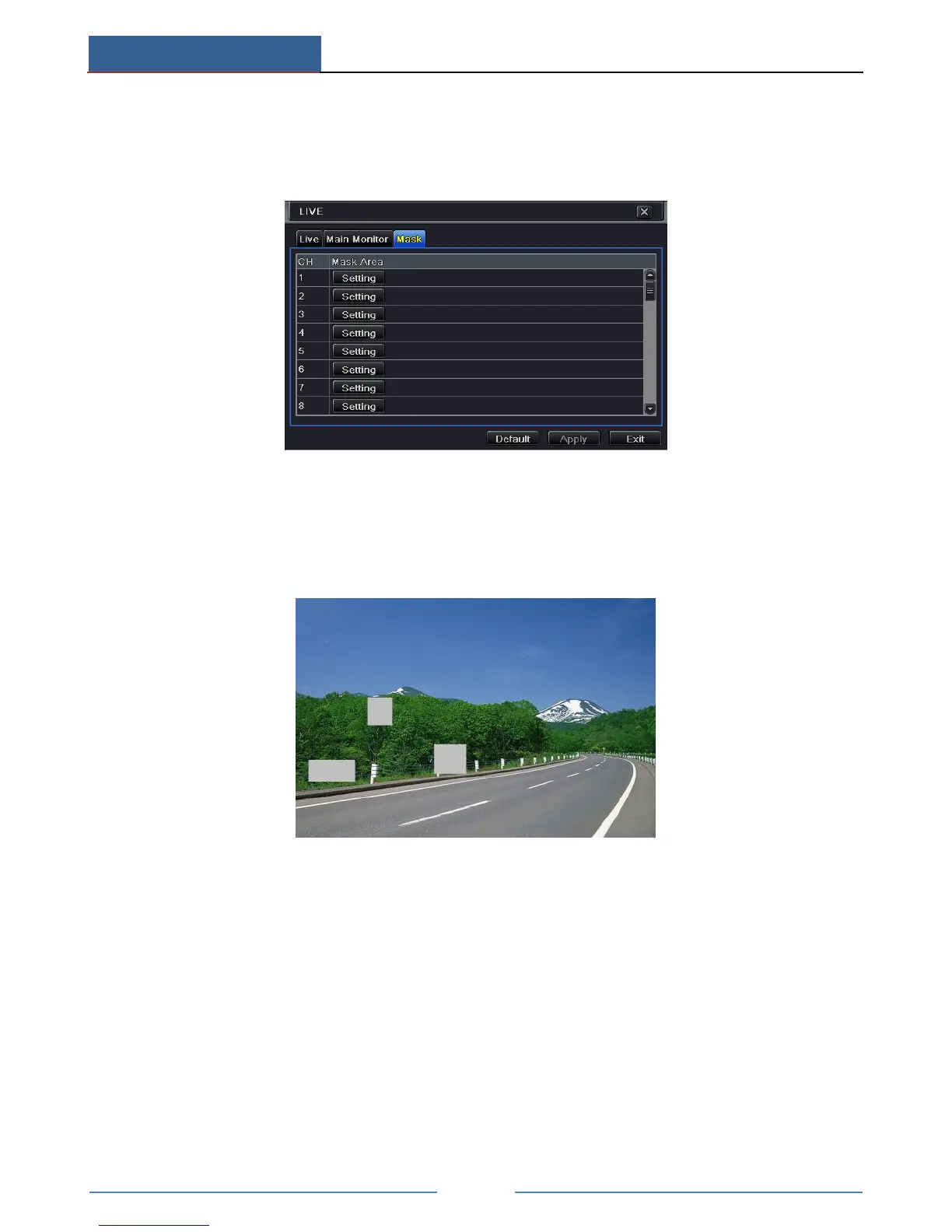
① Go to Main MenuSetupLiveMask interface.
② Click “Setting” button to go to live image.
③ Press and drag the left mouse button to set mask area as shown below.
④ Right click to exit the mask setting interface.
⑤ Click “Apply” button to save the settings.
Set up Mask Area
To delete mask area:
① Click “Setting” button in the mask interface.
② Select a certain masked area and double click to delete that masked area.
③ Then click “Apply” button to save the settings.



 To Next Page