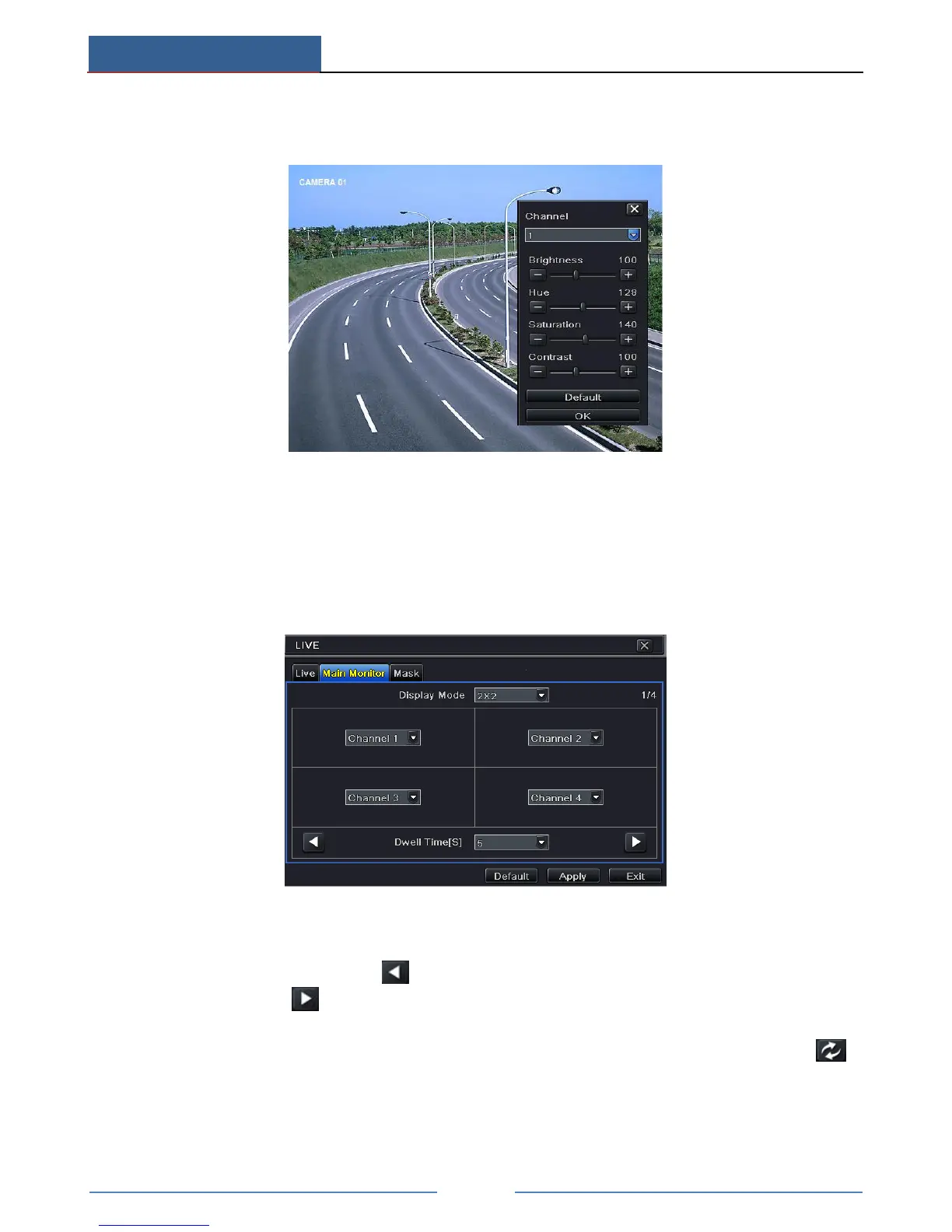
To set up color:
① Click “Setting” button for a particular camera/channel to see a window as below:
② In this interface, you can adjust brightness, hue, saturation and contrast in live. Click
“OK” button to save the settings.
4.3 Sequence View
You can view channel or channel group in sequence.
① Go to Main MenuSetupLiveMain Monitor interface.
② Select display mode and channel.
③ Select dwell time. Click button to set up the previous channel groups of dwell
picture. Click button to set the latter channel groups of dwell picture.
④ Click “Apply” to save the setting.
⑤ Return to the live view interface. Right click to show the menu toolbar. Then enable
Dwell button.
If there is something you don’t want to display in the live image. You can set mask. For a
given channel a maximum of three areas can be masked.



 To Next Page