② Select backup files and click “Browse” button to set the save path. Then click “Backup”
button to start backup. The backup files will be saved on user’s PC.
14.6 Remote System Configuration
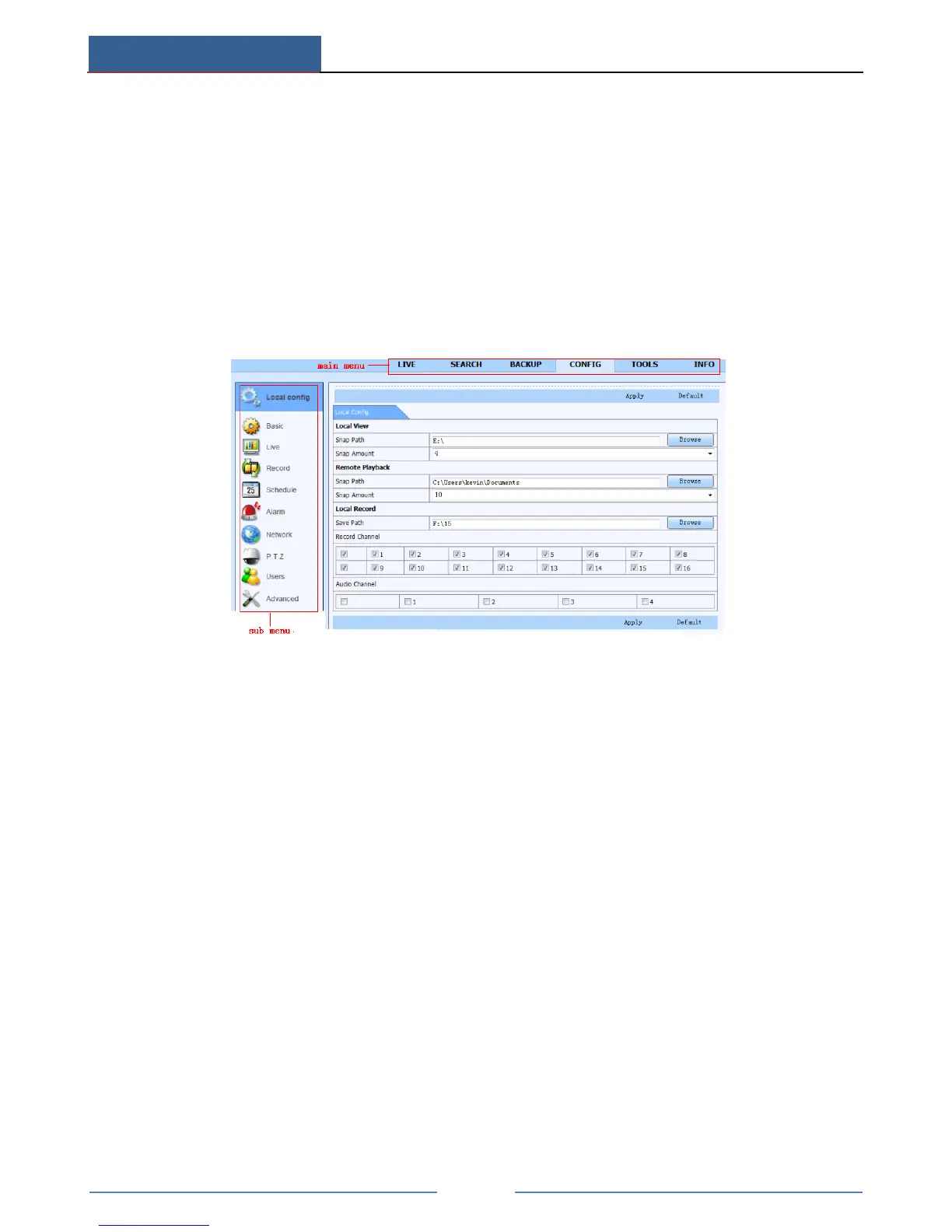
You can do remote setup of the device which includes functions like basic configuration, live
configuration, record configuration, schedule configuration, alarm configuration, network
configuration, PTZ configuration and user configuration. You should select an option from the
menu list on the left and then set up the relative parameters. Only one user can do
configuration setup at a given point of time. Click Config tab to go to the below interface:
The sub menu list and the options in every menu are similar to that of the AHD Hybrid DVR.
14.7 Tools
Click on the tool’s tab to access the Disk Management tool. Here you can view the status of
the hard drive(s), view/change the read write properties and format the hard drive(s).
14.8 Remote Management
The Info interface provides a web based interface to access the general information pertaining
to the settings of the device. The interface includes five submenus: System, Event, Log,
Network and Online users.



 To Next Page