④ Set schedule for motion alarm. The setting steps are similar to normal schedule recording
(See Chapter 6.3 Schedule Recording for details).
Note: The timelines of these two schedules (schedule for motion based recording and
schedule for motion alarm) must match, otherwise you will not get the record in some
time).
6.5 Sensor Based Recording
Some models may support this function.
① Set schedule for sensor based recording. Go to Main MenuSetupScheduleSensor.
Select channel and then set the schedule. The settings steps of schedule for sensor based
recording are similar to normal schedule recording (See Chapter 6.3 Schedule Recording
for details).
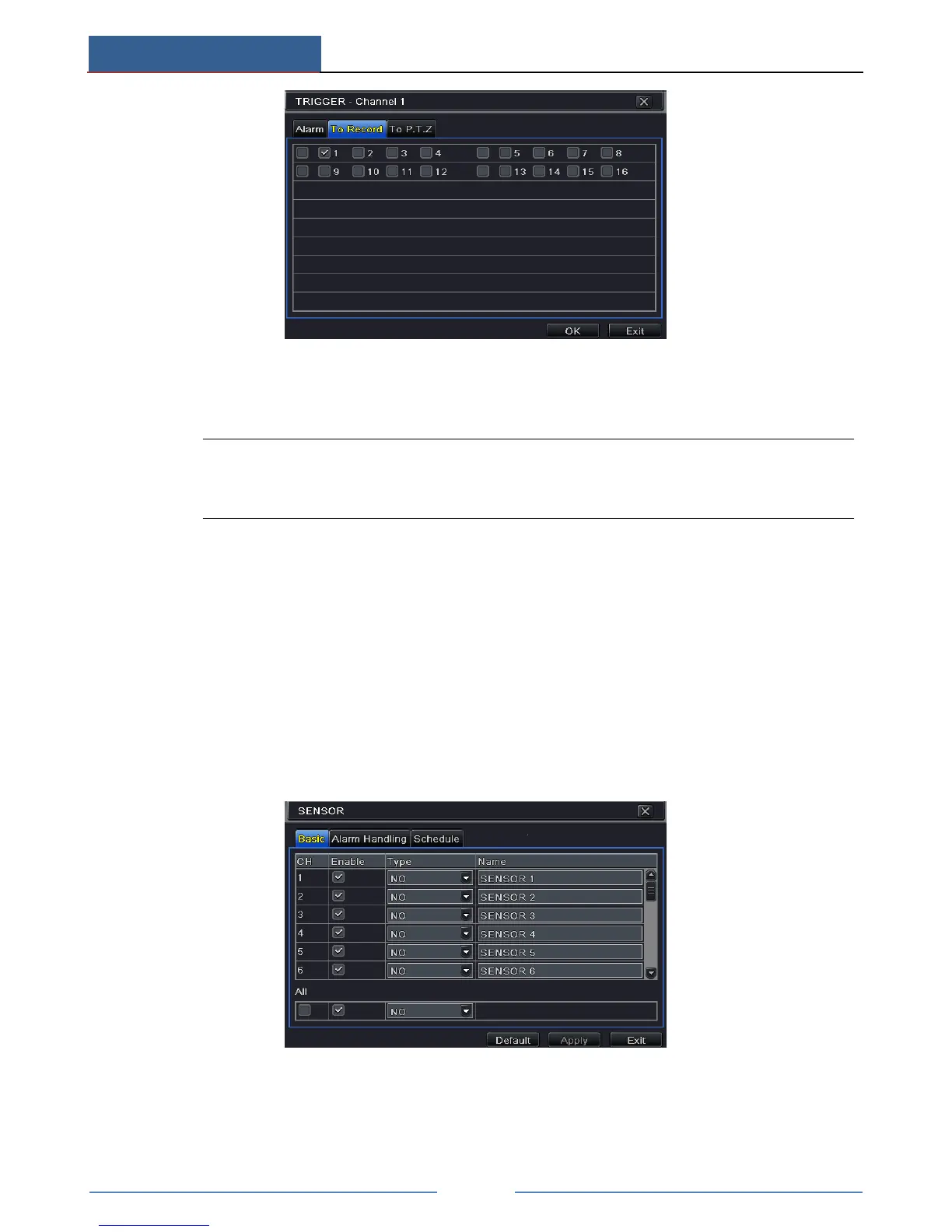
② Go to Main MenuSetupAlarmSensor to see the following figure. Enable sensor
alarm and choose the sensor type.
③ Go to Alarm Handling tab. Then click “Setting” button under Trigger. An alarm trigger
box will pop up. Select “To Record” tab to choose the recording channel and click “OK”
button to confirm the settings.



 To Next Page