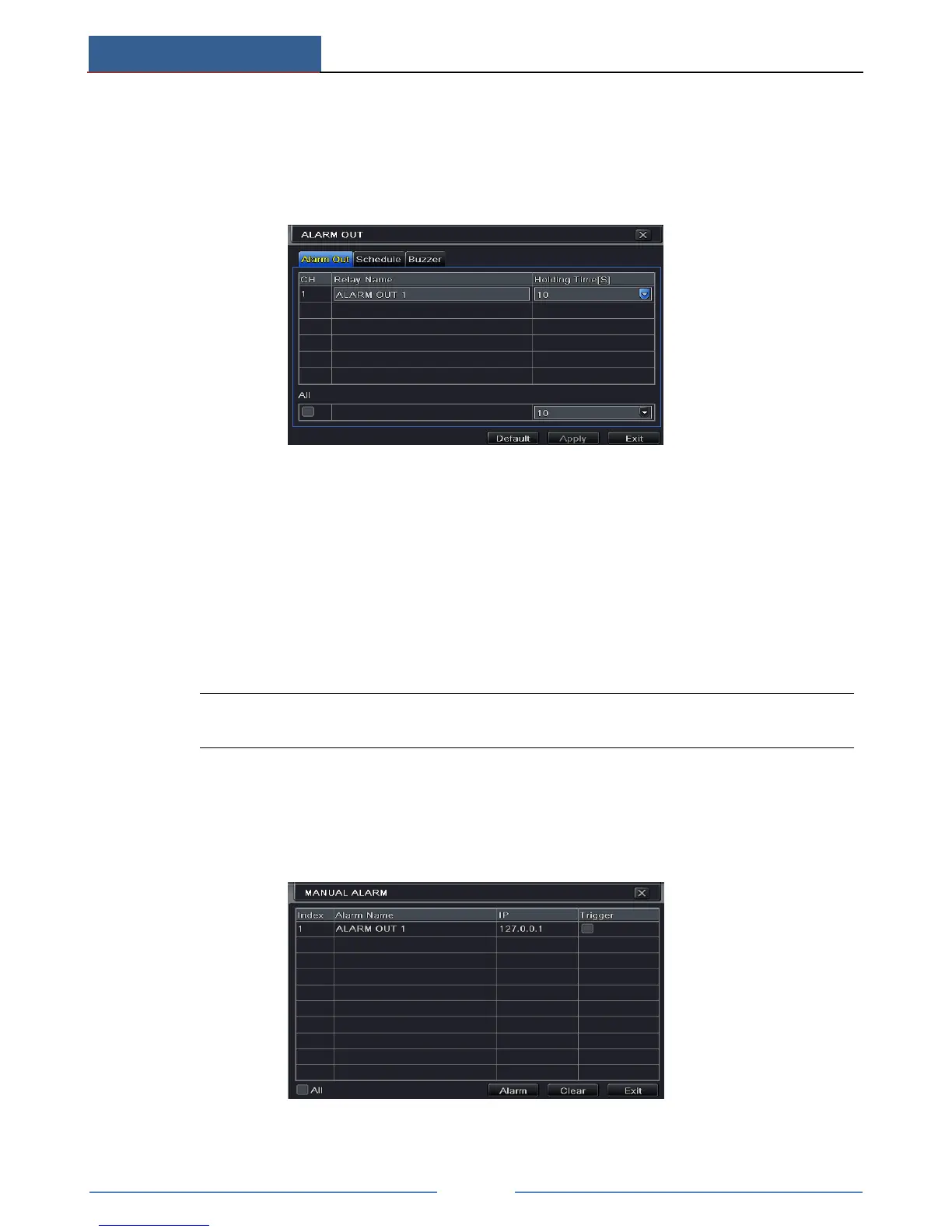
9.5 Alarm Out
To set up alarm out:
Some models may not support this function. Please checkmark buzzer and set buzzer time.
① Go to Main MenuSetupAlarmAlarm Out.
② Input relay name and select hold time.
③ Go to Schedule tab. The setting steps for schedule for alarm out are similar to normal
schedule setup (see Chapter 6.3 Schedule Recording for details).
To set up buzzer:
① Go to Main MenuSetupAlarmAlarm OutBuzzer.
② Checkmark Buzzer and set buzzer alarm hold time. This would trigger the buzzer when
the system is on an alarm.
Note: The alarm out and buzzer must be enabled in prior and their schedules must
cover the schedule of other alarm types.
9.6 Manual Alarm
Some models may support this function.
Go to Main MenuManual Alarm interface as shown below.
Choose alarm out and click Alarm button to trigger alarm manually. Click Clear button to clear
the alarm.



 To Next Page