6 Record
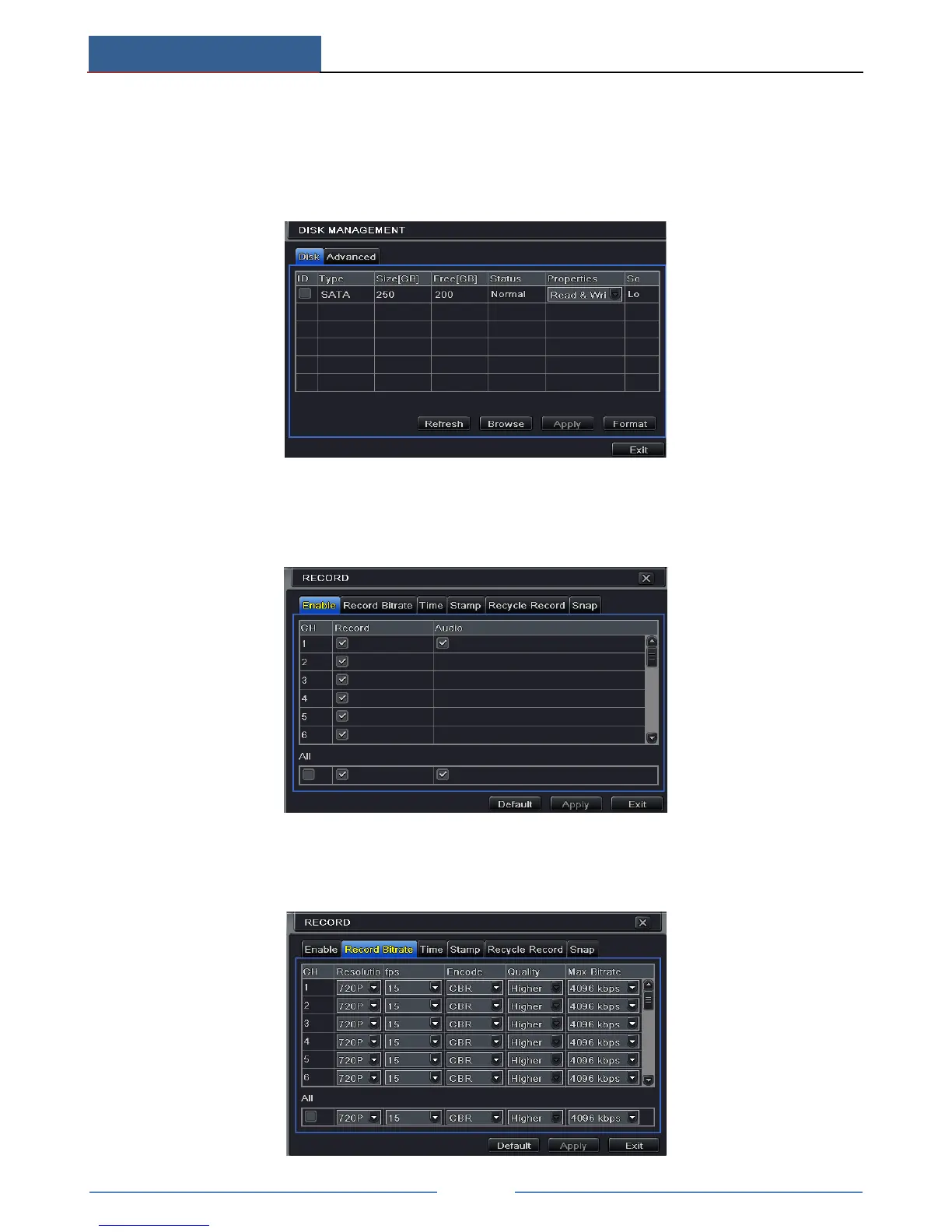
Before recording, please format your disk first. Go to Main MenuDisk Management to
access disk management settings. In this interface, you can format your disk.
6.1 Record Settings
Go to Main MenuSetupRecordEnable to do record settings.
① Enable record and audio. Then click “Apply” to save the settings.
② Set record stream. Go to Record Bitrate tab to set record birate as shown below.



 To Next Page