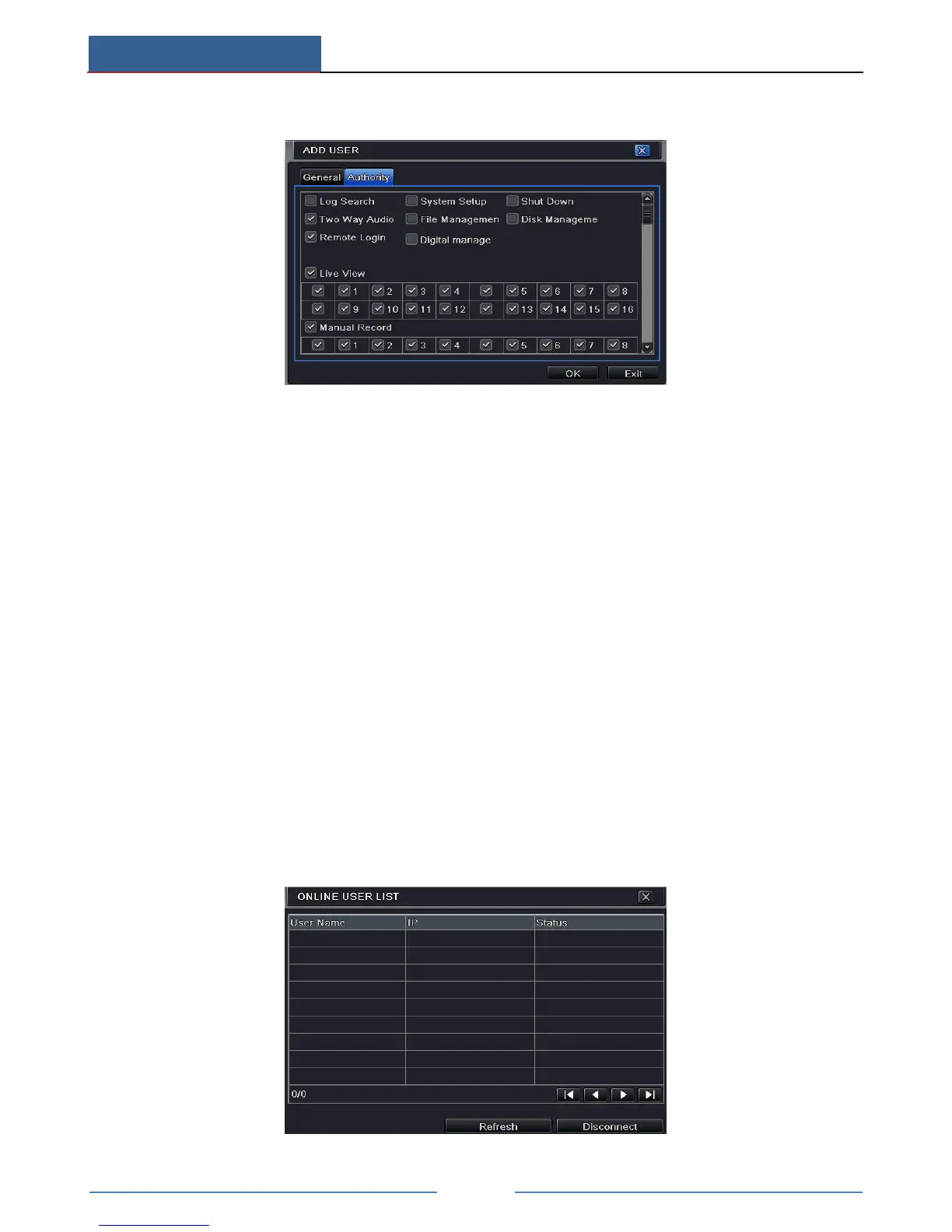
⑥ Click OK to save the setting.
To delete user:
① Go to Main MenuSetupUsers interface.
② Select the added user you want to delete and then click “Delete” button.
To modify user:
① Go to Main MenuSetupUsers interface.
② Select the added user you want to modify and then click “Modify” button to do the
relevant operation.
To change user password:
① Go to Main MenuSetupUsers interface.
② Select the added user you want to change its password and then click “Change
Password” button.
13.1.2 Online Users
This function allows you to check how many users are accessing the device and help the
administrator to disconnect the online user.
Go to Main MenuInformationOnline Users interface.



 To Next Page