③ Checkmark the searched devices and click “OK” button to return to the previous
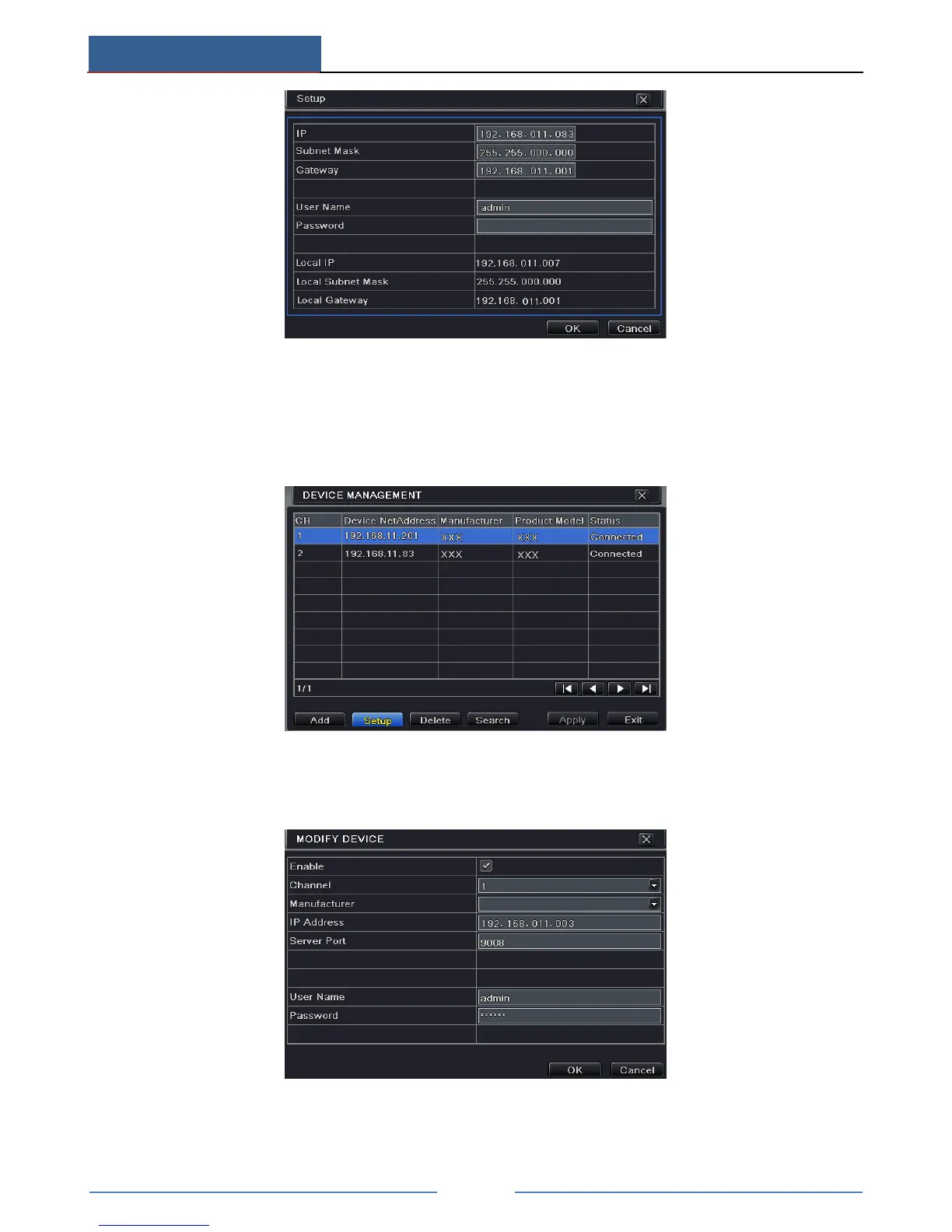
interface. Click “Apply” button and then the added devices will be listed in the device
management interface. “Connected” status means connecting the device successfully
and you will see the live image.
You may also select the added device and click “Setup” button to modify channel, IP
address of the device.
To add IP cameras via WAN:
① Please go to Main MenuIP Camera tab.



 To Next Page