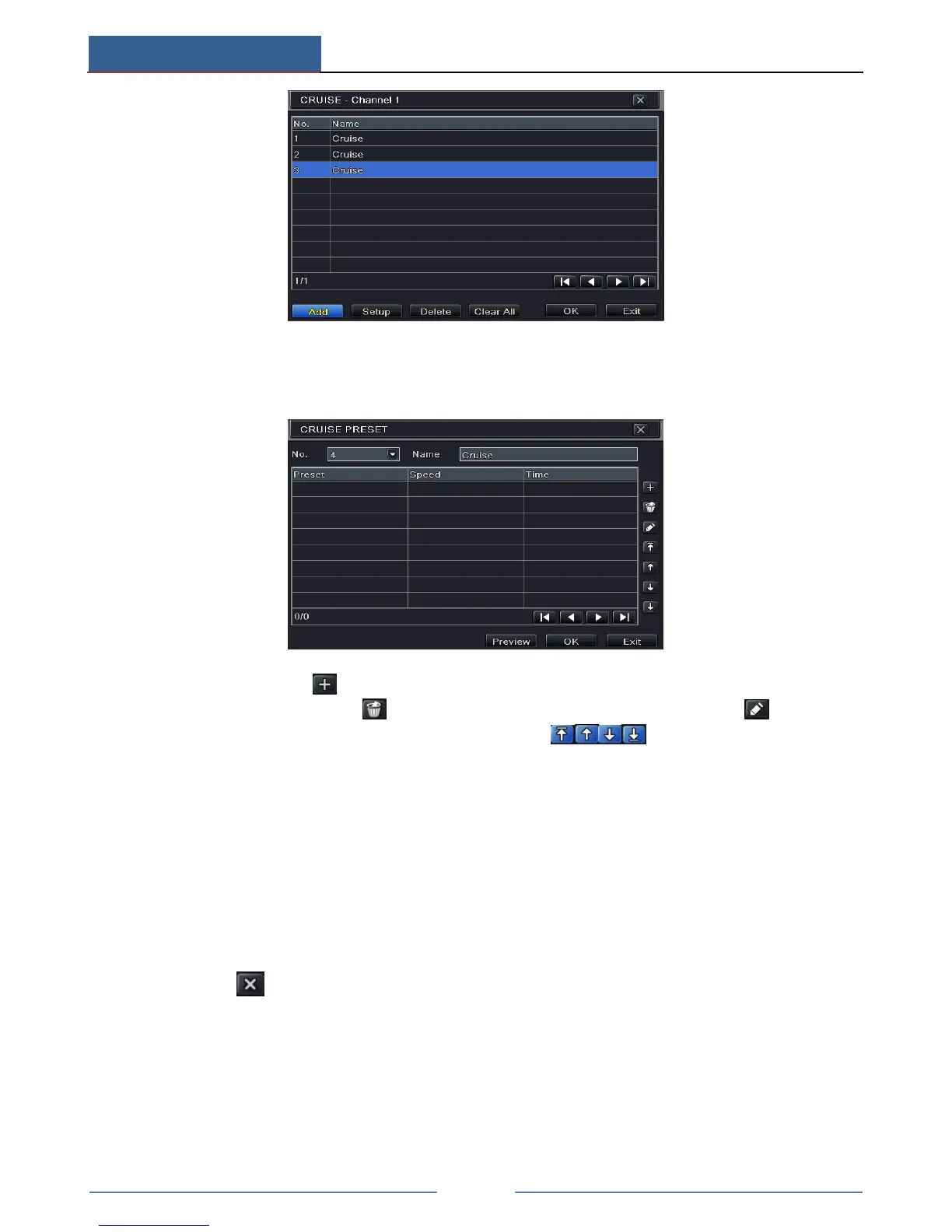
② Click Add button to add cruise line in the list box (8 cruise lines can be added at most).
③ Select a cruise line and click Setup button to see a dialog box as below.
④ Click Add icon to set the speed and time of preset point. Select a preset point and
then click Delete icon to delete that preset point. Click Modify icon to modify
the setting of a preset point. User can click those icons to adjust the
position of preset point. Click Preview button to preview the cruise line. Click OK
button to save the setting.
To set up track:
① In the Advanced interface, click track “Setting” button to see a dialog box as below.
② Control the dome by rotating up, up left, down, right down, left, left down, right and up
right and adjust the rotate speed and the value of zoom, focus and iris of the dome.
③ Click Start Record button to record the move track of PTZ. Click it again to stop record.
④ Click Start track button to play recorded track. Click this button again to stop playing.
⑤ Click icon to exit the current interface. Then click “Apply” to save the setting.



 To Next Page