AHD Hybrid DVR User Manual
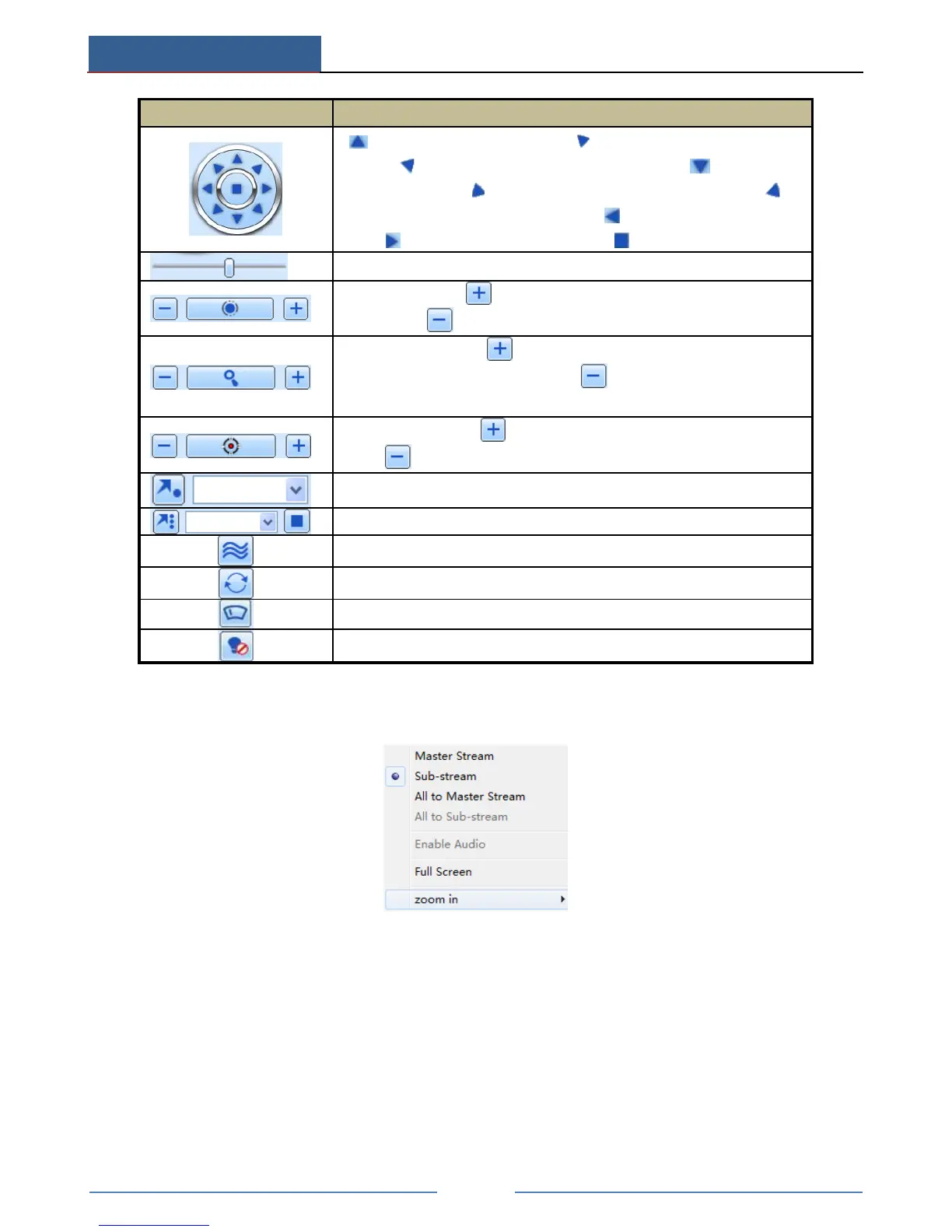
to rotate the dome upwards to rotate the dome diagonally
up-left to rotate the dome diagonally up-right to rotate the
dome downwards to rotate the dome diagonally down-left to
rotate the dome diagonally down-right to rotate the dome towards
left to rotate the dome towards right to stop rotating the dome.
Drag the scroll bar to adjust rotating speed of the dome.
'Iris' button. Click button near 'Iris' button to increase light of the
dome. Click button near 'Iris' button to decrease light of the dome.
'Zoom' button. Click button near 'Zoom' button to zoom in the
locale picture of this camera. Click button near 'Zoom' button to
zoom out the locale picture of this camera.
'Focus' button. Click button near 'Focus' button to have long focus.
Click button near 'Focus' button to have short focus.
Select and do auto cruise
Click the right mouse on the live interface. This will take you to a pull-down menu.
Stream: This device supports master stream and sub stream. Master stream has higher frame
rate, max 25FPS(PAL)/30 FPS(NTSC)for every channel, but it needs higher network
bandwidth simultaneously. Sub stream has low frame rate, max 6FPS (PAL)/7FPS(NTSC)for
every channel, it requires low network bandwidth. Therefore, you can select the stream
according to your bandwidth.
All to master/sub stream: Set all channel to master stream or sub stream.
Enable audio: Enable or disenable audio
Full screen: In full screen status, the live preview picture will display with full screen and
the tool bar will be hid. Double click left mouse or click right mouse to return.



 To Next Page