Q14. How to play the backup file?
a. Insert your USB device where the backup files are saved in the USB port of PC. If your
files are saved in DVR format, you must have already downloaded the backup player box
before doing backup. Then double click to open your USB disk to find your backup files
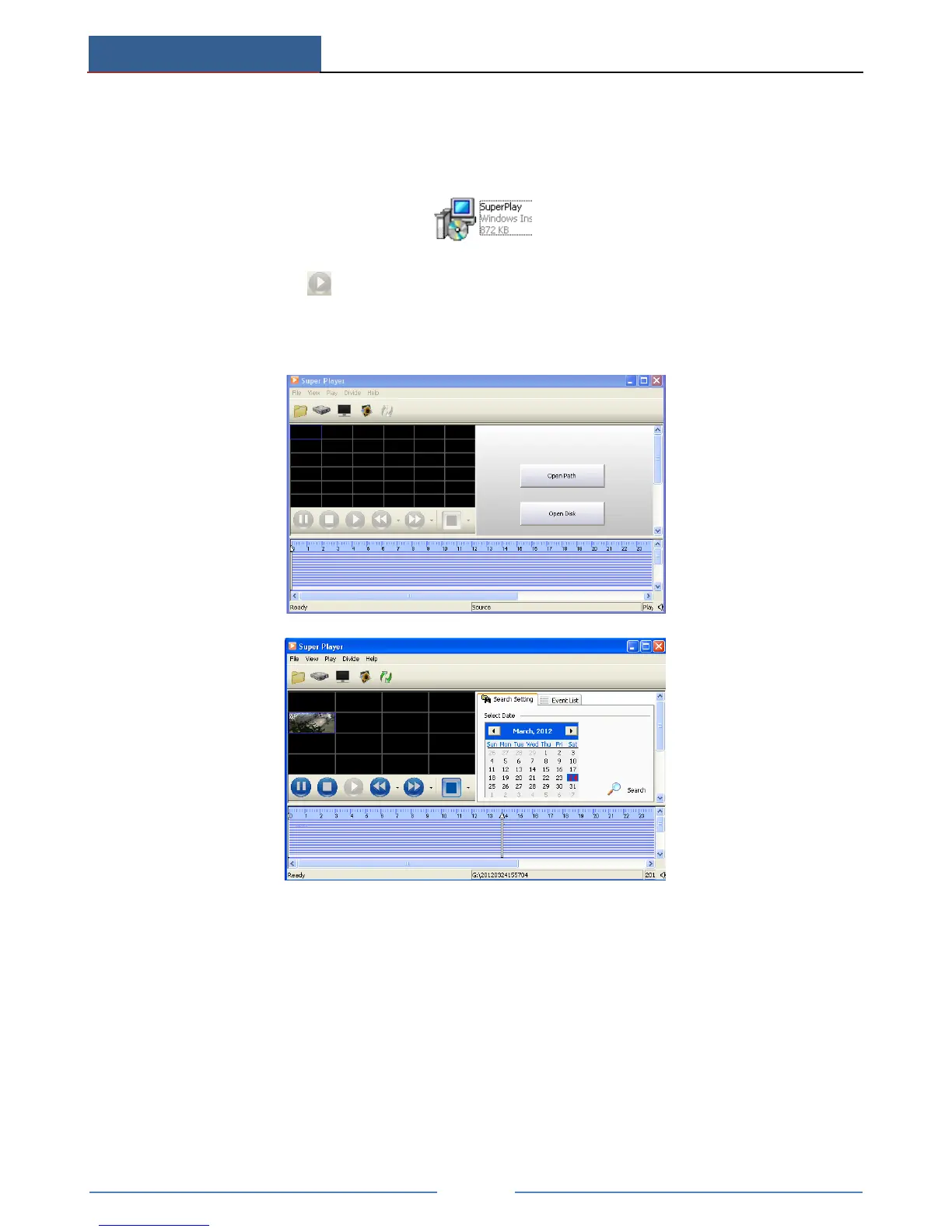
and backup player. Double click icon to install backup player.
b. After you install it, open this player and click “Open Path” button to open your backup
file. Next, click play button to play the backup file. Double click the image and then
right click to enable audio. If you save your backup files in AVI format, you can directly
open your file by using the media player which supports this format.



 To Next Page