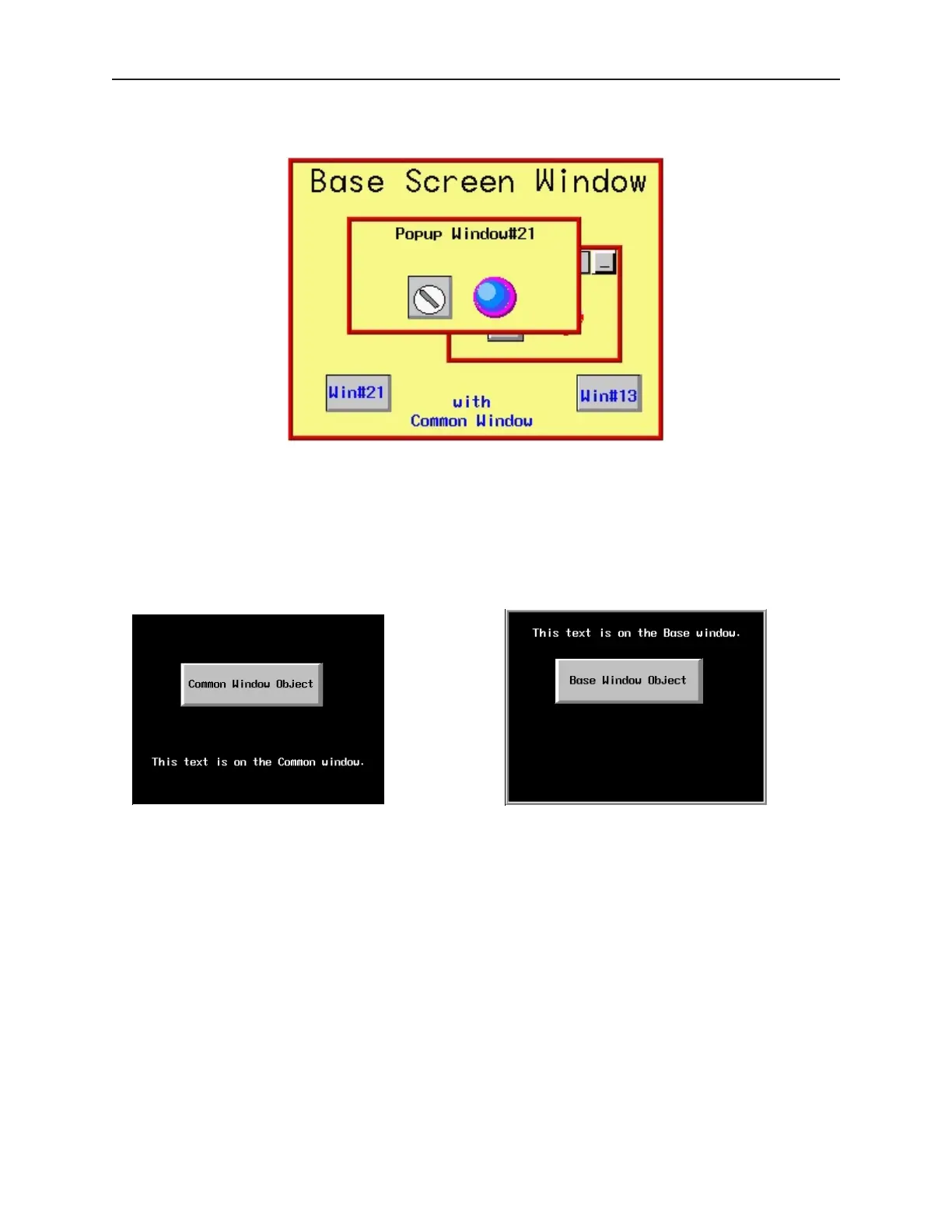
Window #13 is now called from the base window, as before.
Notice that although window #13 was called after window #21, it is window #21 that remains above. Even when
window #13 is activated by pressing it, window #21 continues to be the dominant window- always displaying above
window #13.
Displaying the common window above/below the base screen
This setting resolves the conflict that can occur if a graphics object on the common window occupies the same space
on the OIT display as a graphics object on a base screen. Using the Above base screen attribute forces the graphics
object on the common window to cover the base window graphics object. Using Below base screen has the
opposite effect.
Common Window Base Window
1010-1001a, Rev 02
Cre ating Win dows 105



 To Next Page