Chapter 7 - Creating and Using Databases and Languages
EZBuilder includes the ability to create and use both a Tag Database Library and a Label Database Library. The Tag
Library is a database of PLC register addresses. Once created, the Tag Database allows individual object address
assigning through Tag selection from the Tag Library. The Label Library is a database of text labels. Once created,
the Label Database allows individual object text labeling through Label selection from the Label Library. The Label
text may also be represented in up to 4 languages, each selectable for display.
Cre ating and Using the Tag Li brary
The Tag Library is a database of register addresses, with each tag representing a single address. The Tag listing does
not contain display information, as display attributes are set when the individual object using the Tag listing is
created.
4To create a Tag Database Library
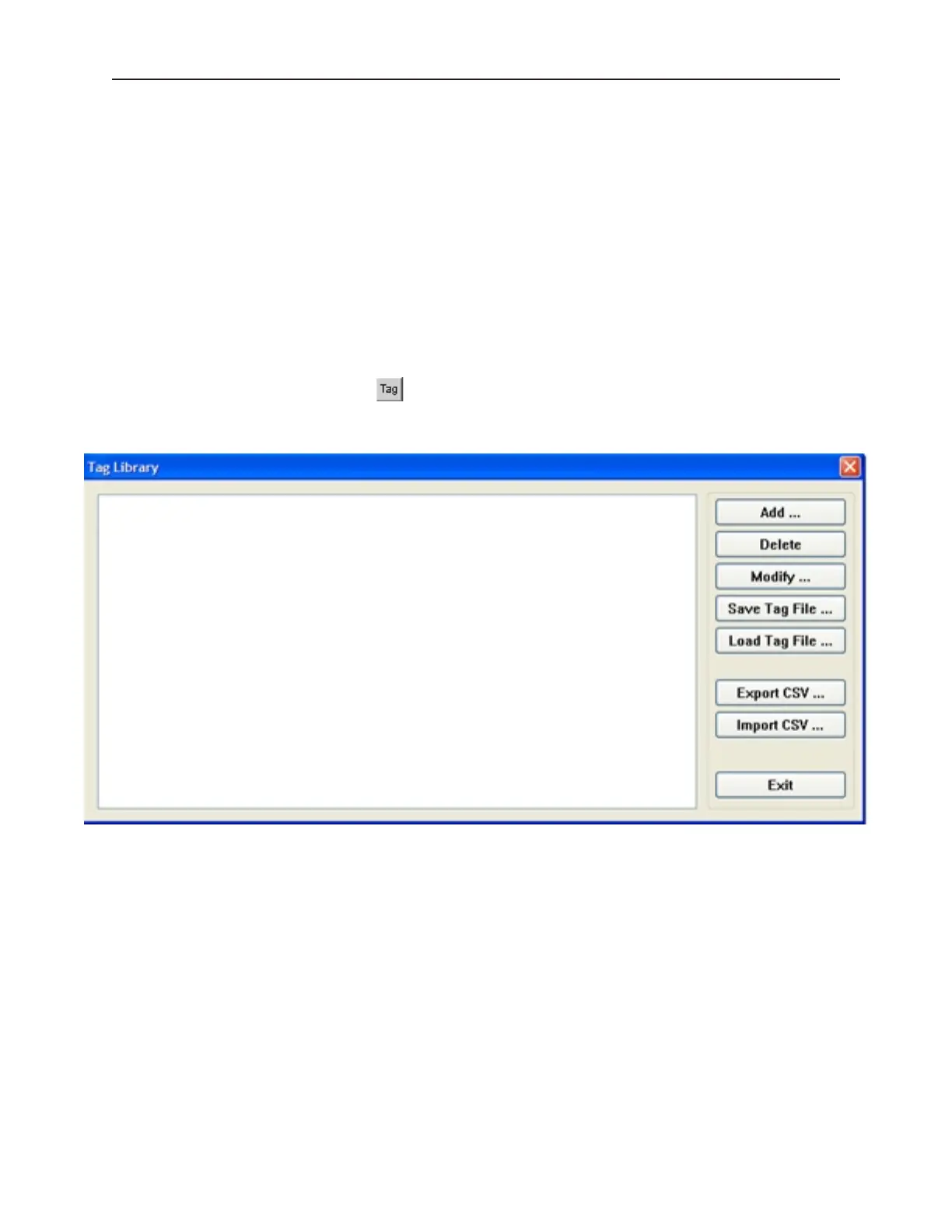
1. From the Library menu, click Tag..., or click the Call Up Tag Library icon from the
Standard toolbar. The Tag Library dialog box appears.
1010-1001a, Rev 02
Cre ating and Using Da ta bases and Languages 153



 To Next Page