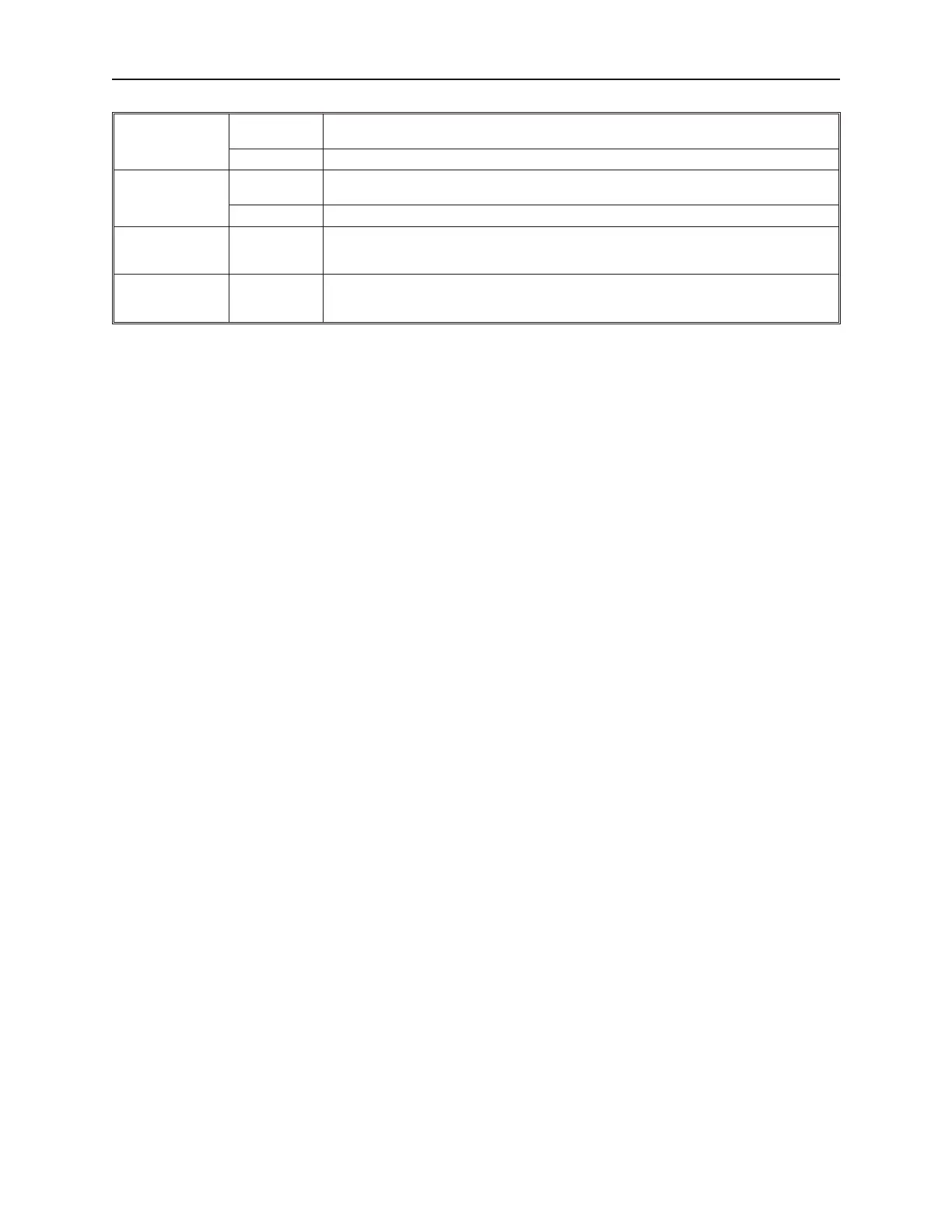
Set at window
minimized
Automatically places a 16-bit constant value into a PLC register when the window that the
part is located in is minimized.
Set value: Constant used. Range: -32768 to 65535
Set at backlight
off
Automatically places a 16-bit constant into a PLC register when the backlight screen saver
feature causes the OIT backlight to shut off.
Set value: Constant used. Range: -32768 to 65535
Set at Enter
success
Writes the specified value to the Write Address when the numeric keypad's Enter key is
pressed, and the data is valid. The Set Word object must be placed on the same window
as the Numeric Input Object.
Set at Enter fail
Writes the specified value to the write address when the numeric keypad's Enter key is
pressed, and the data is invalid. The set word object must be placed on the same window
as the numeric input object.
5. Refer to the Bit Lamp Object section for information on using the Shape tab. Note that it is
not required to use a shape or a bitmap. In some modes such as Set at window open or
Periodical JOG++ you may prefer to place the part on the window without a shape or bitmap
tied to it.
6. Refer to the Bit Lamp Object section for information on using the Label tab.
7. Click OK. The Create Set Word Object form closes and the main screen of EasyBuilder
appears with the cursor tied to a rectangular outline of the part you just created at the upper
left corner of the screen. Move the part to the desired location on the window.
8. Once the part is placed onto the window, you can adjust the location of the label inside the
part by clicking once on the label. This will highlight the entire object. Click on the label
again. Now only the label is highlighted, allowing you to move it without moving the part.
Note: if you double-click (click twice rapidly) then you will not highlight the label but rather
enter the Set Word Object’s Attribute dialog box.
The MultiState Switch Ob ject
The MultiState Switch Object is used to represent the value of one 16-bit PLC register while writing a 16-bit value
to the same or another PLC register each time the object is pressed. The object continuously reads one PLC register
and displays the corresponding shape or bitmap that is tagged to the defined states of the register. The touchscreen
object when pressed, executes the function that was assigned to it.
1010-1001a, Rev 02
182 Sil ver Se ries In stal la tion & Op er a tion Man ual



 To Next Page