Chapter 4 - Using EZware-500
Over view
The EZware-500 software is composed of three separate applications which are accessible from the EZware-500
folder: EasyBuilder, EasyManager, and EasyASCIIFontMaker. EasyBuilder is the application software used to
create a project file. EasyManager is a utility application that puts the OIT into different operating modes. Finally,
the EasyASCIIFontMaker program allows you to modify the text fonts that are used in EasyBuilder.
By the end of this chapter, you should be quite familiar with the operation of EasyManager and
EasyASCIIFontMaker. You will also be able to maneuver around EasyBuilder easily. This will pave the way for
actually creating graphics objects in later chapters.
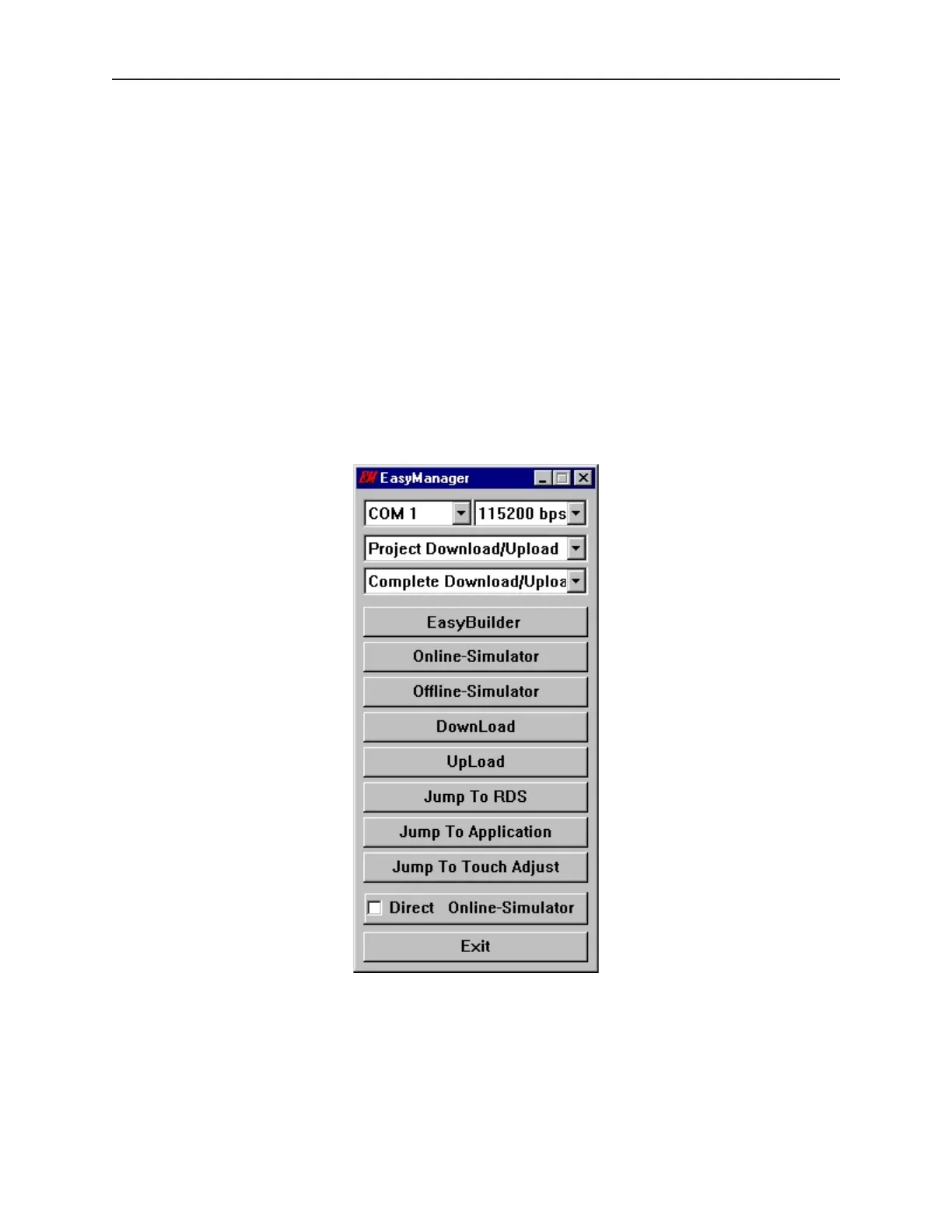
The EasyManager
The EasyManager utility sets the communications parameters that are used by the computer when communicating to
the OIT. The utility can also be used to change the operating mode of the OIT.
The following illustration shows the various commands available:
1010-1001a, Rev 02
Using EZware-500 35



 To Next Page