4. Click OK to close the Set System Parameters dialog box. The main screen of EasyBuilder
reappears.
Using Events
EasyBuilder has two parts that are used to perform Event functions: the Event Log object and the Event Display
object. The Event Log object monitors events and alerts the Event Display when an event is triggered. The Silver
Series monitors a maximum of 200 events but you can program the OIT to monitor up to an additional 1000 events!
Monitoring Events With the Event Log Object
The Event Log Object continuously monitors PLC coils and registers to determine if an event has occurred. Once
an event has triggered, the Event Log Object directs a string of characters associated with that event to the Event
Display Object for display on the OIT screen. The OIT operator can acknowledge each event by touching the string
of characters that have been displayed. Once acknowledged, the Event Log Object has the option of calling a popup
window.
4To create an Event Log Object
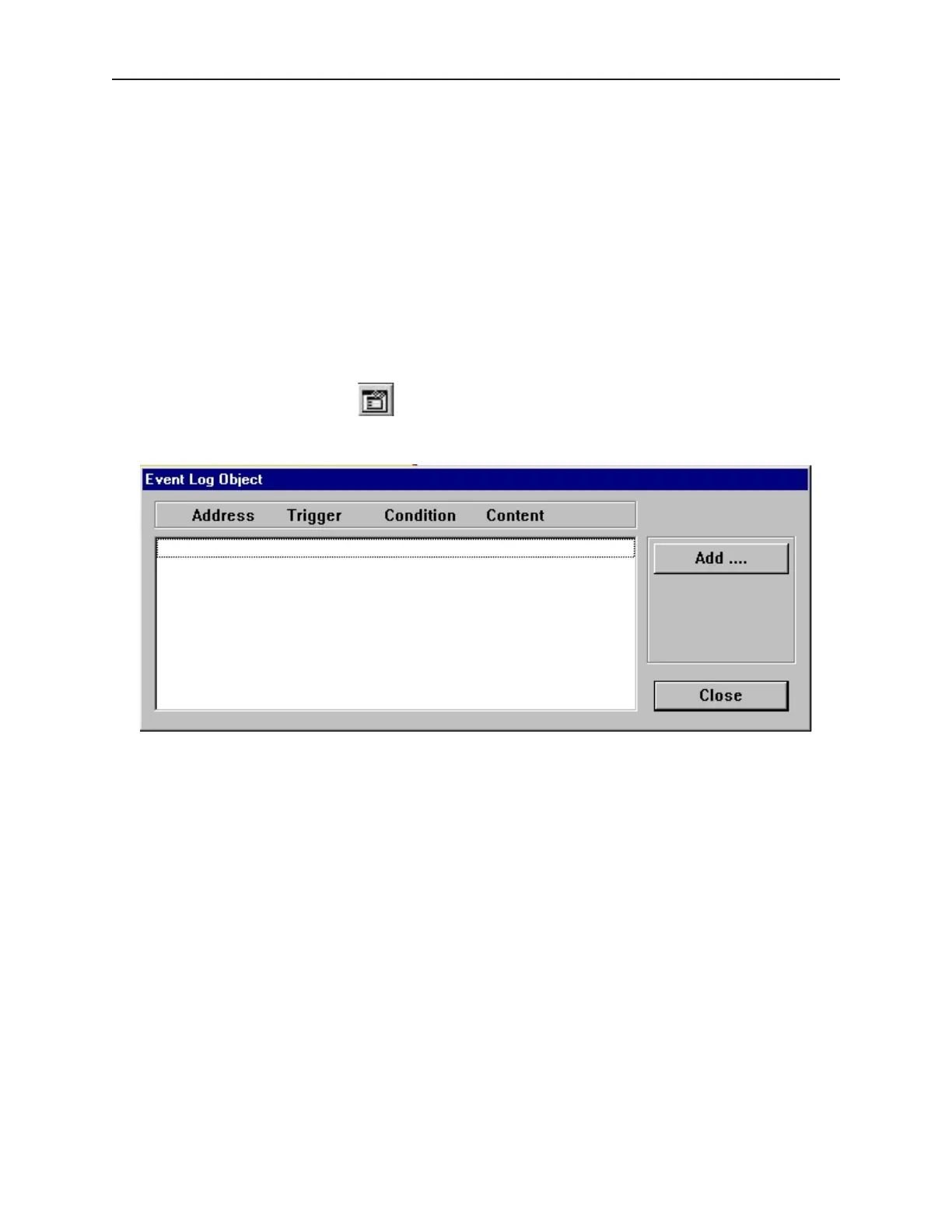
1. From the Parts menu, click Event Log. Or click the Event Log icon in the Draw toolbar.
The Event Log Object dialog box appears.
1010-1001a, Rev 02
230 Sil ver Se ries In stal la tion & Op er a tion Man ual



 To Next Page