Using the Fast Se lec tion Key
The fast selection key is used to display the Fast Selection window. Pressing the key again causes the Fast Selection
window to close.
Changing screens us ing the Fast Se lec tion win dow
One of the more useful purposes of the Fast Selection window is to use it as a ‘menu’ key for switching screens on
the OIT display. The following example illustrates how you might create a Fast Selection window for this purpose.
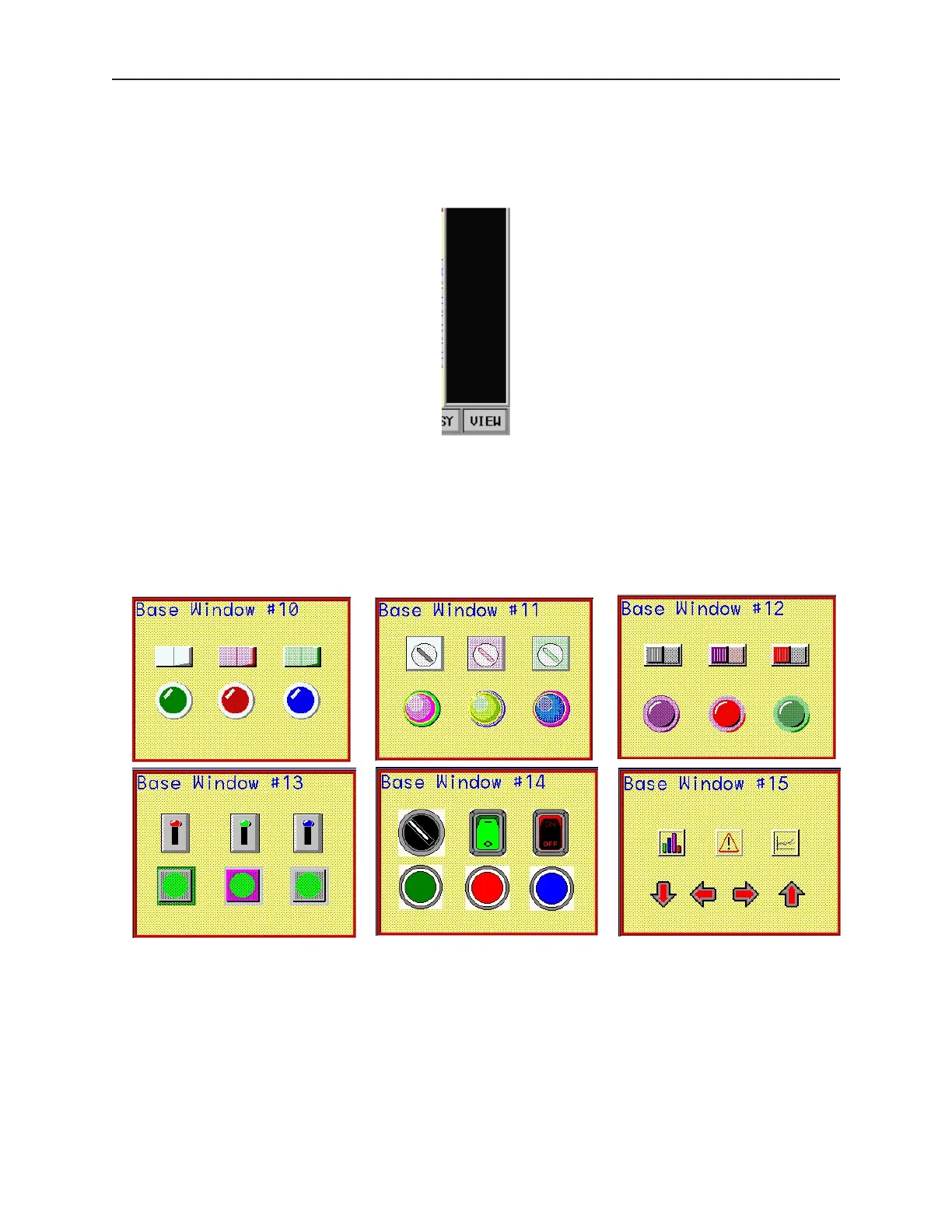
The example steps you through creating six full-screen base windows, enabling the Task Bar, and creating a Fast
Selection window to call up the six screens.
We will start with the following six screens.
Next, create a new Fast Selection window using default settings. For this example, we will create six Function Key
1010-1001a, Rev 02
Cre ating Win dows 111



 To Next Page