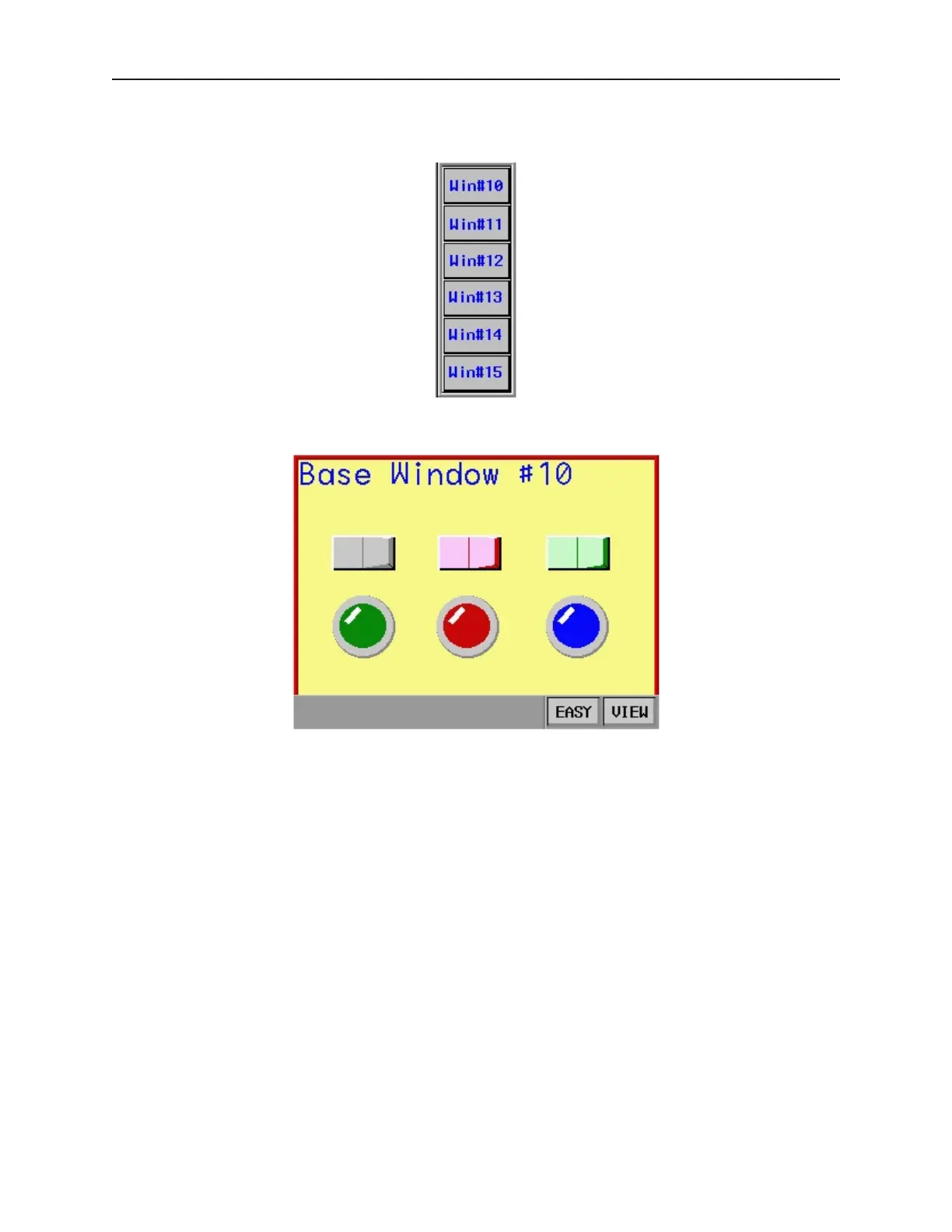
objects that change windows. Configure each Function Key object with the Change Window attribute and place
the object into the Fast Selection window.
Finally, the Task Bar must be enabled, (see the next section for instructions). After downloading the project file to
the OIT, the following initial screen should be shown.
1010-1001a, Rev 02
112 Sil ver Se ries In stal la tion & Op er a tion Man ual



 To Next Page