12. For the label, enter CFS04 (meaning Change Fast Selection Window#04), which is the
default Fast Selection window.
13. In the Edit-System Parameters menu under the General tab section, enable the task bar.
14. Save, compile, and download the project to your OIT.
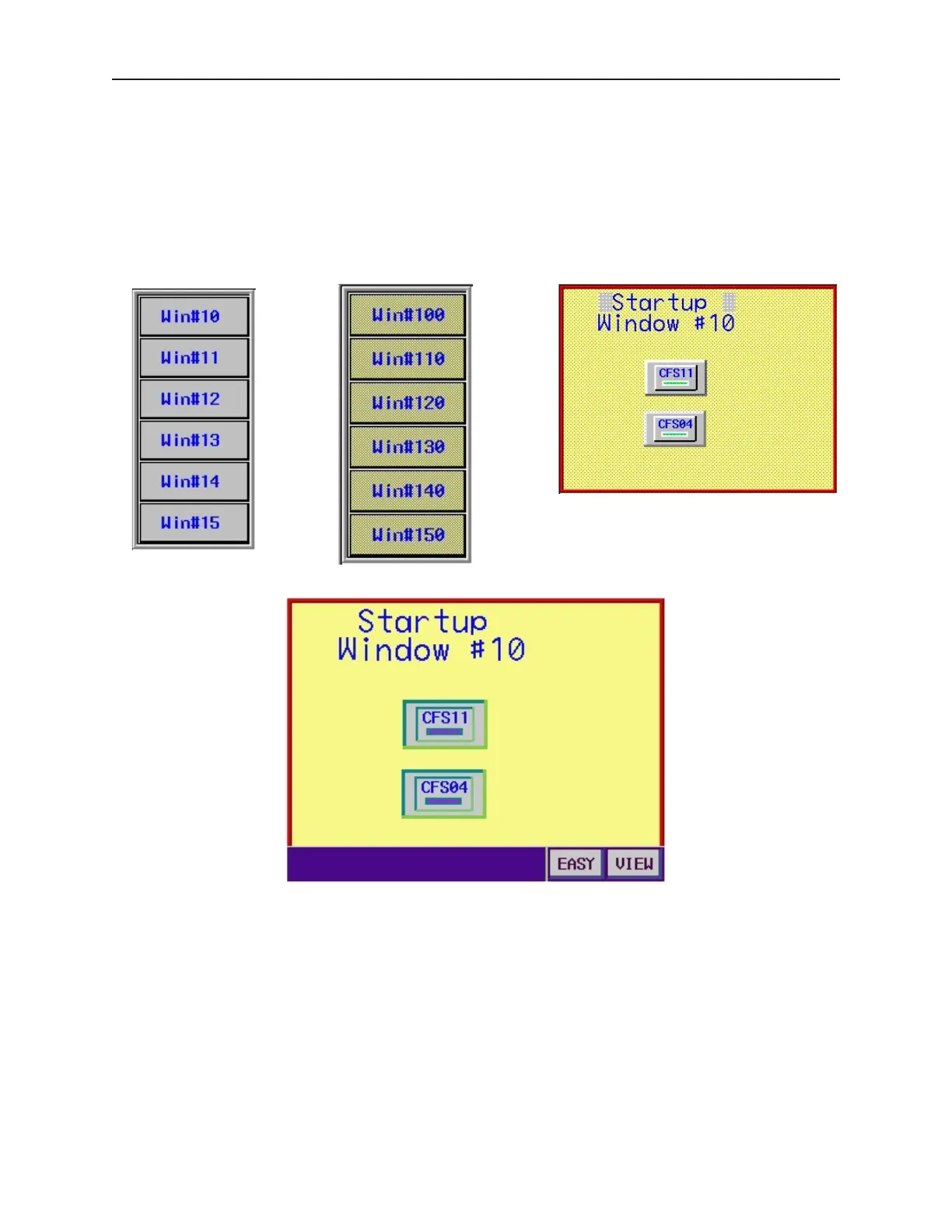
Below is an illustration of what the default fast selection window, Window#11 (alternate fast selection window),
and Window#10 (startup window) might look like:
Default Fast Selection Window
Alternate Fast Selection
Window#11
Startup Window #10
When the OIT initializes, it displays the startup screen (Window #10) and the task bar.
1010-1001a, Rev 02
Cre ating Win dows 115



 To Next Page