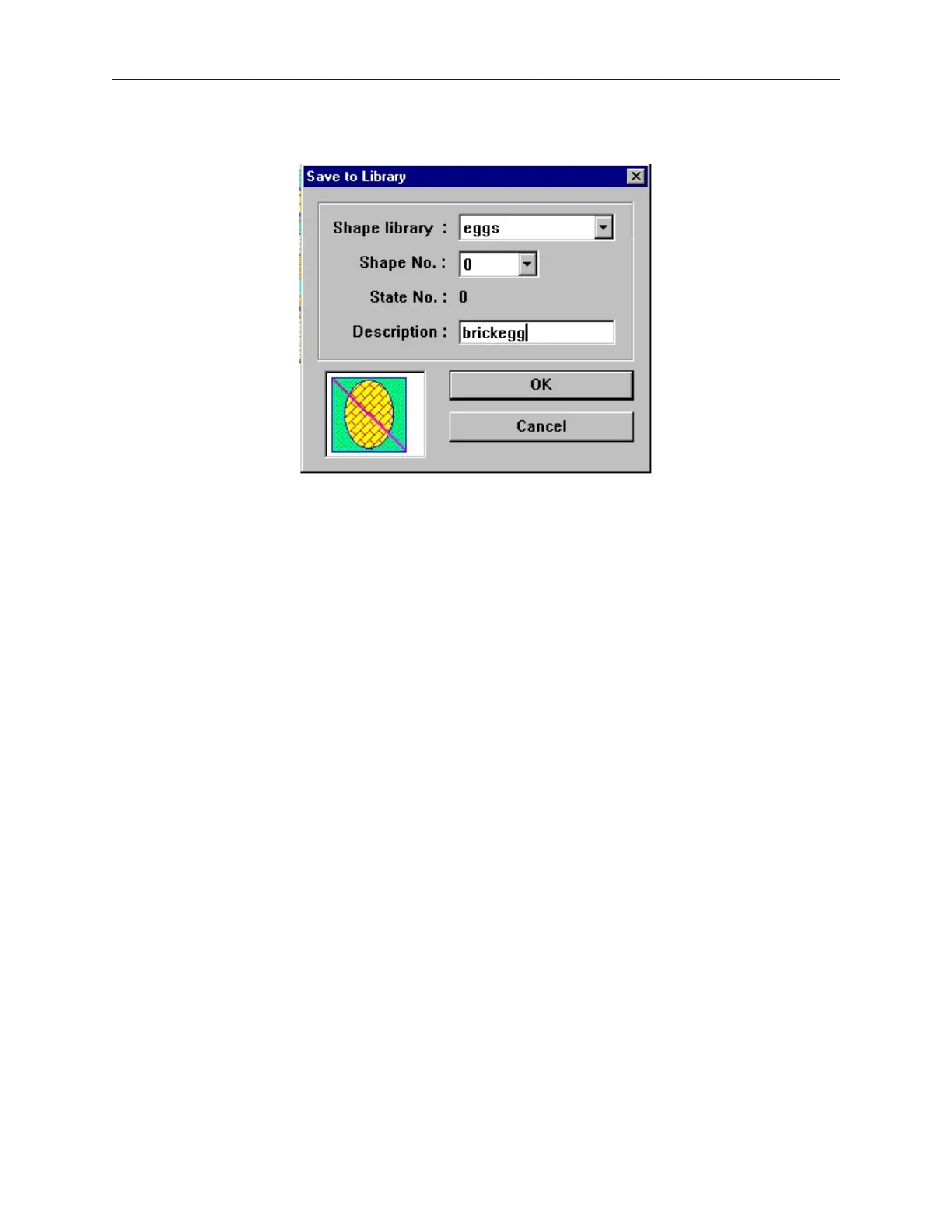
3. From the Library menu click Shape, then Save to library. Or click the Save Objects to
Shape Library icon in the Standard toolbar. The Save to Library dialog box appears.
4. Click the Shape library: box and select the library you wish to store the shape in, (for this
example eggs).
5. Click the Shape No.: pull-down box to select the location (0) to store the shape. Note that the
State No.: will automatically change to 0, first unused state.
6. Enter a title for the new shape in the Description: box.
1010-1001a, Rev 02
Cre ating Graphic Ob jects 137



 To Next Page