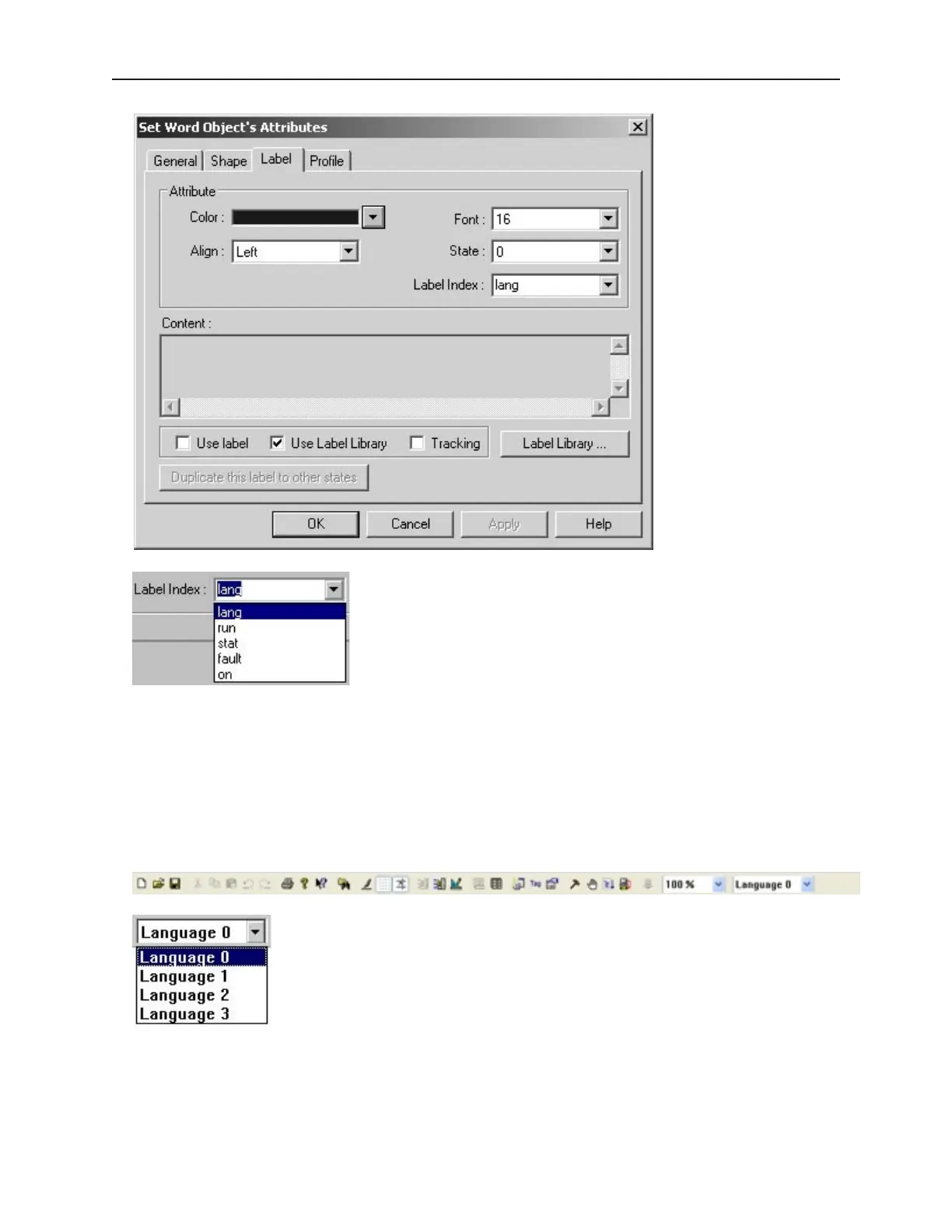
2. Select the applicable label from the list. The label will display on the object, representative for
states and languages as entered in the Label Library dialog.
3. Once created with Labels assigned, objects can be viewed displaying the various text labeling
in each of the states detailed, in each of the languages utilized. To view, on EZBuilder’s
Standard Toolbar, select the state and language for objects displayed on the window. The
object’s text labeling display will change according to the state and language selected for
viewing.
1010-1001a, Rev 02
Cre ating and Using Da ta bases and Lan guages 159



 To Next Page