3. In the Read address frame, select the PLC register or OIT internal memory address. You can
select BIN (binary) or BCD format. In the No. of words: box, select 1 for monitoring a
16-bit register.
4. In the No. of states: box, select from 1 to 32 states. If the actual value in the PLC register is
out-of-range for the number of states specified, then no shape or bitmap is displayed.
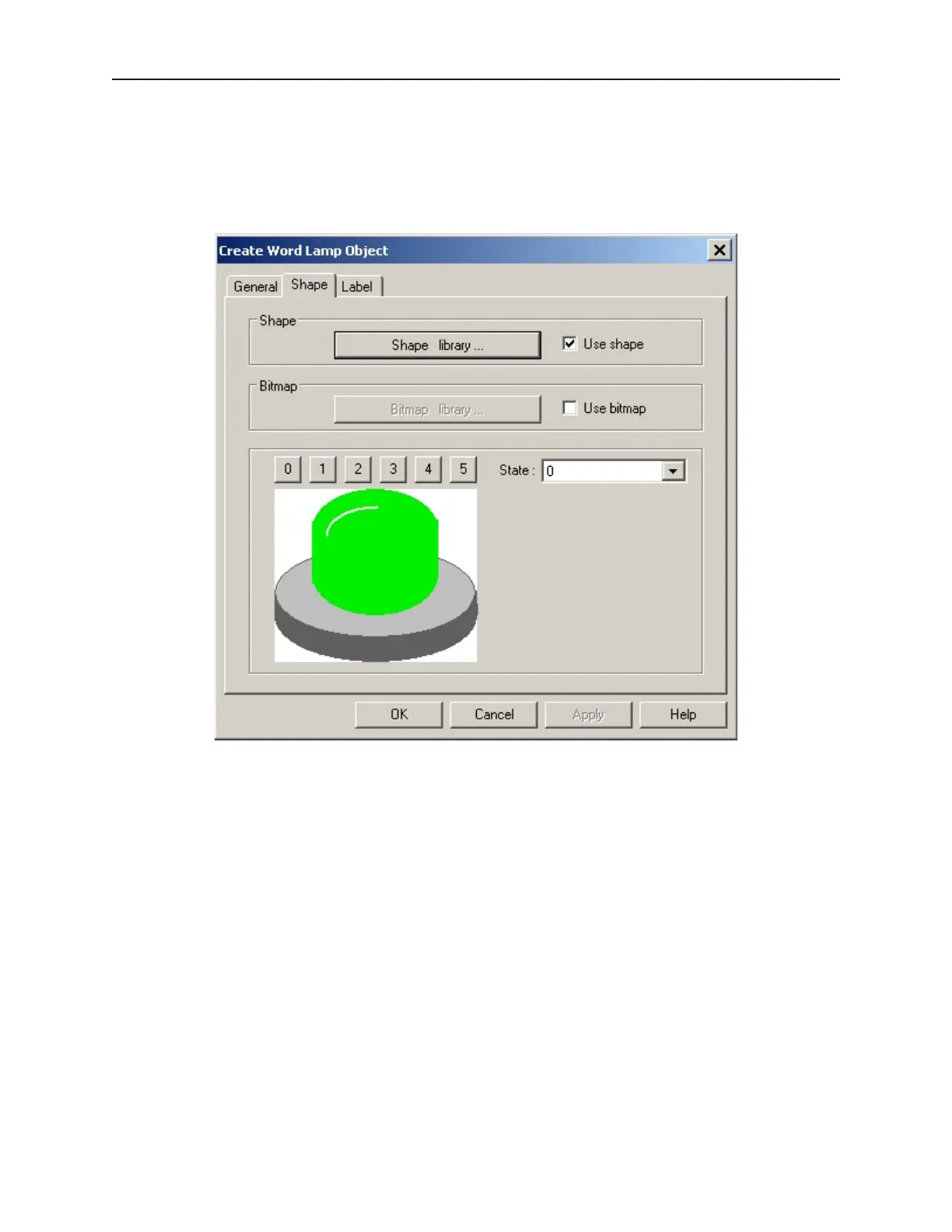
5. Click the Shape tab to display the Shape form.
6. Select either a shape or bitmap to represent the Word Lamp object. If you need more
information on how to do this, consult Chapter 6 “Creating Graphics Objects”.
1010-1001a, Rev 02
178 Sil ver Se ries In stal la tion & Op er a tion Man ual



 To Next Page